Adding an iOS Endpoint
Zenarmor provides secure internet access and traffic protection for iOS devices through the Zenarmor Access application.
Once connected, iOS devices securely route their traffic through Zenarmor gateways, where security inspection, policy enforcement, and web filtering are applied. This allows organizations to protect roaming users and maintain visibility regardless of the user’s location or network.
You can install the Zenarmor Access application on iOS devices using the Apple App Store.
Follow the steps below to install Zenarmor on iOS:
-
Open the App Store on your iPhone or iPad.
-
Search for Zenarmor Access.
-
Tap Get and wait for the application to be downloaded and installed.
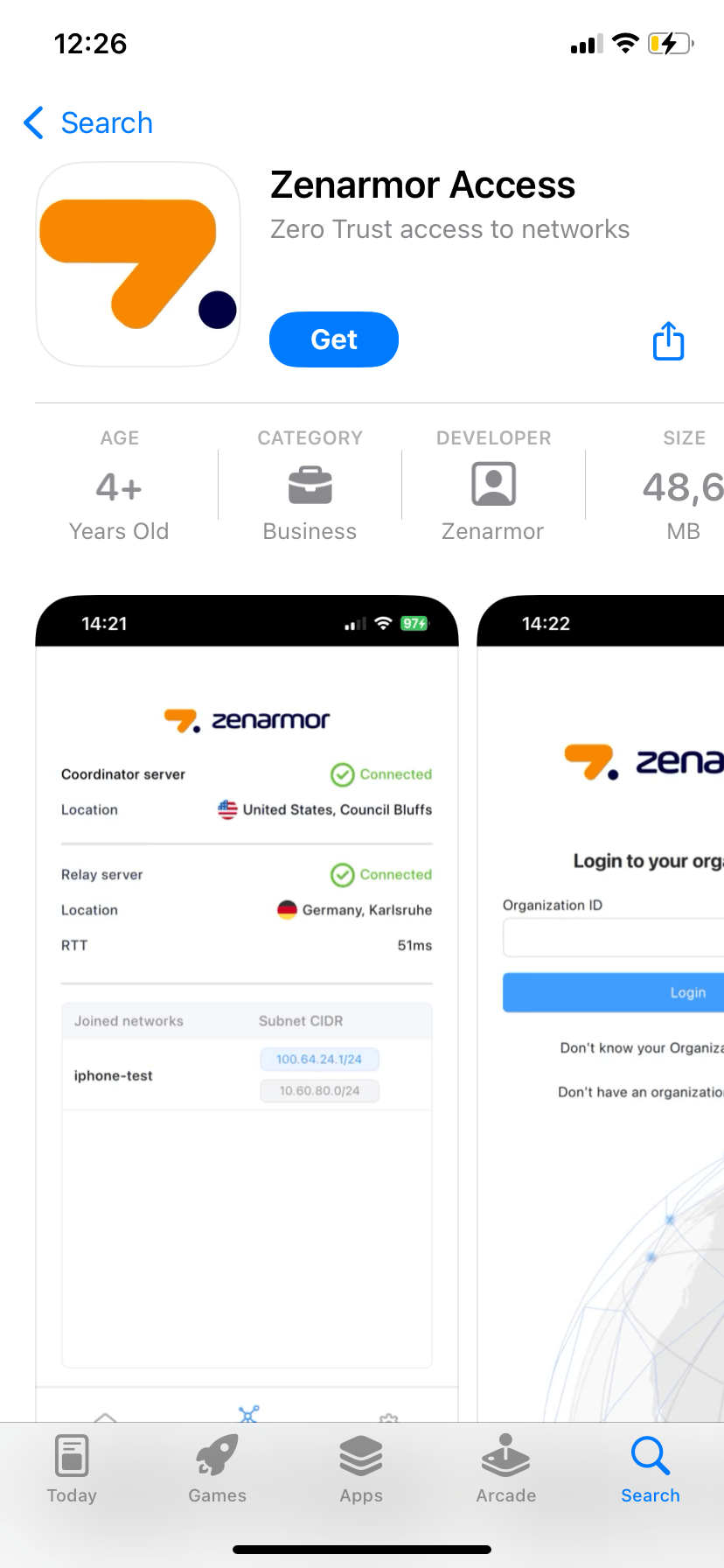
Figure 1. Searching for Zenarmor Access Application
-
Once the installation is completed, locate the Zenarmor Access application on your device and launch the Zenarmor Access application.
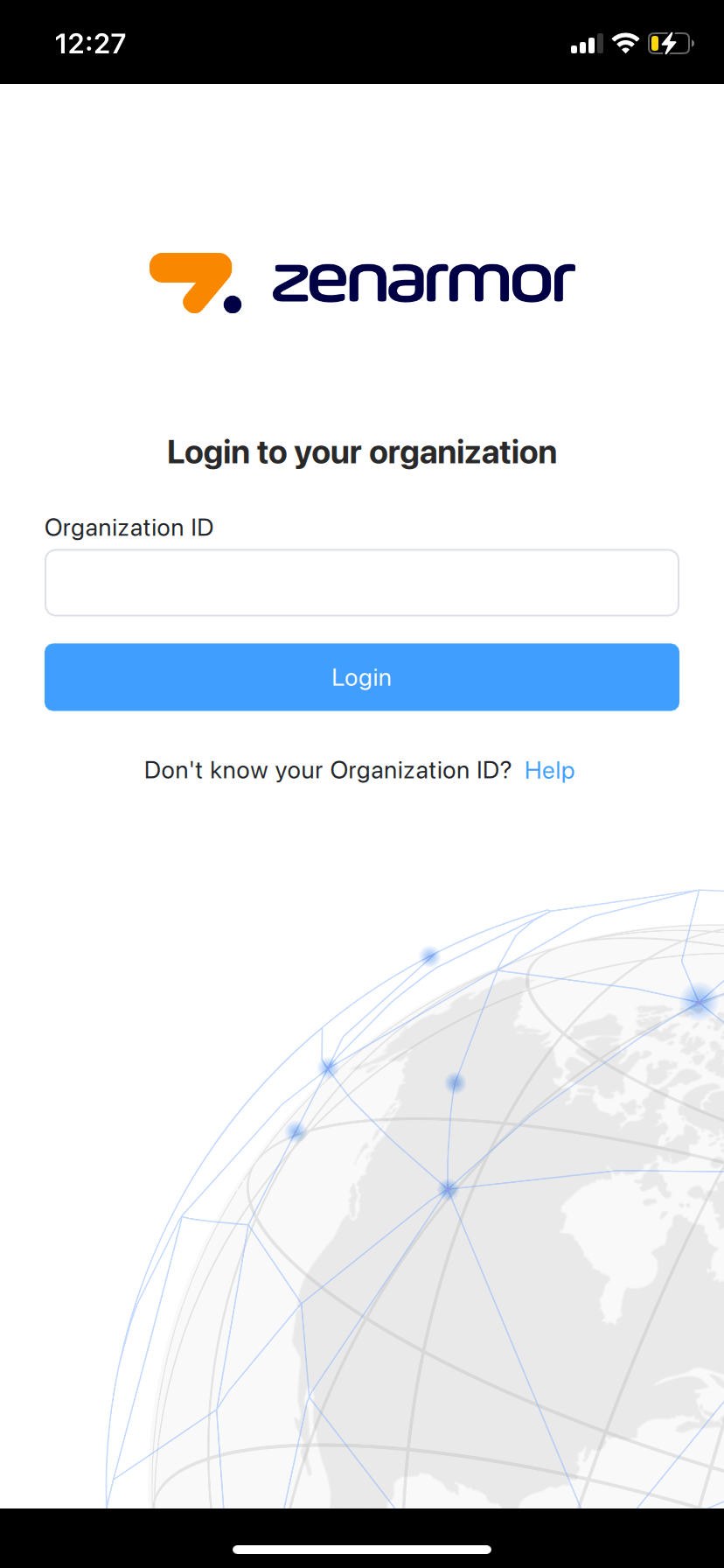
Figure 2. Zenarmor Access Application
Now you must authenticate and register your iOS endpoint to your organization on the Zenconsole.
To protect iOS endpoints using Zenarmor, you must register your endpoints with Zenconsole.
Before starting endpoint registration, ensure that your organization has an identity and access management configuration completed on Zenconsole.
Zenarmor for iOS is available for SSE and higher subscriptions.