Zenarmor Software Updates - Release Notes
This section contains information about past and present release of Zenarmor. This includes release notes and detailed version information.
2.6
This is a major software release including new features, improvements and bug fixes.
2.6.2 - July 17, 2026
This is a maintenance software release including new features, improvements and bug fixes.
Bug Fixes
| Bug | Description |
|---|---|
| OPNsense Crash Report | The issue causing a crash report on OPNsense 26.7 has been resolved. |
2.6.1 - July 10, 2026
This is a maintenance software release including new features, improvements and bug fixes.
Improvements
| Improvements | Description |
|---|---|
| Auto firewall creation option in Zenarmor Provisioning Wizard for NFQ deployments | The new "Automatically create firewall rules" feature is now available in the Zenarmor Provisioning Wizard for NFQ deployments, greatly enhancing user experience and simplifying your setup process. |
| Improved tunable settings for Zero-trust network performance on OPNsense platform | New tunable settings are designed to significantly boost the performance of the Zero-trust network on the OPNsense platform, ensuring a more secure and efficient experience for users. |
| Improved Disk Usage Widget on Gateway Dashboard | The disk usage widget has been enhanced to display the / partition by default, making it easier for users to monitor their primary storage. Additionally, for gateways with multiple mount points, a Show All option has been introduced, allowing users to quickly access and view the status of all mounted partitions at once. This improvement aims to provide a clearer and more comprehensive overview of disk utilization. |
/32 networks support for advertised networks in Zero-trust network settings | Now, administrators have the capability to enhance network security by including /32 networks as advertised networks in the zero-trust network settings of a gateway. This allows for more precise control and improved protection of your network environment. |
| Displaying missing users, groups, and instances during organization policy import | Now, any users, groups, or instances that are referenced but do not exist in the target organization will be promptly identified during the policy import process. This valuable insight will be displayed for the administrator before finalizing the import. By reviewing and addressing any missing dependencies beforehand, administrators can ensure a smoother implementation of the imported policy, ultimately enhancing organizational efficiency. |
| Displaying integration issues for IAM methods | A notification message now appears whenever an issue occurs during Identity Provider integration, significantly enhancing the user experience and ensuring smoother interactions. |
| Hidden Default Organization menu | The "Default Organization" option will be hidden from the organization navigation menu under the following conditions: when a user has at least one organization, there are no gateways linked to their default organization, and no usable licenses are present within that default organization. This improvement aims to streamline navigation and enhance your user experience. |
| Cancel button for the download update phase on the endpoint | Now, users have the flexibility to cancel the update even while it's downloading, giving users greater control over their experience. |
Bug Fixes
| Bug | Description |
|---|---|
| Unintended theme change on OPNsense UI | The issue causing the unexpected change in the OPNsense theme has been fully resolved. |
| Websites under the restricted security category are unexpectedly accessible | We have resolved the issue that allowed access to blocked websites, despite existing security rules, when at least one application in the secure web browsing category was blocked. |
2.6 - June 26, 2026
This is a major software release including new features, improvements and bug fixes.
What's New
| Capability | Description |
|---|---|
| Organization-based RESTful API | The RESTful API capability is now available for Zenconsole organizations. It empowers you to efficiently create a gateway and view organizations' details with ease and precision. You may access RESTful API documentation at https://developer.zenarmor.com. |
| Organization Admin Governance / Audit Trail on Zenconsole | Every action performed by the Zenconsole user, including policy updates, configuration modifications, and the addition or removal of Zenarmor instances, is comprehensively logged and reported. This capability is crucial for enterprise clients, as it ensures they can easily track changes and hold individuals accountable in their critical environments, thereby enhancing security and operational integrity. |
| External SIEM/SOAR support | By default, Zenconsole organizations benefit from having their session logs securely stored in the cloud-based BigQuery database, enhancing transparency through centralized reporting. Furthermore, users now have the invaluable option to stream these session details directly to their Elasticsearch / OpenSearch systems. This empowers organizations to delve deeper into their traffic analysis and fully utilize the advanced capabilities of their own SIEM/SOAR solutions for improved security insights. |
| Tag Support for Zenarmor Instances | Users can now leverage the new capability to manage both system-defined and custom tags for their Zenarmor gateways and endpoints. These tags are essential for efficiently organizing device groups and dynamically integrating resources into your Zero-Trust networks, ensuring maximum security and streamlined operations. |
| Onboarding Widget | The onboarding widget is now available for new Zenconsole users. It provides essential guidance to help you navigate and unlock the full potential of Zenarmor's powerful features. Whether you need to dive into zero-trust networks or configure policies, this tool eliminates uncertainty and puts you in command. It helps you to explore Zenarmor's capabilities confidently and effectively, ensuring you maximize your operational efficiency from day one. |
| Backup & Restore Internet Security Policies on Zenconsole | Users now have the ability to back up their internet security policies or restore earlier versions effortlessly with Zenconsole. With just a few clicks, they can export their chosen policies into a single file or upload a saved configuration to implement multiple policies at once, ensuring their security measures are always up-to-date and effective. |
Improvements
| Improvements | Description |
|---|---|
| Performance Improvement for Central Reporting on Cloud-based BigQuery DB | The performance of central reporting for Zenconsole organizations has been improved, resulting in a better user experience. |
| SSO authentication without TLS inspection | Administrators can now implement the SSO (Single Sign-On) Awareness feature for their organizations effortlessly, without the hassle of installing the Zenarmor internal CA certificate on client devices. This capability not only simplifies management but also strengthens the overall efficiency of your IT infrastructure. |
| QUIC connection is blocked with ICMP response | Now, all QUIC connections can be confidently blocked, guaranteeing that an ICMP unreachable response is returned for UDP port 443. This enhances network security and ensures proper traffic management. |
| Improved Zenconsole Subscription page layout for mobile devices | The Zenconsole subscription and pricing page has been thoughtfully redesigned to enhance user experience on mobile browsers and small-screen devices, making it easier than ever to choose the right plan for you and to enroll an organization. |
| Destination IP in Destination IP Column in Threat & Activity Alerts Email | Now, with the inclusion of destination IP address details in the Threat & Activity Alerts email, users gain a powerful tool for investigating potentially malicious IP connections. This enhancement not only streamlines your threat analysis process but also empowers your security team to respond swiftly and effectively to incidents, ultimately strengthening your overall defense strategy. |
| Threat & Activity Alerts Email CSV attachment now displays destination domains as unclickable links | Destination domains in the Threat & Activity Alerts Email CSV attachments are now formatted as unclickable links. This proactive enhancement safeguards users from accidentally accessing harmful websites, significantly bolstering overall security during threat investigations. |
| Related Live Sessions Redirection Threat & Activity Alerts Email | Users can now seamlessly access the related Live Sessions tab directly from the "View Alert Details" button in the Threat & Activity Alerts email, eliminating the need to navigate through the Connections tab. This streamlining aims to provide a better user experience, ensuring quicker and more efficient interaction with our alerts. |
| Dead sites have now been moved from the Advanced Security category to the Web category. | Dead sites are now effectively classified under a specific web category, significantly minimizing the occurrence of false positive threat alerts. |
| Zero-Trust Networks status pane on Gateway Dashboard | Users can now effortlessly monitor the zero-trust network status of their gateways directly from the dashboard. This feature enhances network visibility and user experience. |
Bug Fixes
| Bug | Description |
|---|---|
| SSO page displays session information incorrectly. | The problem that caused an endpoint to incorrectly display as offline on the SSO page when a roaming user worked from the office, where a Zenarmor gateway enforces SSO authentication, has been successfully resolved. |
2.5
This is a major software release including new features, improvements and bug fixes.
2.5.1 - May 22, 2026
This is a maintenance software release including new features, improvements and bug fixes.
What's New
| Capability | Description |
|---|---|
| Zero-Trust Network creation wizard | Users can now easily create encrypted p2p mesh vpn networks across their Zenarmor instances, like endpoints and gateways, with the help of a wizard. |
| Subscription Expiring Soon Widget | Partners will now access upcoming subscription renewal dates directly in the Subscription Expiring Soon pane. This feature ensures they stay informed and in control of their subscriptions. |
| Email Reminder for Team Invites | When an administrator adds a team member through the partner profile page or the account sharing page, an invitation email is instantly sent to the new user. This enhancement simplifies the onboarding process, ensuring new team members can get started quickly and efficiently. |
Improvements
| Improvements | Description |
|---|---|
| Internet security policy applicable only to specific endpoints. | Users are now allowed to create tailored Internet security policies for specific endpoints, significantly improving security while providing greater flexibility. |
| Support for customizing subscriptions when converting free trials to paid editions. | Now, free trial users have the opportunity to adjust their subscription details. They can easily adjust the number of users and gateways to perfectly fit their needs before moving on to the payment screen. |
| Performance improvement on Live Sessions virtual scroller. | We have made major enhancements to the Live Sessions virtual scroller. These improvements specifically target the slowdown issues faced by users with low-end devices, ensuring a smoother experience when accessing a large volume of live session records in their web browsers. |
| Performance improvement on Zenconsole signup and login pages. | We've boosted the load performance of the Zenconsole login and signup pages, resulting in a higher performance score and reduced LCP time. This improvement ensures a smoother and more enjoyable user experience. |
| Improved tip tool for Crowdstrike ZTA score in Private Access policy. | The CrowdStrike ZTA score tip tool has been improved to ensure that users understand the necessity of preconfiguring CrowdStrike integration. Furthermore, it's important to note that ZTA-based conditions will be evaluated exclusively for source peers, optimizing the security process. |
| Improved Zenarmor visibility on OPNsense dashboard. | OPNsense users now have the capability to monitor the status of all Zenarmor services right from the Services widget on their dashboard. This enhancement improves visibility and simplifies management, making it easier than ever to oversee your security landscape effectively. |
Bug Fixes
| Bug | Description |
|---|---|
| Empty remote device field in some Live Sessions. | The issue causing empty remote device fields in Live Sessions for blocked secure network connections has been fixed. |
| When re-authentication is enabled, users who have reached the limit of three devices cannot log back in. | We have successfully addressed the issue that previously hindered users from logging in on their third endpoint device, which displayed an error indicating that the maximum device limit had been exceeded. This fix ensures a more seamless and efficient experience for our users, allowing them to connect effortlessly across multiple devices. |
| Top Egress/Ingress Users report cannot be generated if a filter is applied using Block message parameter. | The issue that was preventing the generation of Top Egress/Ingress Users reports when a filter was applied using the Block message parameter has been successfully fixed. Users can now generate these reports, allowing for better analysis and reporting. |
2.5 - April 22, 2026
This is a major software release including new features, improvements and bug fixes.
What's New
| Capability | Description |
|---|---|
| Device Posture Check for ZTNA | CrowdStrike Integration is now available for ZTNA device posture check. This new feature enables Zenarmor to synchronize device ZTA (Zero Trust Assessment) scores with CrowdStrike Falcon regularly. The organizations will be able to apply dynamic security policies based on device security posture. Compared to "static rules", this allows their policies adopt to changing conditiions on the user environment. e.g. if the device is infected, access is blocked. |
| Automated provisioning of gateways at scale | The updated one-time installation script now enables administrators to easily install or add multiple gateways in a single bulk operation. |
| Real-time notification of important Threat Alerts for SSE and higher subscriptions | Administrators are now empowered to establish automated email alerts to proactively monitor specific network activities and security threats that align with their defined criteria. This capability ensures they are always informed of critical events, enabling immediate action to strengthen network security and improve response times. By tailoring alerts to focus on key thresholds and patterns, administrators can swiftly address the most critical issues, leading to more effective investigations and resolutions. |
| Zenarmor endpoint application on Docker container for ZTNA and SASE subscriptions. | Zenarmor can now be deployed as an endpoint on Docker containers, providing greater flexibility and scalability for your network security solutions. This new deployment option enables organizations to leverage Zenarmor's power in containerized environments, ensuring robust protection and monitoring while taking advantage of Docker's efficiencies. |
Improvements
| Improvements | Description |
|---|---|
| Improved performance on Secure Private Networks | We have been able to improve throughput 2x-4x compared to 2.4 and earlier versions, depending on the Operating System. If the underlying system supports, we can go up to 1.8 Gbps between peers. |
| Endpoint application update via CLI | Users can now update their endpoint applications via CLI by running the helper --update-app command. |
| Updating all gateways in an organization with a bulk operation. | Administrators can now perform bulk updates across all gateways in their organization. This new feature streamlines the process, allowing for more efficient management and maintenance of network gateways. By implementing a single operation, administrators can ensure all gateways are updated concurrently. This enhancement is a significant time-saver and helps maintain consistency across the organization's infrastructure. |
| Subscription expiration icon in subscriptions list. | To enhance your user experience, we've added a convenient info icon next to subscriptions nearing expiration in the subscriptions list view. This feature allows users to quickly and effortlessly check their subscription status, ensuring that they stay informed and can take timely action to maintain uninterrupted service. |
| Zenarmor endpoint uninstallation on macOS | Users can now effortlessly remove Zenarmor endpoint applications from their macOS devices by dragging and dropping the app into the Trash folder. This simple action ensures the complete removal of the Zenarmor engine from your device. |
| The policy configuration page now offers a tailored experience, specifically customized based on the user's subscription. | Users can now view only the features available for their subscriptions on the policy settings page. |
Bug Fixes
| Bug | Description |
|---|---|
| In MS Active Directory environment, Windows endpoint devices may have multiple DNS records when they register ZTNA Secure Private Networks. | The generation of multiple DNS records within Microsoft Active Directory environments for Microsoft Windows endpoint devices that have registered Secure Private Networks is now resolved. |
| In Gateway Live Sessions and Centralized Live Sessions, the "Category" and "Signature" labels are not fully visible in the blocked sessions details pane. | The issue that was preventing Category and Signature details from being displayed properly on the Live Sessions details pane has been fixed. |
| Some CASB applications can not be blocked. | A fix has been implemented for the issue that was preventing some CASB applications from being blocked. |
<> tags are displayed on the warning messages on OPNsense UI. | A fix has been implemented for the issue that was causing <> tags to be displayed on the warning messages on OPNsense UI. |
| Certain applications are incorrectly labeled as "Dynamic Classifier" during Live Sessions. | The problem that led to certain applications appearing as "Dynamic Classifier" within Live Sessions is now fixed. |
2.4
This is a major software release including new features, improvements and bug fixes.
2.4.2 - March 26, 2026
This is a maintenance software release including new features, improvements and bug fixes.
What's New:
| Capability | Description |
|---|---|
| Zenarmor Gateways can be deployed as Docker containers. | With expanded gateway deployment options, users can now swiftly and effortlessly set up Zenarmor gateways as Docker containers, providing instant internet security and secure private connectivity in these supported environments. |
Improvements:
| Improvements | Description |
|---|---|
| The Linux endpoint installer script has been improved. | The updated Linux endpoint installer script effectively detects the presence of a Graphical User Interface (GUI) and promptly installs the appropriate version, either the GUI or the Command Line Interface (CLI). This ensures a seamless user experience regardless of the environment. |
| Internet policies for Internet gateway networks can be defined via the Live Sessions page. | Users are empowered to add an Internet policy for their Internet gateway networks by clicking the Actions (Allow/Block) button on the Live Sessions page. |
| Creating a Private Access rule via the Live Sessions page has been improved. | Users can now enhance their security by specifying the Source/Destination User, Source/Destination Peer, and Application while defining a Private Access rule via the Live Sessions page. This is essential for ensuring accurate and secure access control. |
| Guest label is now displayed on Endpoint applications for users who sign in to an organization as a guest. | The "Guest" indicator appears in the User Information pane of the endpoint application dashboard if the user is signed into an organization as a guest. |
Bug Fixes:
| Bug | Description |
|---|---|
| Users were previously unable to disable scheduled reports for their gateways on both the OPNsense and Zenconsole platforms. | The issue that was preventing users from disabling scheduled reports has been fixed. |
| If the user is not signed into the Zenarmor endpoint application, the network connection is disrupted because the Zenarmor service automatically restarts on MS Windows and MacOS after rebooting the desktop device. | We have fixed the issue that led to network disconnections when users rebooted their desktops without being logged into the Zenarmor endpoint application. |
| When defining a Private Access Policy through the Live Sessions page, the label for the source and destination IP addresses incorrectly includes the term "public." | The source and destination IP addresses label in the Private Access Policy has been fixed by removing the "public" keyword. |
| Endpoint application fails to sync when ports are defined for source peers in Private Access Policy | The issue that was preventing the synchronization of the endpoint application when ports were defined for source peers in the Private Access Policy has been successfully resolved. |
| When a ZTNA-licensed Gateway is unregistered and subsequently re-registered from Zenconsole, the interface settings can not be restored correctly. | The problem preventing the zen0 interface from being protected when the gateway was unregistered and later re-registered from Zenconsole has been resolved. |
| Some local IP addresses are blocked when RTAP is enabled. | The problem where the RTAP safe webpage appeared when users tried to access secure private network IP addresses has been resolved. |
| On MacOS, the Zenarmor application icon is visible in the dock upon device startup, even when the application is configured for tray-only mode. | The issue that caused the Zenarmor endpoint application to appear in the macOS Dock while running in tray-only mode has been fixed. |
| The Zenarmor endpoint application icon in the Login Items on macOS is not displayed correctly. | The problem where the Zenarmor endpoint application icon failed to appear correctly in the macOS Login Items has been resolved. |
| When full TLS inspection is active, users cannot access websites that have recently renewed their SSL certificates. | We have significantly enhanced the full TLS inspection feature by rigorously verifying the expiration time of SSL certificates for all inspected websites, ensuring optimal stability and security. |
| In both live sessions and reports on the OPNsense platform, filtering does not correctly handle entries containing umlaut letters. | We have successfully addressed the issue that was hindering the filtering of entries containing umlaut letters, ensuring a seamless experience for all users. |
2.4.1 - March 5, 2026
This is a maintenance software release including new features, improvements and bug fixes.
Bug Fixes:
| Bug | Description |
|---|---|
| Some Zenarmor Python scripts may not run properly on OPNsense 26.1.3. | An incompatibility issue with Python 3.13.12 shipped with OPNsense 26.1.3 has been detected and fixed. |
| Zenarmor does not function correctly when full TLS inspection is enabled and there is heavy traffic. | We have successfully resolved the issue that caused Zenarmor to cease operations during full TLS inspection under heavy traffic conditions. This fix enhances performance and ensures reliable service. |
2.4 - February 26, 2026
This is a major software release including new features, improvements and bug fixes.
What's New:
| Capability | Description |
|---|---|
| Internet Security for iOS and Android while roaming remotely. | Zenarmor gateways are now capable of functioning as both an internet exit gateway and an inspection point for iOS and Android devices. Users may take advantage of directing all their internet traffic through the nearest exit gateway to experience Zenarmor's comprehensive suite of internet protection, control, and visibility, particularly while working remotely from any network. |
| Partners can now purchase Zenarmor pool licensing | All partners can now immediately benefit from enhanced licensing flexibility by acquiring Zenarmor licenses in pools. |
| Partners can assign purchased licenses to their clients | Building on Zenarmor's licensing features, partners can now swiftly assign licenses to their clients and enable clients to view and manage their subscriptions independently. |
| Administrators can enforce mandatory reauthentication across their organization | Mandatory reauthentication can be periodically initiated by administrators organization-wide to bolster the overall security posture. |
| Administrators can now assign multiple domain servers and search domains to secure private networks. | Zenarmor now supports multiple domain instances for organizations with multiple domain servers and search domains. |
| Endpoint agent automatic update. | Administrators can now easily and automatically update all Zenarmor endpoint agents through Zenconsole, ensuring that every endpoint uses the latest version without manual intervention. |
Improvements:
| Improvement | Description |
|---|---|
| Punycode decoding in Reports and Live Sessions. | Reports and Live Sessions in Zenconsole now support email addresses and hostnames decoded from Punycode. |
| Global Deployment dashboard UI enhancements. | On the Global Deployments dashboard, the details section now shows offline endpoint devices as offline, marked by a gray icon, rather than displaying the last detected state of their engines. |
| Extended licensing options when deploying gateways via the one-time installation script. | The one-time installation script on the Global Deployment page now displays available license options for activation when the organization has multiple licenses, such as ZTNA, SSE, or SASE, improving deployment ease and flexibility. |
| Enhanced sign-up security through mandatory OTP request. | If a user manually signs up with their email and password and later attempts to log in through SSO with Google or Microsoft using the same email, they will be asked to enter an OTP sent to their email. This step links their email address to their account, enabling SSO access to Zenconsole while enhancing security. |
| Enhanced b64 encoding support for OPNsense gateways running Zenarmor. | Zenarmor now supports the `b64:` encoding prefix, which can be used for remote Elasticsearch passwords. |
| Enhanced scheduled report functionality. | The scheduled reports can now be sent to all users without requiring recipients to be administrators or owners. |
Bug Fixes:
| Bug | Description |
|---|---|
| UI freezing while exporting reports as PNG. | The bug causing the UI to freeze when attempting to export the Reports page as a PNG file has been resolved. |
| Issue preventing the restoration of license details and cloud settings from backup. | The problem preventing the restoration of license details and cloud settings from the backup file has been resolved. |
| Ipdrstreamer process memory leak. | The memory leak issue in the ipdrstreamer process has been fixed. This update ensures that the periodic database retire operation now works correctly. |
2.3
This is a major software release including new features, improvements and bug fixes.
2.3.3- February 2, 2026
This is a maintenance software release including new features, improvements and bug fixes.
Zenconsole Central Management
Improvement: Zenconsole's sign-up page now supports email addresses with Internationalized Domain Names (IDN) that include non-ASCII scripts such as Arabic, Chinese, or Cyrillic.Improvement: Onboarding steps have been enhanced, providing three options for different scenarios where you're adding your first device: gateway, endpoint, or if you are already using Zenarmor on an existing device.Bug-Fix: The problem with the OPNsense policy order not being preserved when multiple centralized policies were created in Zenconsole and synchronized to OPNsense has been resolved.
Licensing
Improvement: The minimum user requirement for SASE, SSE, and ZTNA plans has been reduced from 10 users to 5 users.
OPNsense Platform
Improvement: Exclusions now supports domain names that include UMLAUT characters or non-ASCII signs.Bug-Fix: The issue preventing the cleanup of custom Query Forwarding and Search Domain fields after the removal of the Zenarmor license or the unregistration of Zenconsole has been fixed.Bug-Fix: The issue causing the Stream Reporting Data to External Elasticsearch option to be disabled when Home Edition users r update Zenarmor has been fixed.
Reporting
Bug-Fix: The problem where the gateway logo didn't appear in scheduled reports after a user uploaded their custom logo has been resolved.
2.3.2- January 12, 2026
This is a maintenance software release including new features, improvements and bug fixes.
Zenconsole Central Management
New Feature: Customers can now update their expired credit cards without having to replace the existing ones.Improvement: Any newly added endpoint is now immediately available for a secure network, enhancing the user experience.Improvement: If the status of the Show WAN interfaces checkbox on the Zenarmor gateway configuration page changes, the "No Changes Detected" warning will now be displayed without needing to restart the engine, provided that neither the interface selection nor the tags of the selected interfaces have been modified.Improvement: When users add their first payment methods during the subscription purchase process, it is now immediately marked as default once the purchase is completed, without requiring a page refresh.Improvement: After a successful login, the user is redirected to the original page, regardless of the query string, enhancing user experience.
Policy & Filtering
Improvement: For a fresh Zenarmor installation, the Web Controls in the Default Policy are set to Permissive by default, meaning no blocking is implemented unless the user explicitly modifies the policy.Improvement: When the subscription expires, Web Rules will not be updated if the user-defined setting is Permissive Control on the Default policy.
OPNsense Plug-in
Improvement: The zenarmor.net domain is explicitly designated as a private domain in Unbound DNS settings to ensure that users who are enforcing DNS rebinding protection can access the RTAP web page.Improvement: The Zenarmor user interface is now compatible with 27-inch screens.Bug-Fix: The problem preventing the restoration of custom policy interface configuration and reporting period settings from backup files has been resolved.Bug-Fix: The problem preventing the retrieval of user group information for Captive Portal users using RADIUS authentication has been resolved.
2.3.1 - December 24, 2025
This is a maintenance software release including new features, improvements and bug fixes.
Secure Networks
Bug-Fix: The issue with the Secure Networks policy limitation in the ZTNA Edition has been resolved.
2.3 - December 22, 2025
This is a major software release including new features, improvements and bug fixes.
Content Inspection
New Feature: Real-time anti-phishing feature allows the user to do a live scan of a suspicious site before threats reach users, ensuring safe, smart, and effortless browsing.(Available in SSE and SASE tiers)
Partners
Improvement: Introducing Zenarmor Partner Account Management, enabling more efficient management of clients and subscriptions, ensuring a smoother experience and increased satisfaction.New Feature: Co-branding support for Zenarmor Partners is now available. Conveniently adds your own branding to Zenconsole and Desktop Apps
Zenconsole
New Feature: The local account authentication method is now accessible to organizations, granting organization administrators the capability to establish local user accounts using only an email address and password, eliminating the requirement for email verification.Improvement: The Zenconsole signup process now supports Unicode Internationalized Domain Names (IDN) and Punycode email addresses.Improvement: Separate icons have been implemented for Engine Bypass and ON/OFF functionalities, resulting in an enhanced user experience.
Secure Networks
Improvement: Secure Private Networks is now available on iOS devices, enabling them to connect to Zenarmor overlay networks.Improvement: Guests and contractors can now access secure private networks of a Zenarmor organization without using an end-user license.Bug-Fix: The issue where endpoint devices located on advertised networks experienced a loss of access to local resources when the Advertise Network feature was active on the gateway has been fixed.Bug-Fix: The issue causing newly added secure network peers to appear multiple times in the peer list has been fixed.
Policy & Filtering
Improvement: The exclusions list has been enhanced for a better user experience, allowing sorting by the most recently added items and displaying timestamps.Improvement: When the subscription expires, Web Rules is now set to Moderate Control, while no changes are made to the Essential Security rules on the Default policy.
Reporting
New Feature: Users can now effortlessly adjust the reporting database settings using the user-friendly interface, making management simpler.Bug-Fix: The defect that resulted in the Web Category field being briefly empty in Live Sessions following engine restarts has been resolved.
OPNsense Plug-in
Improvement: The MTU value is set to 1500 automatically for the protected network interface unless configured otherwise to prevent the netmap buffer issues.
Endpoint Application
Bug-Fix: The issue preventing the proper display of the application icon in the taskbar on Linux distributions utilizing the "Wayland" windowing system has been resolved.
2.2
This is a major software release including new features, improvements and bug fixes.
2.2.2 - December 4, 2025
This is a maintenance software release including new features, improvements and bug fixes.
OPNsense Plug-in
Bug-Fix: The problem that was preventing configuration backup and restore operations from finishing correctly has been resolved.
2.2.1 - November 27, 2025
This is a maintenance software release including new features, improvements and bug fixes.
General
New Feature: Users can now monitor Zenarmor services' status at https://status.zenarmor.com.
Reporting
New Feature: Zenarmor now supports Geo-Aware Data Residency for centralized reporting. Reporting data is automatically stored in the correct regional data center based on your organization's registration location, ensuring compliance with regional data residency and sovereignty requirements.Improvement: A notification message appears when the reporting database is stopped.Bug-Fix: The problem that caused the Device ID to appear in the Device column instead of the Device Name on Gateway Live Sessions for organizations has been fixed.
Zenconsole
Improvement: When a user session expires, the system automatically redirects users to the login page with a message: "Session Expired - Your login session has expired. Please sign in again to access your account." This enhances the user experience.Improvement: Users can now view the past due status of their license payment on the Subscriptions page.Improvement: One-time installation script for OpenWrt platform is now available on Zenconsole.Bug-Fix: The issue preventing the partner discount from being applied to the chart when purchasing a license has been resolved.Bug-Fix: The error message "Cannot read properties of undefined (reading catch)" that appeared despite successful policy synchronization has been fixed.Bug-Fix: The problem preventing the Enable/Disable button from displaying on the Policy List view page has been addressed.Bug-Fix: The issue where clicking the Zenconsole logo redirected users to an unavailable page when a gateway was selected under the Default Organization has been resolved.Bug-Fix: The issue causing policy synchronization failures due to excessive items has been resolved.
Policy and Filtering
Bug-Fix: The issue preventing Whitelists from functioning correctly for domains blocked due to Security rules has been resolved.
2.2 - November 11, 2025
This is a major software release including new features, improvements and bug fixes.
Platforms
New Platform: OpenWRT is now supported. ISPs and telecom operators can now deploy Zenarmor SASE into their existing CPEs and vCPEs.
Secure Networks
New Feature: Private secure networks now support split DNS capability, allowing administrators to add DNS server settings for their internal networks.New Feature: Organizations can now implement a device posture check option that enables overlay connectivity only if the connecting device has consistent SSE protection and a low risk level.New Feature: Automatic failover capability is now implemented for advertised networks, ensuring that traffic is seamlessly routed by the secondary node to the advertised networks whenever the primary node is unavailable in redundant router pairs.
Reporting
New Feature: Users now have the capability to implement Scheduled Reporting for their organization, ensuring enhanced network visibility and better decision-making.Improvement: Various scheduled reports can be created for different recipients, improving the overall user experience.Improvement: Adding empty reporting filters is now permitted, improving user experience.Improvement: RTT value and total number Queries are now displayed in the Cloud Threat Intelligence Overview pane.Improvement: Blocked domains and destination fields are now prominently displayed in place of the router hostname or IP address, regardless of whether the Squid proxy is enabled on OPNsense platforms.Bug-Fix: The issue preventing Free and Home Edition users from streaming reporting data to an external Elasticsearch database has been resolved.Bug-Fix: The issue preventing blacklisted domain sessions from being displayed in Live Sessions has been fixed.
Policy and Filtering
New Feature: Users can now utilize Interface Tags to precisely align specific Zenarmor gateway interfaces with their internet policies, enhancing their network management experience.New Feature: Users can enable the Full-TLS inspection option for specific domains, ensuring maximum flexibility and robust security.Bug-Fix: The issue allowing clients to access whitelisted domains unexpectedly, even with the No Internet option selected in the policy, has been resolved.
Endpoint Applications
New Feature: The admin-enforced lockdown mechanism is now fully implemented across all endpoint application platforms. This guarantees that end users are strictly prohibited from logging out, bypassing, restarting, stopping the engine, or modifying any settings.New Feature: Anti-tamper functionality is now implemented in the desktop application, preventing service termination and uninstallation, as well as blocking any user or malicious attempts that could disrupt Zenarmor's operation across all platforms.
Zenconsole
Improvement: Gateway selection is retained when navigating through pages like Home, Reports, Live Sessions, and Settings, significantly enhancing your user experience. This seamless continuity ensures you can explore the platform effortlessly.
OPNsense Plug-in
Bug-Fix: The issue preventing Zenarmor HA pairs from synchronizing with a colon character in the password has been resolved.
2.1
This is a major software release including new features, improvements and bug fixes.
2.1.1 - October 21, 2025
This is a maintenance software release including new features, improvements and bug fixes.
Policy & Filtering
Improvement: Zenarmor endpoint instances now remain connected even when the default policy blocks untrusted devices within an organization.
Zenconsole
Improvement: Users can now log in to their Zenconsole accounts using recovery codes, even if they have two-factor authentication enabled.Improvement:During the installation wizard, the one-time installation script now automatically assigns the Gateway Name and Gateway Slug to match the hostname of the new Zenarmor Gateway instance.Improvement: Endpoints are immediately removed from the Global Deployment list when logged out.Bug-Fix: The problem that caused Zenarmor instances to disconnect from the Zenconsole after the Cloud Agent service was restarted has been resolved.Bug-Fix: The issue that was preventing the proper reordering of Internet policies has been resolved.
Reporting
Bug-Fix: The issue that prevented Live Sessions and Reports from displaying when a non-default SQLite database path was configured has been fixed.
Endpoint Application
Bug-Fix: The issue preventing Windows endpoint devices from automatically connecting to private secure networks after a temporary network outage has been fixed, reducing the need for rebooting.Bug-Fix: The problem preventing Windows endpoints from logging out after license expiration has been resolved.
Licensing
Bug-Fix: A warning message is displayed when Free and Home edition users attempt to enable the Streaming Data feature.
2.1 - October 07, 2025
This is a major software release including new features, improvements and bug fixes.
Filtering
New Feature: The Inline File Scanning feature is now available, providing robust detection and prevention of malicious file downloads through network traffic, including HTTP(S).Improvement: Advanced security options for DNS traffic, including Botnet DGA Domains, DNS Tunneling, and Malformed DNS Packets, have been relocated to the Content Inspection tab in policy configuration.Improvement: Newly created organizations now include a predefined default policy that blocks Ad Tracker and Ads application categories, while also applying Moderate Control for Web Controls and Security, including both Essential Security and Advanced Security.Bug-Fix: The issue preventing VLAN ID 4095 from being added as an exempted VLAN has been fixed.
Platforms
New Feature: Zenarmor now supports Android platforms, enabling Android mobile endpoint devices to connect to private secure networks.
Zenconsole
Improvement: Node management and account management have been unified, enhancing user experience and allowing administrators to easily access their Zenarmor instances.Improvement: The onboarding process for the Free Edition has been improved, allowing users to automatically apply best-practice policies such as blocking malware, phishing sites, and filtering unwanted web categories.Improvement: Users can easily migrate their existing Zenarmor gateways to their organization after activating the SASE edition.Improvement: Endpoint registration and IAM pages, like Gateway SSO Login, Microsoft Entra ID Admin Permission, and Google Cloud Identity Admin Permission, are now mobile-friendly.Improvement: Zenconsole authentication is now the default method for new organizations, and the organization owner is automatically added as a user.
Endpoint Application
New Feature: The Endpoint application now supports new installation methods, including WinGet Windows package manager, Microsoft Store, JAMF, Microsoft Intune, and Chocolatey.Improvement: Zenconsole connection status is now shown in the Cloud Agent pane on the dashboard, improving user awareness.Improvement: Mono-Chrome icon is now available for macOS system tray, enhancing user experience.
Licensing
New Feature: ZTNA (Zero Trust Private Access) Edition is now available, offering the private secure network feature for enterprises.Improvement: All license types that the user has are now displayed at the header of the page.Improvement: Users are not allowed to activate a new trial edition while they already have an active trial license.
Reporting
New Feature: The Elasticsearch version 5 and MongoDB databases are no longer available for new Zenarmor installations.Improvement: Users are now prompted to narrow the time range or select PDF format when attempting to export the Activity Explorer page to a PNG file if its height exceeds 32,767 pixels.Bug-Fix: The problem with saving the SMTP server username and password settings in the scheduled report configuration has been fixed, resolving the malfunction of the scheduled report.
Threat Intelligence
Improvement: All subscription tiers including the Free Edition are now upgraded to use the newer Global Cloud Threat Intelligence infrastructure. Cloud Reputation Servers Since there is now no need to manually configure TI servers, the configuration pane has been removed for all tiers.
Secure Networks
Bug-Fix: The issue preventing some Linux endpoint devices from accessing secure subnets advertised by a Zenarmor gateway has been resolved.Bug-Fix: The issue preventing domain name resolutions for endpoints in private secure networks has been fixed.
2.0
This is a major software release including new features, improvements and bug fixes.
2.0.9 - September 23, 2025
This is a maintenance software release including new features, improvements and bug fixes.
Threat Intelligence
Bug-Fix: OCSP certificate verification fixed.
2.0.8 - September 5, 2025
This is a maintenance software release including new features, improvements and bug fixes.
Zenconsole
Bug-Fix: An issue that prevented the automatic update of Zenconsole agent certificates has been resolved.
2.0.7 - August 29, 2025
This is a maintenance software release including new features, improvements and bug fixes.
Secure Private Networks
Bug-Fix: The issue preventing peers from activating local type overlay connections when there are many active IP addresses in LAN has been fixed.
2.0.6 - August 26, 2025
This is a maintenance software release including new features, improvements and bug fixes.
Device Identification
Improvement: Zenarmor won't try continuously after an unsuccessful device identification query.
2.0.5 - August 22, 2025
This is a maintenance software release including new features, improvements and bug fixes.
OPNsense Plug-in
Improvement: Users can now initiate a trial SASE Edition via their OPNsense web UI.Bug-Fix: The problem causing notifications not to display on the OPNsense web UI when the node is not registered with the Zenconsole cloud management portal has been resolved.
Cyber Threat Intelligence
New Feature: Global CTI option is now available for all paid editions, offering higher reliability.
Reporting
Bug-Fix: The issue causing the web category to be incorrectly displayed as IP Queried in Live Sessions has been resolved.Bug-Fix: The issue causing the "Top Downloaders Heatmap" and "Top Uploaders Heatmap" reports to display the same data for the Sessions metric has been resolved.
Secure Private Networks
Bug-Fix: The problem preventing endpoints from querying hostnames to the secondary DNS server when the primary DNS server is unresponsive has been resolved.
2.0.4 - August 5, 2025
This is a maintenance software release including new features, improvements and bug fixes.
Zenconsole
New Feature: The Global Deployment View is now available for organizations, offering an efficient way to see all your gateways and endpoints on one page, presented in both map and list views. This powerful new feature makes it simple and intuitive to add new gateways and endpoints, enhancing your operational efficiency and saving you time.New Feature: Zenconsole now simplifies the installation process with a single command that effortlessly installs Zenarmor gateway on all supported platforms, registers the Zenconsole management portal, and activates the license key, making setup easier than ever.New Feature: Zenconsole now features an intuitive wizard designed to streamline the integration of newly registered pending gateways, greatly enhancing your user experience.New Feature: SASE users can now define the transport protocol criteria in their private network policies, allowing options for Any, TCP, or UDP.Improvement: The onboarding tour is now available for Private Secure Networks, improving user experience and reducing the learning curve for SASE deployment.Improvement: The notification message on the Private Network Policies page for the Default Organization has been enhanced to improve user experience and includes a button for redirecting to the Zenconsole Dashboard.Improvement: The new onboarding tour is designed specifically for Secure Networks management, enhancing the setup process.Bug-Fix: The issue allowing Home Edition users to create more than four custom policies on their OPNsense nodes has been resolved.
Organization Management
Improvement: Zenconsole now automatically fetches newly added users, synchronizing with Identity Providers such as Microsoft Entra ID (Azure AD) and Google Cloud Identity.
Reporting
Improvement: All charts for remote and local hosts are replaced with device-based charts in paid editions, which support device identification.Improvement: A new specialized reporting view is now available for secure private network connections.Bug-Fix: The issue causing ipdrstreamer: DirectoryReader Error and ipdrstreamer: dblock infrastructure errors has been resolved.
Policy & Filtering
Improvement: A notification message appears when users create a Secure Network Access Rule without selecting any source or destination peers, potentially allowing unrestricted access to network resources.Bug-Fix: The issue that allowed a bypass of the default deny rule for site-to-site secure private networks, enabling a peer in one site to access another site without restrictions, has been resolved.
OPNsense
Improvement: Support Portal and Forum links have been updated on the About page.Bug-Fix: The issue of custom application settings being automatically inherited from a previously created custom application has been resolved.Bug-Fix: The issue causing the Connection Status to incorrectly display as Not Initialized for both the Coordinator Server and the Relay Server has been resolved.Bug-Fix: The issue causing a timeout error when the Zenarmor update check exceeds 120 seconds has been resolved.
Endpoint
Bug-Fix: The problem that caused macOS endpoints to sign out of the organization when the operating system resumed from sleep mode has been fixed.
Threat Intelligence
Bug-Fix: The issue that caused the Global CTI feature to disappear from the Cloud Nodes Status pane has been resolved.
Device Management
Bug-Fix: The issue preventing access to the Devices menu when a device hostname string ends with a null character has been resolved.
2.0.3 - July 11, 2025
This is a maintenance software release including new features, improvements and bug fixes.
Policy & Filtering:
Bug-Fix: The issue causing the application to stop unexpectedly when users define the "Local Domain Name To Exclude From Cloud Queries" option has been resolved.
2.0.2 - June 23, 2025
This is a maintenance software release including new features, improvements and bug fixes.
OPNsense Plug-in
Improvement: Thedev.netmap.ring_numtunable parameter is automatically set to 1024 if its value is lower than 1024.Bug-Fix: The issue causing application control to malfunction with custom applications that have multiple port numbers has been fixed.
Secure Private Networks
Bug-Fix: The problem that caused the zero-trust approach and default deny rule to fail with site-to-site private secure networks has been resolved.
2.0.1 - June 17, 2025
This is a maintenance software release including new features, improvements and bug fixes.
Zenconsole
Improvement: Organization administrators can now access all endpoint and gateway details in one view and easily create policies for these Zenarmor instances.
Endpoint
Improvement: Endpoint application now starts in minimized mode after the device reboot.Improvement: The Windows endpoint installation package has been enhanced to ensure that all previous Zenarmor applications have been completely removed from the device.
Policy & Filtering:
Bug-Fix: The issue causing the application to stop unexpectedly during QUIC decryption for unsupported QUIC protocol versions, like GQUIC, has been resolved.Bug-Fix: The issue causing the application to stop unexpectedly while displaying the block notification page has been fixed.
2.0 - June 12, 2025
This is a major software release including new features, improvements and bug fixes.
Policy and Filtering
New Feature: Zero Trust Network Access (ZTNA) is now publicly available, providing instant, performant, reliable, yet simple access control across geographically distributed networks and remote, mobile, or hybrid workforces. Zenarmor's ZTNA is based on its peer-to-peer mesh overlay networks and granular network microsegmentation, coupled with easy-to-use private access policies.New Feature: Users now have the option to disable the TLS 1.3 Encrypted Client Hello feature, a privacy enhancement that conceals domain names in HTTPS connections. Disabling ECH allows network security tools like Zenarmor to better inspect traffic metadata for improved policy enforcement and visibility.Improvement: iCloud Private Relay is now blocked by default.Improvement: When a policy restricts all traffic, the Cloud Node (Zenarmor CTI) servers remain exempt from this restriction, ensuring that critical services continue to function smoothly without interruption.
Platforms
New Feature: New Linux desktop distributions, like Linux Mint, Fedora, Ubuntu, and Debian, are now supported by the Zenarmor Endpoint application.
Licensing
New Feature: A new edition, SASE, is available now, providing users with cutting-edge security features and flexibility for selecting a subscription depending on their needs.Improvement: Home edition now supports 200 devices and 5 policies (1 Default + 4 Customizable).
Organization Management
New Feature: Zenconsole empowers you to seamlessly convert your existing gateway policies into centralized organization policies, enhancing your operational efficiency and security.Improvement: Okta IDP support is now available for gateway SSO authentication.Improvement: Zenconsole empowers admins to customize the duration of SSO sessions, ensuring seamless access while maintaining security. They can now choose a specific time frame before re-authentication is necessary, enhancing both convenience and control.
Zenconsole
New Feature: Zenconsole now allows admins to set/update a new user password during user creation.New Feature: Zenconsole now provides custom password entry for each user during bulk user addition.
Reporting:
New Feature: Top Downloaders Heatmap and Top Uploaders Heatmap charts are now available, enhancing visibility.New Feature: Preset filters are now available for Live Sessions and Reports, allowing users to save and update their current filters, improving the customization.Improvement: The Zenarmor GeoIP database has been significantly enhanced, offering more precise location data for your endpoints and gateways. This improvement ensures better performance and security for your network.Improvement: A notification message is displayed for users who select MongoDB as a reporting database during fresh installation on their OPNsense platforms. Starting in September 2025, support for the MongoDB database backend will be discontinued. After this date, new installations will no longer offer the option to use MongoDB. MongoDB users should consider Elasticsearch or SQLite as alternatives.Improvement: A filter option for Private Access Connections is now available in Live Sessions Explorer. Users can easily choose to display only private access connections or to hide them.Improvement: User SSO login and logout activities are now prominently displayed in the Event Logs pane within the Notifications section, enhancing your ability to monitor and track these essential operations.Improvement: A warning message is shown when the Heatmap Report has more than 10 records and is launched in full screen, upon confirmation.Improvement: Reporting DB service start/stop events are now displayed on the notifications page.Improvement: The maximum row size limit in Live Sessions Explorer has been increased to 50,000.Bug-Fix: The issue that prevented Blocks sessions from displaying accurately on Live Session Explorer when users applied the filters Include Inbound Traffic or Include Outbound Traffic has been fixed.
OPNsense Plug-In
New Feature: Zenarmor now supports the OPNsense Dark Theme, enhancing customization and user experience.Improvement: When NodeUUID is changed on the OPNsense platform, the Elasticsearch prefix is updated automatically, preventing remote Elasticsearch connection problems.
Endpoint
New Feature: The elapsed time since the last synchronization is now displayed on the endpoint dashboard and device details pane for your efficiency and awareness.Improvement: Block Notification Page is now enabled by default for endpoints.Improvement: "Your Internet Access is not Secured" message is now displayed in Security Status of the endpoint application when the Zenarmor engine is stopped/bypassed or no policy is assigned, enhancing security awareness.
Device Identification
New Feature: A feedback mechanism is now available, allowing users to share their device details to enhance the device identification feature.Improvement: Zenarmor now allows a device to have multiple IP addresses and handles multi-homed devices in a better way.
1.18
This is a major software release including new features, improvements and bug fixes.
1.18.6 - February 10, 2025
This is a maintenance software release including new features, improvements and bug fixes.
OPNsense Plug-in
Improvement: Introduced a better interoperability mechanism that better handles MongoDB dependencies during OPNsense updates, improving stability and compatibility.Improvement: The notification message for incompatible remote Elasticsearch database versions has been improved, enhancing user experience.Bug-Fix: The integration problem with the OPNsense Central Management tool throwing thePHP Fatal Error: Uncaught TypeErrormessage has been resolved.
Policies and Filtering
Bug-Fix: The issue that caused network interfaces to flap continuously, preventing the application from working smoothly while obtaining GeoIP data, has been fixed.
1.18.5 - January 23, 2025
This is a maintenance software release including new features, improvements and bug fixes.
Organization Management
New Feature: Azure iDP integration is now available, allowing organization users to access networks via the Azure AD authentication mechanism.
Device Management
Improvement: Newly detected devices are now displayed in both Untrusted and New device categories, improving the user experience.
Reporting
Improvement: New versions of the MongoDB database, 7.0.15 and 7.0.16_1, are now available for OPNsense platforms.Improvement: Connections Statistics table has been updated by reordering the details enhancing the user experience.Improvement: Scheduled reports generated via SMTP mail provider have been improved, displaying a No Data notification for the charts without any data.Bug-Fix: The issue preventing device reports from being displayed in scheduled reports generated using Zenconsole has been resolved.Bug-Fix: The issue that arises during indexing control in a remote Elasticsearch instance has been fixed.
Policies and Filtering
Improvement: Users now receive notifications when replacing or merging security, web, or application categories, improving the overall user experience.Improvement: MAC addresses previously added in the Exempted VLANs & Networks option, a premium feature not available on the Free edition, are not disabled when the license expires, enhancing the user experience.Bug-Fix: The issue preventing some policy settings, like custom applications, Block Untrusted Devices and Enforce Safe Search options, from being reflected in the cloned policy has been fixed.Bug-Fix: The issue that allowed Free Edition users to define custom web controls has been resolved.Bug-Fix: The issue preventing Exempted VLANs & Networks settings from being activated when a new license is installed after license expiration has been resolved.Bug-Fix: The issue preventing the Compromised Website category from being blocked has been resolved.Bug-Fix: The infinite loop issue caused by c-areas in the async DNS resolver when the internet connection was lost has been resolved.
Windows Desktop
Improvement: Network interfaces are now periodically checked to immediately identify any configuration updates, enhancing stability and protection.Bug-Fix: The issue preventing the effective completion of the sign-in process when the geoIP location of the endpoint device could not be determined has been resolved.Bug-Fix: The issue preventing endpoint devices with Windows OS in languages other than English from being registered to an organization due to a permission problem has been resolved.Bug-Fix: The issue preventing the service from being started with the "Could not communicate with management service!" message while getting hardware details has been fixed.
OPNsense Plug-in
Bug-Fix: The issue preventing certain configurations from being synchronized to the passive node on HA pairs in the most recent versions has been resolved.Bug-Fix: The issue of displaying an incorrect notification message when a user attempts to reset the reporting database has been resolved. Previously, the message stated, "This firewall seems to be connected to an organization. This operation will only reset the local database, and the data in the central reporting database will not be deleted".Bug-Fix: The issue causing "missing files" errors for the Elasticsearch database during the health audit on OPNsense platforms has been resolved.Bug-Fix: The issue causing the previously selected Custom web category profile to automatically revert to Moderate Control after the engine version update has been fixed.Bug-Fix: The issue that resulted in redundant recordings for the same session on the "Blocks" report has been resolved.Bug-Fix: The issue preventing the Zenarmor widget from being displayed and added to the dashboard for OPNsense 24.7.11 and 24.7.12 has been resolved.
Zenconsole
Bug-Fix: The issue that caused the Cloud Nodes Status pane to show without any data has been fixed.
1.18.4 - December 03, 2024
This is a maintenance software release including new features, improvements and bug fixes.
Zenconsole
New Feature: The Reset Centralized Reporting feature is now available for organizations in Zenconsole.Improvement: A notification window is displayed for the Trigger Update functionality to promptly implement the new settings to all gateways and endpoints upon making modifications to the organization settings page, such as IAM or TLS inspection.Improvement: Users can now configure device details via the organization policy page on Zenconsole.
OPNsense Plug-in
Improvement: The Activity Explorer page has been improved by updating titles and enhancing column alignment.
Reporting:
Improvement: Users can now apply a generic filter not only for endpoints but also for devices behind gateways in their organization via the Filters button on the configuration bar at the top right of the Reports page.Bug-Fix: The issue that was preventing the streaming of reporting data to the external Elasticsearch DB or Syslog server has been resolved.Bug-Fix: The issue that was prohibiting the effective execution of index check functionality for the remote Elasticsearch database has been resolved.
Policy and Filtering
Improvement:.internalTLD is now whitelisted and automatically excluded from CTI queries.Bug-Fix: The issue that was preventing policy configuration from being reflected to the OPNsense gateways when users added or removed a Device Category on an organization policy via Zenconsole has been resolved.Bug-Fix: The issue that was causing row insertions failed IPDRstreamer errors has been resolved.
Licensing
- Bug-Fix: The issue that resulted in the downgrading of the node subscription to the Free Edition, even though the node already possesses a valid activation key, has been resolved.
1.18.3 - November 20, 2024
This is a maintenance software release including new features, improvements and bug fixes.
Device Identification:
Improvement: Users can now enable the "router identification" option on a per-device basis and mark a device as a router via the device details page. The "Try to identify devices behind routers" option has also been removed from the UI.
Zenconsole
Improvement: Users can now administer central policies on the shared firewall/project when they are assigned admin/operator roles upon sharing it.Improvement: Restful API now supports Live Sessions and users can get the value of Live Sessions fields via API.
Policy and Filtering
Bug-Fix: The issue that prevented the SSO landing page from loading after the operating system was launched from hibernate or standby state has been resolved.Bug-Fix: The issue that caused the TLS inspection feature to malfunction in the reporting functionality when a user visited a TLS Inspection bypassed application has been resolved.Bug-Fix: The issue that resulted in a basic string error during the creation of the server name string in certain non-standard TLS connections has been resolved. The problem occurred when the server name indication (SNI) extension was present in the TLS client hello and the SNI length was set to 0.
1.18.2 - November 07, 2024
This is a maintenance software release including new features, improvements and bug fixes.
Zenconsole
Improvement: Endpoints settings has been improved to enable the display of long hostnames without disrupting table alignment.Improvement: The SSO IP access control mechanism which prevents the SSO session of a user from being hijacked now supports IPv6.
Policy and Filtering
Improvement: SSO authentication now preserves state and survives engine restarts. This saves users from having to re-authenticate when the Zenarmor engine is restarted on the organization gateway, enhancing user experience.Bug-Fix: The issue causing an unexpected service outage and core file generation when users mark a device behind a router as a router has been resolved.
Reporting
Improvement: Introduced the ability to apply a filter on the Top Local Serving Ports chart.Improvement: Introduced the ability to filter Centralized Live Sessions by Block Category and Block Signature fields on Zenconsole.Bug-Fix: The issue that was causing some "string escape code" errors has been resolved.
OPNsense Plug-in
Improvement: The Zenarmor engine restart is now notified to users when they attempt to modify the "Memory Disk Size" parameters, thereby improving the user experience.Bug-Fix: The issue that was preventing the file system from appropriately updating the Memory Disk Size when the user set it via the Zenarmor UI has been resolved.
1.18.1 - November 01, 2024
This is a maintenance software release including new features, improvements and bug fixes.
Policy and Filtering
Improvement: The limitation for protected interfaces has been raised to 64.Bug-Fix: The issue that resulted in a communication outage on the WireGuard VPN interface when the internet traffic of the VPN client was routed through it has been resolved.Bug-Fix: The problem that resulted in trusted devices being erroneously blocked as untrusted due to the device database lock has been rectified.
1.18 - October 24, 2024
This is a major software release including new features, improvements and bug fixes.
Platforms
New Feature: MS Windows platforms, like Windows 10, and Windows 11, are now supported. As of v1.18, while Zenarmor provides endpoint-level protection without requiring a separate firewall platform, Zenconsole offers centralized management for all distributed Zenarmor instances, like Windows, OPNsense, and Linux.
Zenconsole
-
New Feature: Organization management is now available for SSE and higher editions. Organization management capability offers new functionalities, such as centralized reporting, centralized policies, and central configuration profiles for distributed Zenarmor instances. Customers can define and manage their organizations and the entities that belong to them, such as users, groups, administrators, tags, gateways, endpoints, etc. -
New Feature: Users can now set Zenarmor log levels via Zenconsole. -
Improvement: Customers can now view their HA license key pairs by navigating to the Subscriptions > Activation Keys page on Zenconsole, enhancing the user experience. -
Improvement: Users are now notified to reinstall the cloud agent application if their node certificate, which is used for Zenconsole registration, cannot be automatically renewed before its expiration date, enhancing stability. -
Improvement: Live Sessions page performance has been improved. -
Improvement: The Have a Feedback popup window, which is located at the bottom left of the page and is used to share user feedback and application logs with the Zenarmor team for troubleshooting, can now be permanently minimized by users, thereby improving the user experience. Users can easily restore it to its original state when they need to share feedback. -
Bug-Fix: The issue preventing the status of Advanced Security Categories from being updated in the policy configuration after the initial save operation has been resolved.
Device Identification
-
Improvement: Devices that have the potential to function as routers are now identified as Router Candidates for users on the device management page. They can be manually designated as router devices by users. -
Improvement: Users can now add and view the child devices via a parent device's Device Details page, enhancing the user experience. -
Improvement: The feature of defining the router as a device is now configurable and can be enabled or disabled by the users, enhancing device management and preventing false positive device detections in small networks. -
Improvement: Detected devices with public IPv4 addresses are not included in the device database and not reported to the user, enhancing management and user experience. -
Improvement: The user experience has been improved by the ability to delete devices or modify their categories in a mass operation.
Policy and Filtering
-
New Feature: Organization-level policy management is now available for SSE and higher editions. Customers can define and manage central policies for their organizations. -
Improvement: The memory footprint of the Zenarmor engine has been optimized, enabling the application to run on low-end systems such as tablets and OpenWRT platforms. -
Improvement: Users are now informed that the DNS cache may cause the adverse effects of Safe Search to be visible for a period of time when the Safe Search option is disabled, which enhances user awareness. -
Improvement: The last states of licensed features, such as exempted network status and policy status, are now retained during the conversion to freemium. This allows for the automated setting of these features to their last state upon the activation of the license key, thereby improving the user experience and stability. -
Improvement: The SYN Flood detection capabilities have been enhanced to provide additional details, such as synflood top actors, MAC addresses, and local and remote IP addresses. -
Bug-Fix: The issue causing X/Twitter applications to be blocked when the social network application category is blocked even though X/Twitter applications are allowed in application control policies has been resolved. -
Bug-Fix: The issue preventing IPv4 CIDR addresses from being added after an IPv6 CIDR address was added in the policy configuration has been resolved. -
Bug-Fix: The issue that resulted in the improper management of domain names with overlapping characters for exclusions has been resolved. In this instance, for example, the inclusion ofx.comin the blacklists would result in the blocking of all domains that terminate withx.com, includingfix.com. -
Bug-Fix: The issue that was causing traffic with the Recent Malware/Phishing/Virus Outbreaks advanced security category to be reported as Malware+ advanced security category has been resolved. -
Bug-Fix: The problem negatively affecting Block Bypass Codes' functionality has been resolved.
Configuration
-
New Feature: Single Sign-On (SSO) login enforcement support is now available for SSE subscriptions, allowing Zero Trust Network Access with Google iDP integrations in organizations. -
Improvement: Predefined subscription cancellation reason options are updated to better understand the user's expectations and requirements. -
Improvement: The limit for Exempted VLANs & Networks option has been raised to 100.
Reporting
-
New Feature: A cloud-based central reporting database is now available for organizations with SSE and higher subscriptions, enhancing visibility and management. -
Improvement: GeoIP information details, such as country name, country code, city, latitude, and longitude, are available for the source device, enhancing network visibility. -
Improvement: Elasticsearch DB installation now evaluates the presence of outdated reporting data on the node and eliminates it if the existing data is malformed or incompatible with the database that is currently being installed. -
Improvement: Users are now informed when they attempt to integrate Zenarmor with an Elasticsearch version that is incompatible with a remote database. They have the option to continue using the unsupported version, which may have visibility issues. -
Improvement: A success notification is now displayed when a user deletes a notification message, enhancing the user experience. -
Improvement: Device-based Activity Explorer is now available, enhancing network visibility. -
Bug-Fix: The Elasticsearch v8 database that comes with Zenarmor is now removed from the system when the user uninstalls Zenarmor. -
Bug-Fix: The problem that was preventing the correct operation of data retirement or reporting period settings has been resolved. -
Bug-Fix: Some reporting incompatibilities in various charts, like "Conn - Egress New Connections by App Over Time, Conn - Egress New Connections by Source Over Time, Conn - Egress New Connections Heatmap, Conn - Unique Local Hosts, Conn - New Connections & Unique Remote Hosts, Web - HTTP Transactions by Source Over Time, Blocks - Blocked Local Hosts Over Time, TLS - Top Servers Over Time, TLS - Top Session Creators Over Time, DNS - Transactions Heatmap, TLS - Top Talkers Heatmap", between Zenconsole and OPNsense has been resolved. -
Bug-Fix: The issue that resulted in inconsistencies in Zenconsole reports when the device database was removed has been resolved. -
Bug-Fix: The issue that resulted in the display of a warning message when the data retention period was selected for a period exceeding two days for a remote Elasticsearch database has been resolved. -
Bug-Fix: The issue that was causing reporting to malfunction if a user restores a Zenarmor configuration backed up on a system running Elasticsearch 5 into an Elasticsearch 8.x system has been resolved.
Threat Intelligence
-
New Feature: Global CTI option is now available for Business, SSE and higher Editions. -
Improvement: DNS over HTTPS sessions that were previously categorized as a Security category, is now classified as a Web category. A new Web category is defined for DNS over TLS sessions.
OPNsense Plug-in
-
Bug-Fix: We have successfully remedied the issue that was preventing the Zenarmor widget from being added and displayed on the OPNsense 24.7.3 dashboard. -
Bug-Fix: The issue that was preventing deployment changes from being saved during Zenarmor engine was stopped has been resolved.
1.17
This is a major software release including new features, improvements and bug fixes.
1.17.6 - August 05, 2024
This is a maintenance software release including new features, improvements and bug fixes.
OPNsense Plug-in
Improvement: OPNsense dashboard Zenarmor widget configuration has been improved to ensure optimal compatibility with OPNsense 24.7.Bug-Fix: The issue that was preventing the registration of Zenarmor nodes running on the OPNsense 24.7 platform to Zenconsole has been resolved.Bug-Fix: The issue that was causing the PHP error for the HA Sync operation on the OPNsense 24.7 platform has been fixed.Bug-Fix: The issue that was causing the PHP error for the User Enrichment capability on the OPNsense 24.7 platform has been fixed.
Policies and Filtering
Improvement: Zenarmor now supports more than 16 interface queue sizes.Bug-Fix: The problem that was preventing the successful inspection of WireGuard tunnel traffic on the OPNsense 24.7 platform has been fixed.Bug-Fix: The issue that was causing the import policy exclusions feature to malfunction has been resolved.
Reporting
Bug-Fix: The issue that was preventing MongoDB database logs from being rotated for more than a day has been resolved.
1.17.5 - July 05, 2024
This is a maintenance software release including new features, improvements and bug fixes.
Reporting
Improvement: Web Actions option is now available for Connections and Web Reports layout configuration enhancing visibility and reporting.Improvement: Remote Elasticsearch database support is now compatible with version 8.9.x to 8.11.x of Elasticsearch.Bug-Fix: The issue causing all VLAN interfaces under 1 interface when the firewall has multiple VLANs on Elasticsearch database deployments has been resolved.
Zenconsole
Bug-Fix: The issue causing the Cloud Agent application to get stuck on creating policy templates for custom apps with a null hostname field and preventing it from restarting has been resolved improving reliability.
Policies and Filtering
Bug-Fix: The issue causing SMTPS, POP3S, and IMAPS traffic to be blocked when users define a policy to block Secure Web Browsing has been resolved.
OPNsense Plug-in
Bug-Fix: The issue preventing the Application Database from being updated on OPNsense platform has been resolved enhancing reliability.
1.17.4 - June 07, 2024
This is a maintenance software release including new features, improvements and bug fixes.
Reporting
Improvement: The Reporting Database pane on the Dashboard now displays the current version of the Elasticsearch database, improving the user experience.Improvement: New filtering options, such as Query class, TTLs, and Total Answers are now available for DNS reports, providing better visibility and management options.Improvement: The Security Category field is removed from DNS reports, since this category is not available for DNS queries.Improvement: Filter and Exclude options for the "Bytes In/Out" and "Packet-In/Out" fields have been removed for a better user experience.Improvement: The "Top OS" chart has been removed from Web reports.Bug-Fix: The issue causing Elasticsearch v8 to create indices without host UUID and customer ID has been resolved, improving stability and reliability.
Policy and Filtering
Improvement: When users delete a Zenarmor-protected network interface on the operating system but forget to update the Zenarmor configuration, Zenarmor will now disregard the present setting for the interface that no longer exists and continuously check it's status on OS. If zenarmor detects that the removed interface is reactivated on OS, it will automatically start to protect the interface. This will solve the issue preventing the application from automatically starting at boot, enhancing stability and reliability.Bug-Fix: The issue causing inverse DNS query packets to be identified as malformed DNS packets has been resolved, ensuring accurate packet classification and traffic handling.
OPNsense Plug-in
Bug-Fix: The problem generating error messages related to "User enrichment" appearing in the OPNsense Backend Log files has been fixed.Bug-Fix: The problem that led to the erroneous display of the warning message stating Possible deployment misconfiguration: devices with public IP addresses detected has been fixed, ensuring consistent and accurate notification delivery to users.Bug-Fix: The problem causing the lack of synchronization of HA interface settings has been rectified, providing consistency.Bug-Fix: The problem producing the checksum mismatch error for the Elasticsearch8-8.11.3 package has been fixed.Bug-Fix: The issue causing the disappearance of all components on the Exclusions page under the policy configuration, when users manually clear the keyword entered in the search box on the All Exclusions pane, has been fixed, enhancing stability.Bug-Fix: The issue preventing license information and licensed features from properly updating on OPNsense when users activate or remove the Zenarmor license key via Zenconsole has been resolved, providing consistency.
Zenconsole
Bug-Fix: A memory leakage problem that arises when users analyze charts on the Reports page and Live Session Explorers has been resolved to provide reliability.
Device Identification
Bug-Fix: The issue causing the application to abruptly terminate when multicast packets are seen after the maximum number of devices has been reached has been resolved, improving stability and reliability.
1.17.3 - May 20, 2024
This is a maintenance software release including new features, improvements and bug fixes.
OPNsense Plug-in
Bug-Fix: The Python incompatibility issue on OPNsense version 24.1.7 has been resolved.
1.17.2 - May 14, 2024
This is a maintenance software release including new features, improvements and bug fixes.
Device Identification
Improvement: A notification message is not displayed when Zenarmor detects devices with public IPv6 addresses but is displayed only for IPv4 addresses on the LAN interface, improving user experience.Improvement: The correct identification of all Bogon IP address ranges has been achieved, enabling accurate device identification on the LAN interface.Improvement: When an existing device is detected on another protected interface, its trust setting is appropriately engaged, improving both dependability and user experience.
Policy & Filtering
-
New Feature: The Cloud Access Security Broker (CASB) feature has been added to Zenarmor, enabling organizations to enforce security policies and monitor cloud application usage for improved data protection. This feature enables firewall administrators to enforce security policies uniformly and provides visibility into client activities. CASB enables the administrator to manage specific cloud application components, thereby preventing data loss and potential infection from malicious attachments. It safeguards sensitive information against unauthorized access and monitors all cloud services and applications, enabling administrators to detect and eliminate threats rapidly.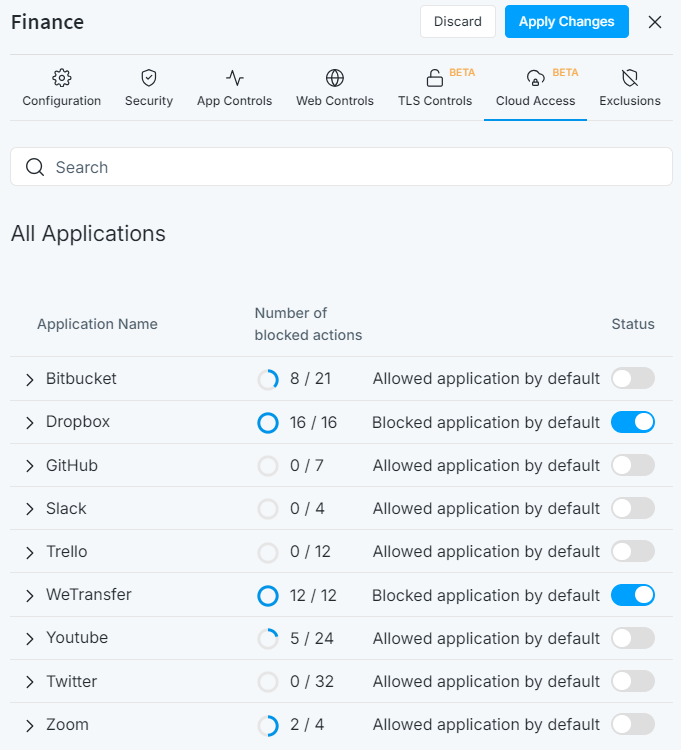
-
Improvement: Users can now enable or disable the Block Notification Page feature. -
Improvement: Users can now easily enable or disable the Syn Flood Detection feature by navigating to the "Intrusion Detection & Prevention" page under the firewall Settings menu.
-
Bug-fix: The issue causing the application to crash when the syn cache buffer is full has been resolved enhancing stability. -
Bug-Fix: The issue preventing the Block Notification Page from being displayed when the session is blocked according to VLAN ID has been fixed, ensuring consistent and accurate notification delivery to users. -
Bug-Fix: The issue with the landing page appearing in the advertisements category has been resolved.
Configuration
-
Improvement: Backup operation now includes the private key file of the self-signed Zenarmor certificate, which is especially important for TLS inspection users, allowing it to be restored after firewall reinstallation, enhancing reliability. -
Improvement: Restore backup operation now offers the Exclude CA certificate option providing configuration flexibility and control over certificate management.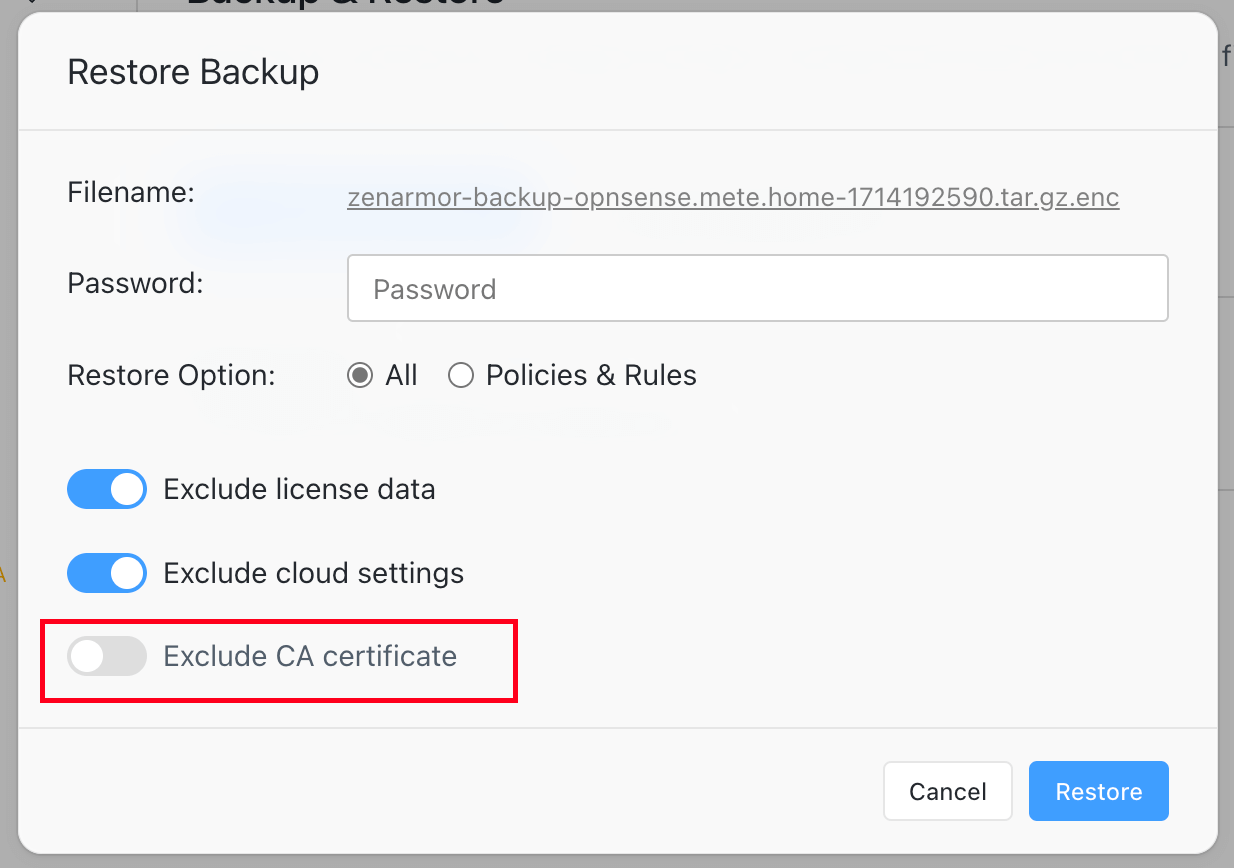
Licensing
Improvement: The number of purchased Home Edition has been limited to 1 for each customer.
Zenconsole:
Improvement: Zenconsole now allows users to change their monthly subscriptions to annual subscriptions by themselves, improving user experience.Bug-Fix: The issue that was delivering the error message "database disk image is malformed" and preventing users from accessing the firewall dashboard has been resolved.Bug-Fix: The issue that was preventing the user from receiving notification emails when a firewall is shared has been resolved.Bug-Fix: The issue causing an empty Live Sessions Explorer to appear when users click on the number of identified threats link in the Threats Summary pane on the firewall dashboard has been fixed.
Reporting
Improvement: Proxy sessions now are not tagged as Security category in Threats and Blocks Reports, instead classified as a web category in Web Reports.Bug-Fix: The issue that was restricting users from utilizing specific filters to exclude certain data from their reports or analyzing the data in more detail, since the "Filter", "Exclude," and "Drill-down" options were not active for custom report views on all reporting databases, has been fixed.Bug-Fix: The issues causing the domain name section of a hostname field to be displayed incomplete in the Device Details window, for example displayingmypc.home.arinstead ofmypc.home.arphas been resolved.Bug-Fix: The issue that was delivering the error message "Cannot use a scalar value as an array" when a filter is applied for the Block status field of a Live Session Explorer on MongoDB reporting database has been resolved.Bug-Fix: Users can now properly view the relevant traffic data based on the selected context via Live Sessions Explorer after applying a filter for Blocks, DNS, and Threat Reports. The resolved issue was displaying all sessions even though users want to view only the related traffic by drilling down via Blocks, DNS, or Threats Reports.Bug-Fix: The issue that was preventing the correct sorting of Live Sessions Explorer using the "Start Time" column on SQLite and Elasticsearch reporting databases has been resolved.Bug-Fix: The issue that was resulting in an incorrect count of detected threats in the Threats Summary section on the firewall dashboard, after a reset to factory settings on the Elasticsearch database, has been resolved.Bug-Fix: The issue that was resulting in the incorrect display of traffic flow directions in Live Sessions Explorer for sessions that were initiated from one firewall interface and reached their destination on another firewall interface has been successfully resolved.Bug-Fix: The issue with "Enable/Disable TLS verification" option and scheduled reports email delivery service has been resolved.Bug-Fix: The issue that was causing the Block button in the Web and TLS Live Session Explorers to malfunction has been fixed.
Threat Intelligence
Improvement: Experimental Global CTI feature has been temporarily removed from the application and will be available only for Business and SSE subscriptions in the future releases.Bug-Fix: Stability and dependability have been improved by the fix of the global CTI client problem that was causing the application to crash when the internet connection was dropped.Bug-Fix: The problem that was limiting the functionality of the "Cloud Cache Clear" option, which is responsible for promptly cleaning the threat intelligence cache on the firewall, has been resolved.Bug-Fix: The problem that was causing the program to crash when the firewall could not resolve the hostname of the global cyber threat intelligence server has been fixed, improving the stability and dependability.
1.17.1 - April 24, 2024
This is a maintenance software release including new features, improvements and bug fixes.
Policy and Filtering
Bug-Fix: The issue causing the Zenarmor application to crash when a policy configuration includes a username has been fixed, ensuring stable operation and reliability.Bug-Fix: The issue causing a website with an allowed custom web category to be blocked while its predefined web category is blocked has been resolved.
1.17 - April 22, 2024
This is a major software release including new features, improvements and bug fixes.
Policy and Filtering
-
New Feature: Zenarmor has now full TLS inspection capability enabling comprehensive analysis and monitoring of encrypted traffic for enhanced security. By decrypting and inspecting incoming and outgoing TLS traffic, the Full TLS inspection feature of Zenarmor enables robust threat detection and prevention. This process strengthens network defense by allowing for comprehensive monitoring, threat identification, and control over encrypted communications, ensuring that malicious content hiding within encrypted data flows doesn't bypass security measures.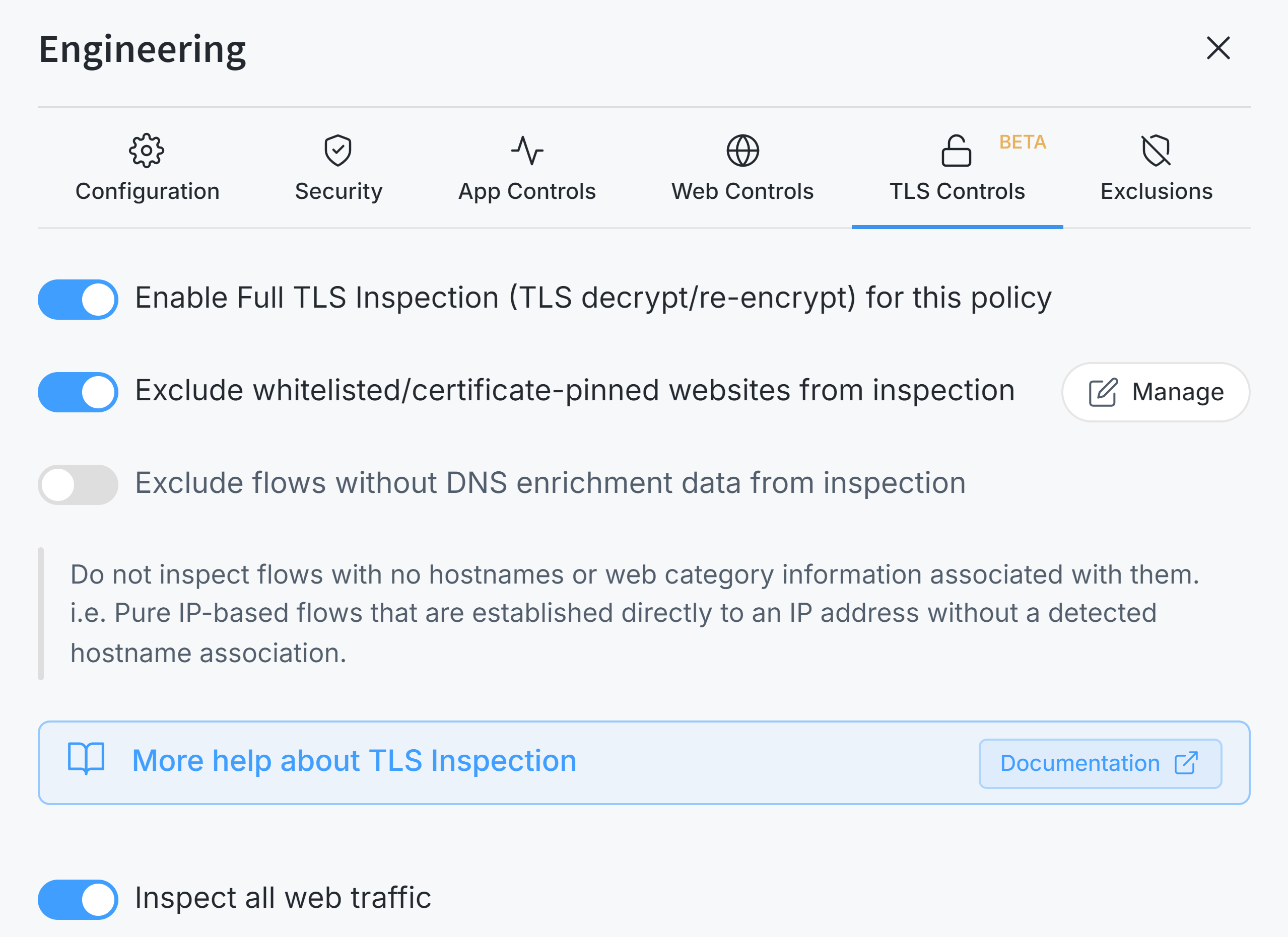
-
New Feature: TCP SYN flood attack detection and prevention mechanism is now available, enhancing security and providing improved protection against DDoS attacks. -
New Feature: IPv6 CIDR format is now supported, allowing users to add IPv6 addresses in CIDR format to both policy configuration and the Exempted IP/Network Address option. -
New Feature: Users can quickly assign/unassign a device to/from an existing policy, or view assigned policies that affect the selected device via the Devices page. This feature enhances user experience, providing better visibility and management options. -
New Feature: URL and URL regex-based blocking feature is now available for SSE subscription, empowering users to enforce tighter security measures by blocking access to specific websites or patterns within URLs, keeping their clients secure from known threats and unauthorized access.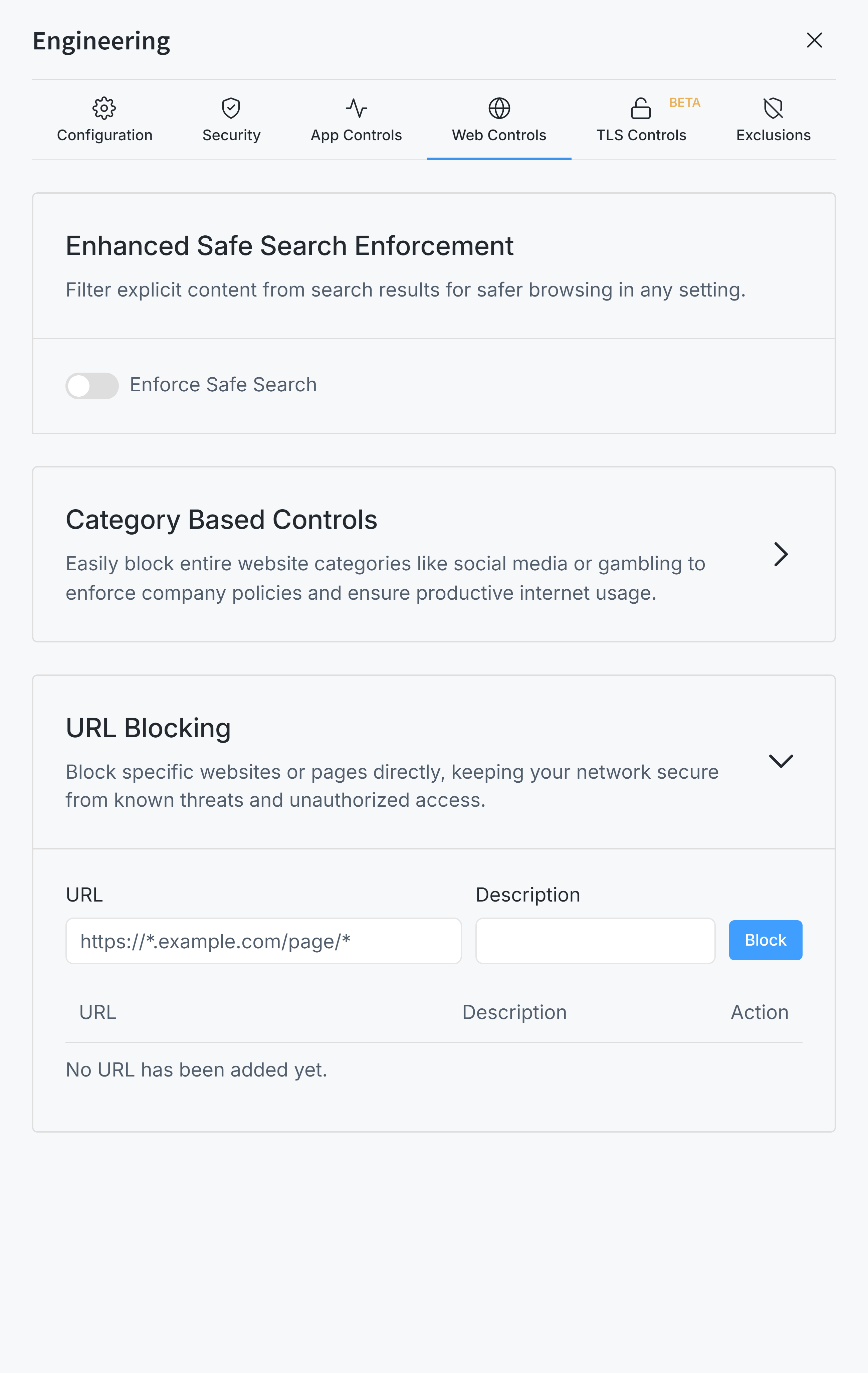
-
Improvement: Blocking Proxy services has been moved from Security Controls to Web Controls.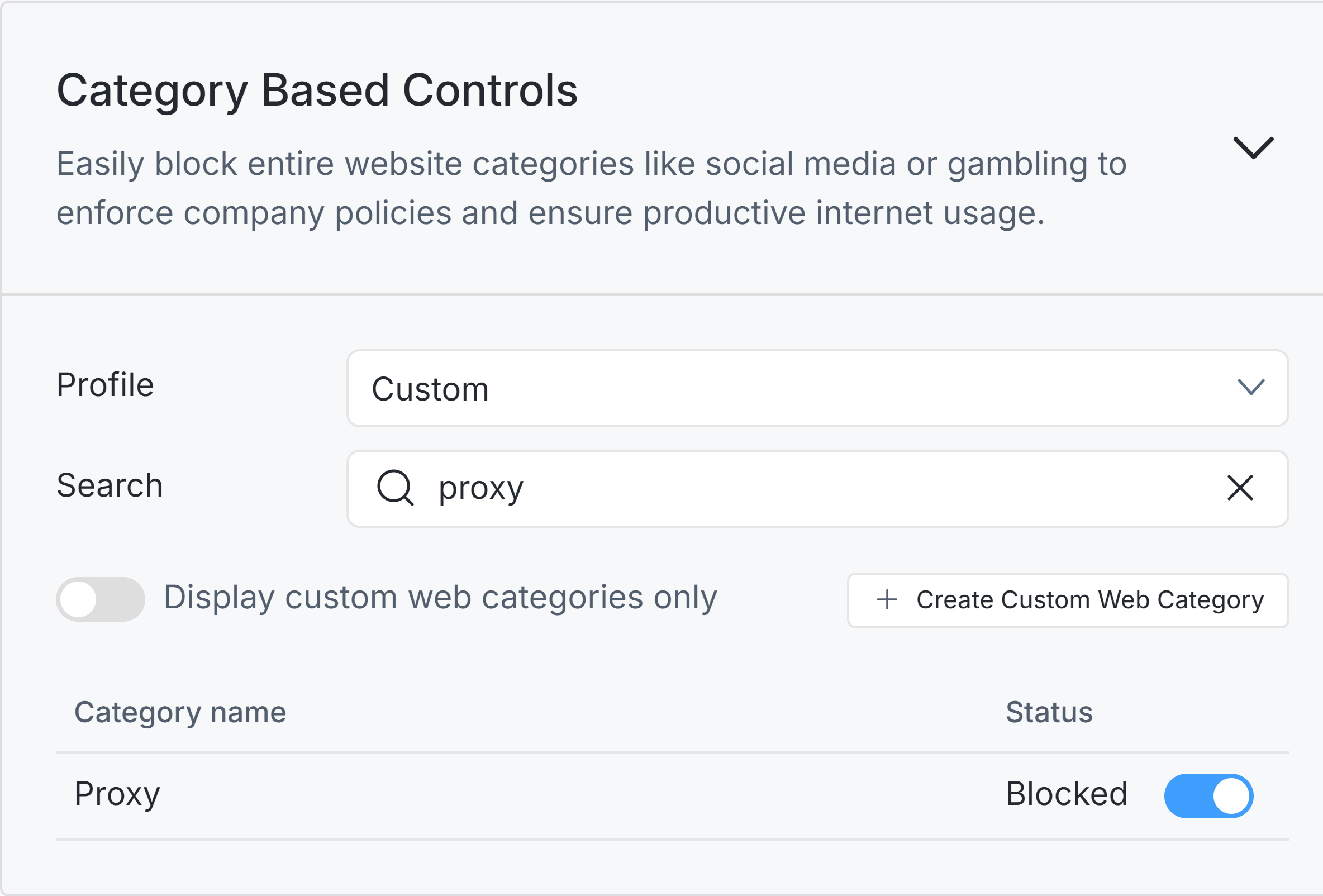
-
Improvement: Block Notification Pages are now enabled by default by removing this enable/disable option from Block Notification Page settings, streamlining configuration options for administrators. -
Improvement: Zenarmor can now allow space characters to be used in usernames, ensuring proper handling of user-based filtering functionality. -
Improvement: The proper configuration of custom web controls on the default policy after license expiration is ensured, enhancing security control. -
Improvement: SMTP over TLS traffic is now identified as "Secure Email Access via IMAP", "Secure Email Access via POP3" and "Secure Email Transport", enhancing the accuracy of application categorization and security. -
Improvement: Enhanced security enforcement by automatically blocking newly defined apps when an application category is fully blocked, ensuring consistent policy application. -
Bug-Fix: The issue causing Apple mDNS network traffic to be incorrectly identified as Malformed DNS traffic has been resolved, ensuring accurate packet classification and traffic handling. -
Bug-Fix: The issue preventing the Block Notification Page from being displayed when the user chooses only protected interfaces and there is no policy setting defined has been fixed, ensuring consistent and accurate notification delivery to users. -
Bug-Fix: The issue causing the Device name to be displayed asdevice ()for multicast traffic in reports when the WAN interface is protected has been resolved, improved reporting clarity.
Device Identification
-
Improvement: A notification message is displayed if Zenarmor detects many devices with public IP addresses due to an interface tag misconfiguration in deployment settings, enhancing user awareness and preventing misconfigurations. -
Improvement: Zenarmor now does not identify special MAC addresses, like0202020202and06060606as a new device, ensuring comprehensive device recognition. -
Improvement: Random MAC addresses are now purged daily, ensuring a cleaner and more accurate device list. -
Improvement: The device management feature is enhanced by enabling users to view and add child devices directly from parent device details, providing a comprehensive overview of device relationships and improving user experience.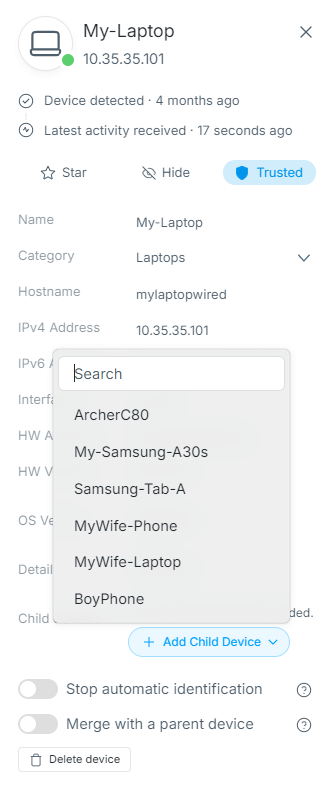
-
Bug-Fix: The issue where Exempted VLANs & Networks was not excluded from device identification has been fixed, ensuring accurate device classification and policy enforcement.
Zenconsole
New Feature: Office 365 Single Sign-On (SSO) support is now available, providing users with streamlined authentication and access management.Improvement: Google and Office 365 SSO are now available for users who try to access directly their firewalls via thehttps://dash.zenarmor.com/firewallspage, improving user experience and enhancing user authentication options for increased security.Improvement: A warning message is now displayed for unsynchronized central firewall policies, enhancing reliability and ensuring consistent policy enforcement across devices.Improvement: Users who register to Zenconsole with SSO must now set a password before removing their accounts properly and securely, ensuring proper account management functionality.
Reporting
-
New Feature: Users now can apply a filter for both traffic flow directions (inbound/outbound) in reports, ensuring more precise traffic analysis and management.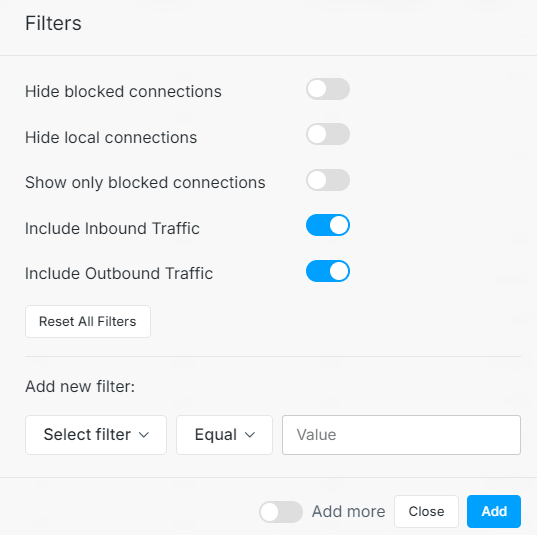
-
New Feature: Log rotation support is now available for MongoDB. -
New Feature: Live Sessions can now be filtered by Encryption type, allowing users to view which connections are inspected, plain or TLS-encrypted, for enhanced analysis.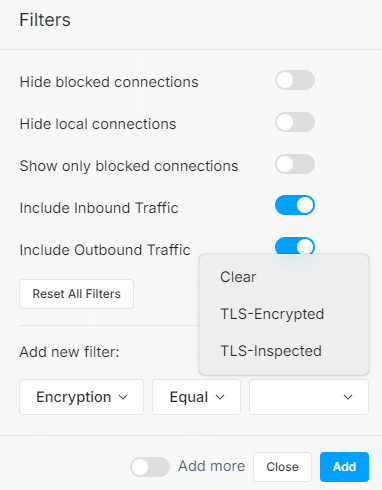
-
Improvement: Unsupported metrics, Volume, and Packet, are removed from table reports, enhancing accuracy and consistency between charts and tables. -
Improvement: Users can now view the JA3 Fingerprint field in TLS session details, enhancing visibility. -
Improvement: The Device Category Name is now displayed instead of Device Category ID in Reports/Live Sessions, improving user experience and visibility. -
Improvement: Users can now conveniently access the Connections Live Sessions report for a selected device via the Devices page, improving user experience.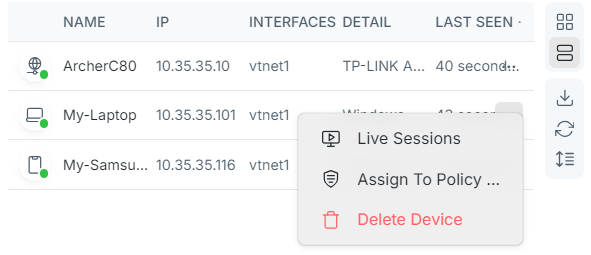
-
Improvement: The throughput of an interface can be hidden or shown by clicking on the interface names in the traffic throughput graph pane on the dashboard. -
Improvement: A confirmation is now requested from the user if the data path has old data for removal, during Elasticsearch DB installation, ensuring user awareness and preventing accidental data loss. -
Improvement: Elasticsearch v8 support is now available, offering users the latest features and optimizations for faster and more reliable reporting data storage and retrieval. -
Improvement: Ensured that chart order was considered in scheduled reports, providing users with more organized and visually appealing reports.
Licensing
New Feature: A new edition is available now, SSE, providing users with cutting-edge security features and flexibility for selecting a subscription depending on their needs.Improvement: The pool licensing option is now available for SSE Editions, providing flexibility with a single activation key for all firewalls in enterprise infrastructure.
OPNsense Plug-in
Improvement: Free users are empowered with greater flexibility by allowing deployment size selection via the initial configuration wizard and configuration page, ensuring that users can tailor their setups to their specific needs and resources.Bug-Fix: The issue preventing users from importing their own CA certificates with EC private key has been resolved, ensuring smooth certificate management processes.Bug-Fix: The issue preventing Show WAN Interfaces settings in Firewall Configuration from being saved permanently and causing users to select this option for each page visit has been resolved, ensuring consistent configuration settings and smoother operation for administrators.Bug-Fix: Enhanced visualization experience by addressing the graph scaling issue in full-screen mode, ensuring clear and accurate display of charts for better monitoring and analysis.
Threat Intelligence
-
New Feature: Global load balancing feature is now available for cyber threat intelligence servers, improving reliability and performance.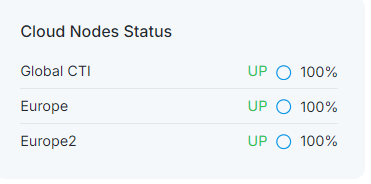
Platform
New Feature: FreeBSD 13 arm64 platform support is now available, allowing users to protect a wider range of systems, like Raspberry Pi or Banana Pi, with Zenarmor.
1.16
This is a major software release including new features, improvements and bug fixes.
1.16.4 - March 8, 2024
This is a maintenance software release including new features, improvements and bug fixes.
Reporting
Improvement: The default reporting periods for MongoDB on new installations in OPNsense are now set to 2 days, ensuring accurate reporting settings.Bug-Fix: The issue of scheduled reports being sent to the receiver despite the scheduled reporting capability being deactivated has been resolved, providing users with better control over reporting functionality.Bug-Fix: The issue where scheduled reports were not being sent when "No Security" option was selected has been resolved, ensuring reliable report delivery.
Policies and Filtering
-
Improvement: Policy configuration has been improved to enhance filtering and reporting performance preventing duplicate network traffic inspection on both parent and child interfaces unnecessarily. Now, users are prevented from selecting both parent and child interfaces simultaneously on policy configuration. If a parent interface is selected, its child interfaces are now automatically deselected, and a notification message is displayed to the user.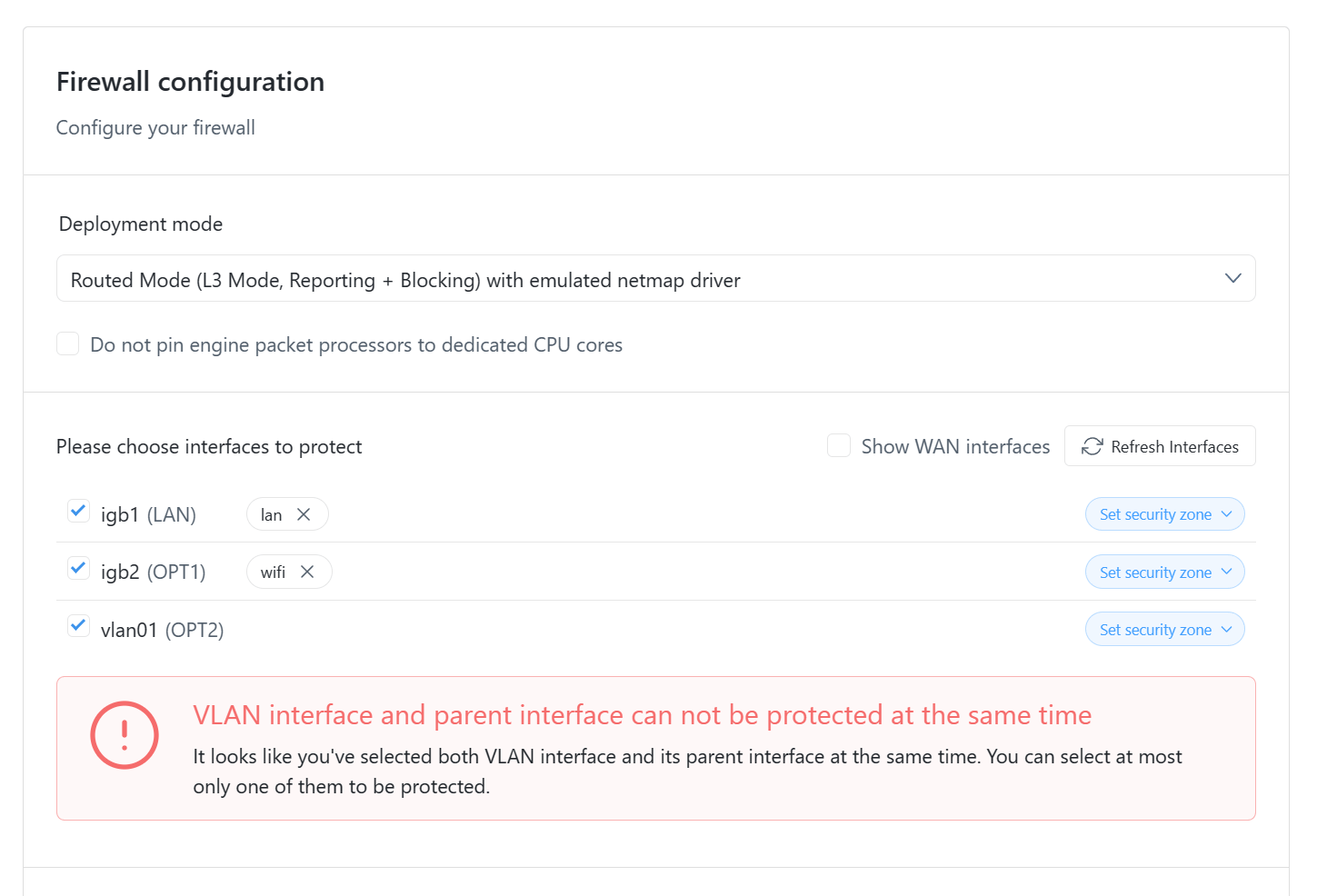
-
Bug-Fix: The issue preventing global exclusions from working properly has been resolved, ensuring accurate filtering. -
Bug-Fix: The issue preventing accurate identification of MAC addresses has been resolved, ensuring the proper functioning of device-based policies.
OPNsense Plug-in
Bug-Fix: The issue preventing users from importing their own certificates has been resolved, ensuring smooth certificate management.Bug-Fix: The issue causing web control settings to be reset after a packet update in OPNsense has been resolved, maintaining consistent configurations.
1.16.3 - February 16, 2024
This is a maintenance software release including new features, improvements and bug fixes.
Reporting
-
Improvement: If no chart is selected during the scheduled report configuration test, a helpful notification message is displayed enhancing user experience.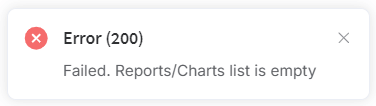
-
Bug-fix: The conflict between Zenconsole and OPNsense regarding the maximum number of active devices for the free edition has been resolved, ensuring both platforms consistently implement the established device limit, offering a seamless user experience. -
Bug-fix: The device identification feature now accurately handles user agents and hostnames containing non-UTF-8 characters, eliminating a previous malfunction.
Filtering
Improvement: The auto-complete feature is now disabled for the Pin Code field on a Block Notification Page enhancing security and reducing the risk of accidental submission.
OPNsense Plug-in
Improvement: The initial configuration wizard now prevents users from proceeding if the remote elasticsearch version is incompatible. This ensures a smooth setup process and avoids potential issues.Bug-fix: Resolved a bug where network interfaces containing the letter "lo" were mistakenly identified as loopback interfaces. This improves accuracy and clarity in interface management.Bug-fix: The "Start your 15 days free trial" button on charts is now functioning correctly, allowing users to easily begin their trial experience via the Reports page.
1.16.2 - January 25, 2024
This is a maintenance software release including new features, improvements and bug fixes.
Cloud Management - Zenconsole
-
Improvement: A dialog box prompting the user to restart the engine if the runtime and installed engine version are different will now appear on the firewall dashboard, rather than the all firewalls dashboard, improving user experience and awareness. -
Improvement: License Expire Time is now displayed on the Subscription page, providing users with clearer subscription status information.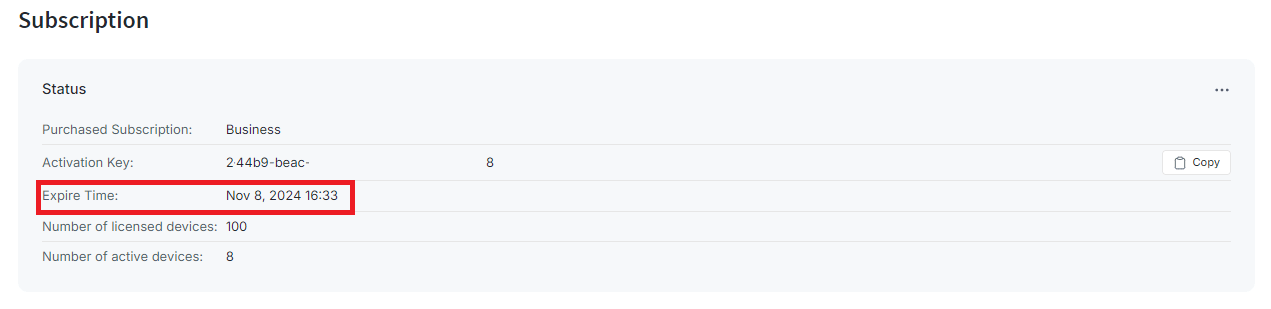
-
Improvement: Implemented warnings for devices with private MAC addresses, boosting network visibility and aiding in identifying potential security risks.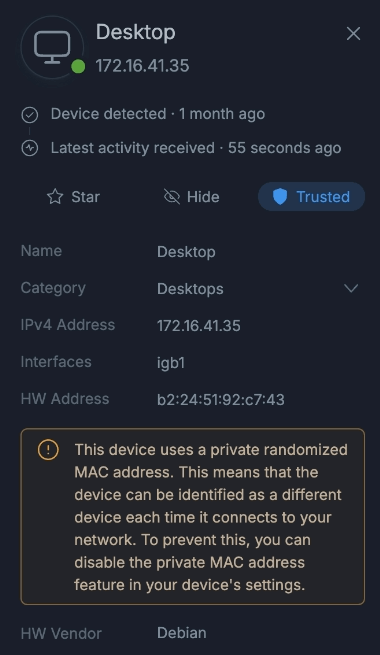
-
Improvement: License event notifications will be delivered only in the case of a status change. -
Bug-fix: The issue causing Bytes Out/In and Packets Out/In columns in the "Table of Apps" table to be displayed in reverse order for the SQLite and MongoDB databases has been fixed, ensuring accurate metrics reporting for network traffic.
Reporting
Bug-fix: The problem that was causing the malfunction of the filtering feature on the Top Talkers Heatmap graphic for Elasticsearch and SQLite databases has been fixed, ensuring precise reporting of network traffic.Bug-fix: The issue that caused the "Blocked Local Hosts Over Time" chart to be shown inaccurately has been resolved for an accurate representation of historical network data.
Policy and Filtering
-
Improvement: A new checkbox option has been added to the configuration page, enabling users to see WAN interfaces in the interface list. This will allow users to choose WAN interfaces for protection, providing them with more control and visibility.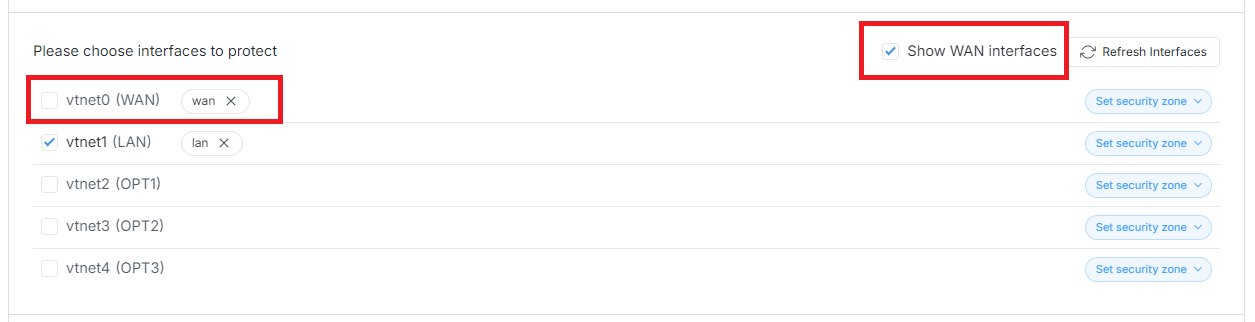
-
Bug-fix: A non-ASCII character handling issue on the Block Notification Page has been fixed, ensuring clear and readable notifications for better incident response. -
Bug-fix: The problem that hindered the correct functioning of Device Category-based policies has been fixed.
OPNsense Plug-in
Improvement: Notices displayed on the dashboard are immediately removed after users perform an action by pressing the buttons on the notification bar, streamlining the user interface and ensuring a cleaner, more efficient experience.Bug-fix: The issue of users being able to enable a policy without specifying any corresponding criteria has been fixed, ensuring accurate rule application and reinforcing policy enforcement. Users are now required to provide at least one criterion in order to activate the policy.Bug-fix: The issue that caused the Zenconsole to appear as a Mail Provider option in scheduled report settings for free users has been resolved.Bug-fix: The problem of displaying all "Advanced Security" settings as "Allowed" after the expiry or revocation of the license has been fixed.Bug-fix: The issue preventing hostnames from being displayed on the "Top Local Hostname" chart in the MongoDB database has been resolved, enhancing visibility into network activities.Bug-fix: The issue causing the "RSS feature enabled" warning notice to persist even after deactivating it has been resolved, providing accurate and timely notifications to users.
1.16.1 - January 4, 2024
This is a maintenance software release including new features, improvements and bug fixes.
Device Identification
New Feature: Backup and Restore feature now supports the Device database, enhancing manageability. Users can now backup and restore detected devices for easy device management. They can save custom device settings, parent/child devices, and device status, such as trusted, untrusted, starred, hidden, etc.Improvement: A larger group of Android devices are now categorized as Mobile, providing more accurate device classification and enhancing visibility.Improvement: The device identification feature is improved and can now identify Tesla IoT devices correctly.Improvement: Broadcast and multicast IP addresses are now excluded from the device identification process, improving manageability and user experience.
Cloud Management -Zenconsole
New Feature: Users can now configuretracefspartition size, ranging from minimum value100MBto maximum value500MB, manually.Improvement: Zenconsole UI is now compatible with more screen resolutions and sizes, like 14-inch displays, providing better UX and preventing horizontal scrollbars.Improvement: Users will be automatically redirected to the Policies page to import policies for newly registered nodes, and the notification at the bottom right will be shown when they try to visit Live Sessions or Reports pages before importing policies.Improvement: Devices and device categories can now be added to a centralized policy configuration, enhancing access control and user experience.Improvement: A dialog box asks the user to restart the engine if the running and installed engin versions are different, improving the reliability and user experience.Bug-fix: The problem that hindered users from activating a valid license key when their cloud-managed firewall quota was reached has been resolved.Bug-fix: The problem that caused a user to receive the error "Device not found" when attempting to view device details despite the device's existence has been resolved.Bug-fix: The problem that caused a user to receive the error "Error (200)" on the Devices page has been resolved.
OPNsense Plug-in
New Feature: Users can now configuretracefspartition size, ranging from minimum value100MBto maximum value500MB, manually.Improvement: Now, the Scheduled Reports Configuration pane is not displayed when the scheduled reports option is disabled, improving the user experience.Improvement: Through the Policies list view, users can now directly enable or disable policies with ease, thereby improving the overall user experience.Improvement: A dialog box asks the user to restart the engine if the runtime and installed engine version are different, improving the reliability and user experience.Bug-fix: The issue that prevented changes to the default record/row size for Threats Live Sessions on deployments of elasticsearch databases has been resolved.Bug-fix: The bug that caused the selected web profile to be mistakenly displayed after license expiration for users with custom web profiles on the default policy has been fixed.Bug-fix: The bug that prevented the configuration option Do not require TLS server certificate verification for scheduled reports from functioning correctly has been fixed.Bug-fix: The issue that prevented the revocation of MS Active Directory API keys when a user disables one of the multiple keys and the vulnerability that caused them to become corrupted has been fixed.Bug-fix: The issue that allowed users to enable a policy without any criteria and match all sessions has been resolved, enhancing reliability.Bug-fix: The issue that prevented the Scheduled Reports option from being disabled after license expiration has been fixed.Bug-fix: The issue that prevented the reporting database path settings from being updated has been resolved.
Reporting
Improvement: A warning message is now displayed when users leave user/password fields empty in the SMTP server configuration for scheduled reports, improving user experience.Improvement: The Device Category field has been added to the Live Sessions Explorers. Live session reports can be filtered by the device category, as per the user's preference.Bug-fix: The issue that requires restarting the engine to activate new IP anonymization settings has been resolved.
Policies and Filtering
Improvement: Users can now add exclusions for web categories via Blocks Live Sessions, enhancing user experience.Improvement: Botnet DGA domain detection is improved, reducing false positive cases.Improvement: The removal of matching criteria from a policy configuration, such as device, device category, IP address, and MAC address, now requires user affirmation, enhancing the user experience.Bug-fix: The issue causing the packet engine to crash if a user defines a policy configuration by adding a large number of IP addresses instead of a network address in CIDR format has been resolved.
1.16 - December 18, 2023
This is a major software release including new features, improvements and bug fixes.
Packet Engine
New Feature: The device identification feature is now available for enhanced network visibility and management. Devices are automatically detected and device details, such as hardware vendor, operating system, device name, hostname, IP address, MAC address, and device category, are provided.New Feature: The device access control feature is now available for paid Editions. Detected devices can be categorized as Trusted and Untrusted. Users can now define a policy to restrict Untrusted devices from accessing the network.New Feature: Community ID Flow hashing is now supported, enabling integration and collaboration between other network security tools.New Feature: Improved threat detection and data exfiltration prevention capabilities by identifying tunnels over the DNS protocol.New Feature: Internal CA certificates are now supported, enhancing security in packet inspection.Improvement: Netmap emulated mode performance has been improved on Linux-based systems.Improvement: Improved TLS landing page with added Subject Alternative Name (SAN) information to the certificate in the engine.Improvement: Enhanced engine to parse DNS requests/responses over TCP, improving analysis for more accurate insights.Bug-fix: The issue preventing the Block Notification page from being displayed correctly due to incorrect flow direction and local/remote addresses is resolved.Bug-fix: The issue causing the allowed traffic records to be displayed in Block reports was resolved, improving visibility and user experience.Bug-fix: The bug causing the wrong policy sort order when there were more than 10 policies was resolved.Bug-fix: The issue of 443 traffic being incorrectly tagged as Generic TCP/IP is resolved to ensure accurate traffic identification.Bug-fix: The bug preventing Chrome browsers from receiving any response for block notification pages was resolved.Bug-fix: The issue causing unexpected DNS query results for some domains was resolved, ensuring all DNS queries generate the correct responses.Bug-fix: The bug causing missing sessions in reports and blocks is resolved, ensuring all sessions are accurately reported.
Reporting
New Feature: Users can conveniently access the device details by clicking on the device column in Live Sessions or by clicking on the device-related charts, like Top Devices, in Reports.New Feature: Added the Show only blocked connections option to view blocked connections exclusively in Live Session Explorer, aiding in threat analysis.New Feature: Direct access to Detected and Blocked Threats reports from the firewall dashboard, streamlining traffic analysis and threat hunting.Improvement: Scheduled reporting now includes device-related reports, providing a comprehensive overview of device activities.Improvement: New device-related charts, such as Top Devices, Top Device Categories, Top Blocked Devices, Top Blocked Device Categories, Top Detected Devices, Top Detected Device Categories, are available on reports now.Improvement: A personalized experience with the ability to select time formats by allowing users to select 24-hour or 12-hour time formats from the setting button at the top right on the live sessions and reports pages.Improvement: Streamlined data analysis with the ability to drill down to Live Session Explorer by clicking on the chart pies or by selecting the pie names followed by the ellipsis button.Improvement: Enhanced data management with the ability to customize the record size and export all records in Live Sessions Explorer through Zenconsole. Users now have several options for Live Session Explorer record size, such as 25 Rows, 100 Rows, 500 Rows, 1000 Rows and custom.
OPNsense Plug-in
New Feature: Users can now download internal CA certificate files in CRT format via the Block Notification Page* and Certificate Authority settings pages.Improvement: The user experience is improved with the newly implemented intuitive Zenarmor user interface. The updated fonts and color scheme ensure a seamless and enjoyable experience.Improvement: Streamlined userauth_cache.db with automatic removal of inactive records after 7 days and updated records for existing entries.Improvement: Enhanced user experience on OPNsense UI by displaying OPNsense descriptive name in parentheses on Configuration page for interface(s).Improvement: Improved High Availability (HA) synchronization on OPNsense UI with the addition of protected interface configuration.Improvement: The user experience is improved by displaying a warning message to the user if they select Zenconsole as an email provider in Scheduled Reports while the firewall is not registered to Zenconsole.Bug-fix: Fixed the issue with changing DB path in Settings - Data Management. The Change Path option now accurately reflects the new database path.Bug-fix: Disabled network interfaces no longer appear in the available interface list on Configuration page, improving interface management.Bug-fix: The issue causing the Policy Schedule to apply configurations inaccurately was resolved, providing a smoother and more effective policy management experience.
Filtering
New Feature: Device and Device Category options are now available in Policy Configuration, enhancing device-based filtering capability.New Feature: Enhanced security management with the option to Allow/Block based on Security categories via Live Sessions Explorer through Zenconsole.Improvement: Added MAC address support for the Exempted VLANs & Networks, enhancing filtering configuration.Improvement: The policy creation process is improved, preventing the user from saving a policy without any criteria and matching all sessions.
Application Control
Improvement: Improved identification of WireGuard applications in the engine by recognizing them from their fingerprint.
Threat Intelligence
New Feature: Enhanced security with Botnet DGA detection, providing advanced threat identification capabilities.Improvement: New security category, Malformed DNS, is now available for paid editions.Improvement: New web categories, such as Compromised Sites and Uncategorized Safe are available for Non-Business Editions.Improvement: Some web categories are renamed, such as Undecided Safe and Undecided Not Safe renamed Uncategorized Safe and for Non-Business editions.
Agent
Improvement: MongoDB and SQLite filter parameters are modified to handle "Contains" filter for both Live Sessions and Charts in the agent.Bug-fix: The issue related to Scheduled Report configuration was addressed, ensuring accurate and reliable reporting. Your scheduled reports will now function seamlessly, providing you with the precise information you need.
Cloud Management - Zenconsole
New Feature: Users can now add charts to scheduled reports via charts on Zenconsole enhancing reporting capabilities.New Feature: Users can now download internal CA certificate files in CRT format via the Block Notification Page* and Certificate Authority settings pages.Improvement: The user experience is improved with the newly implemented intuitive Zenconsole user interface. The updated fonts and color scheme ensure a seamless and enjoyable experience.Improvement: Improved project sharing flexibility with updated limits based on the lowest firewall plan in Zenconsole. The project-sharing feature is now limited to one user for home editions, while it is limited to three users for SOHO editions. A business licence has no limitations.Improvement: Enhanced user awareness with improved notifications for licence checks on Zenconsole, especially in the case of an expired licence.Improvement: A new feature that clears or resets firewall-specific filters when users switch to a different firewall was introduced. This enhancement provides a clean and contextually relevant interface when transitioning between different firewalls.Improvement: Interfaces are now automatically refreshed after changing deployment mode, displaying the WAN interface for bridge mode deployment, and ensuring accurate and up-to-date information.Bug-fix: The issue causing a CA Certificate PEM Format Error was resolved.
Platforms
New Feature: Linux users benefit from DKMS support, allowing the shipment of a more generalized netmap.ko module for major Linux kernels. Simplified installation with netmap DKMS packages is now shipped in the Zenarmor package repository for Linux platforms.New Feature: Ubuntu 23.04 Lunar Lobster is supported now, expanding compatibility and platform options.Improvement: Improved handling for non-OPNsense systems, ensuring repo URL updates when the OS is updated, and enhancing system compatibility.Improvement: Ubuntu users start to benefit from improved key store path management in the zenarmor repo file, ensuring a seamless and secure installation process.
1.15
This is a major software release including new features, improvements and bug fixes.
1.15.2 - October 25, 2023
This is a maintenance software release including new features, improvements and bug fixes.
Platforms
New Feature: Debian 12 (bookworm) is now supported.
OPNsense
New Feature: Priority options in the feedback window for licensed users are now available to improve the feedback collection process and user communication.New Feature: An enable/disable option for the SwapRate setting is now available, allowing users to control this feature for future use.Improvement: Reinstall Report Database option is now passive during the Reset Reporting process for better UX.Improvement: The user experience is enhanced by enabling automatic removal of notifications after issues are resolved, reducing clutter, and ensuring a smoother user interaction.Improvement: The previous reporting DB is now completely removed during the uninstall process or reporting DB change, improving user experience and ensuring a smooth uninstallation.Improvement: Once Zenarmor has been reset to Factory Defaults, nodes that have already installed a license key are presented with the option to "Use existing subscription" in the initial configuration wizard.Improvement: Netmap buffer (dev.netmap.buf_num) value is now automatically set during installation according to the device RAM size. (from 4GB to 8GB value is 500000, more than 8GB value is 1000000).Improvement: Domain validation regex has been enhanced and Shortened URL formats are now supported for exclusion domains.Improvement: The vulnerable x11/libX11 port has been updated to 1.8.7.Bug-fix: The issue where web categories would sometimes revert to an 'allow' state even when configured to block has now been fixed.Bug-fix: Remote elasticsearch service status is now accurately displayed in the dashboard.Bug-fix: The issue causing the Change Prefix feature for the remote elasticsearch database to give an error is resolved.Bug-fix: The bug causing cloud management usernames to be set incorrectly, resulting in Zenconsole connection problems if the default privacy settings are changed is resolved.Bug-fix: The bug causing a critical Disk I/O error during the Restore Backup process is resolved, ensuring data integrity and the reliability of backup operations.Bug-fix: Reporting capabilities are improved by resolving the issue where VLAN IDs were not displaying in the Live Sessions Explorer.Bug-fix: The bug causing HTML tags to be displayed in notification messages was resolved.Bug-fix: The error that rendered the exclusion feature inoperable as a result of duplicate entries in the exclusions list has been fixed.
Zenconsole
New Feature: Priority options in the feedback window for licensed users are now available to improve the feedback collection process and user communication.New Feature: The Swap Rate option is now available, providing users with additional flexibility in their system configurations and increasing system reliability.Improvement: Visibility for canceled subscriptions is improved, providing users with enhanced clarity regarding their subscription status.Improvement: Domain validation regex has been enhanced and Shortened URL formats are now supported for exclusion domains.Bug-fix: The typo in the notification message for disabling the Report Infrastructure Errors option in Privacy settings is fixed.Bug-fix: The issue with displaying the session expiry warning message on network connection loss was resolved.
Reporting
Improvement: The Firewall option is removed from Reports and Live Sessions, ensuring proper reporting configuration.New Feature: Integration with NXlog is now supported, offering enhanced security and event log management.Bug-fix: The bug causing the missing Table of Remote Hosts data on MongoDB and Elasticsearch databases was resolved.Bug-fix: The MongoDB error that caused the Packets Out and Packets In columns of the Table of Remote Hosts to be arranged in reverse order has been fixed.Bug-fix: The bug causing the missing data on Interfaces & VLANs report was resolved.Bug-fix: The bug causing the missing username data on the Connection Eggress Users report for the SQLite database was resolved.
Agent
New Feature: Aliases are now supported to perform real-time reverse DNS queries, enhancing DNS enrichment on reports.Bug-fix: The Agent module can now generate accurately encoded tokens even when email addresses contain special characters, such as '+'.Bug-fix: The issue causing errors on Zenconsole due to the 'agent' module crashes is resolved, enhancing stability.Bug-fix: The bug causing the 'Reset Reporting' functionality to become unresponsive and stuck is resolved, ensuring smooth reporting functionality.Bug-fix: The bug causing failure to set reverse DNS during DNS enrichment on Zenconsole is resolved.Bug-fix: The bug causing configured DNS server IP addresses to disappear after being added is resolved, ensuring stability and consistency in DNS configuration.
1.15.1 - September 29, 2023
This is a maintenance software release including new features, improvements and bug fixes.
OPNsense GUI
New Feature: Swap Usage configuration feature is provided on the Health page to manage the swap size of which Zenarmor engine will be stopped when it reaches this rate.Improvement: Notification messages about license status are improved, providing details before license expiration for proactive and easy license managementImprovement: The warning message about failed initial configuration on incompatible hardware is improved, providing more information about the failure reason.Bug-fix: The issue causing the Zenarmor menu to disappear from the sidebar after the OPNsense 23.7.4 upgrade is resolved.Bug-fix: The bug that was preventing users from enabling/disabling Zenconsole Cloud-Based Management on the Privacy page is resolved.Bug-fix: The bug that was preventing users from cloning a policy is resolved.Bug-fix: The typo on the notification message about successfully deleting log files is fixed.Bug-fix: The issue causing a blocked application category to be displayed with the Allowed toggle button is fixed.Bug-fix: The issue causing a cloned central policy on OPNsense UI to be seen as a local policy on Zenconsole is fixedBug-fix: The issue preventing filtering from being applied in a custom report view is resolved.
Zenconsole
Improvement: "Projects" menu is improved for better UX, facilitating easy project management.Improvement: Heatmap charts are improved, enabling charts to be rendered in proper colors depending on the theme.Bug-fix: The typo on the "Create Centralized Policy" button is fixed.Bug-fix: The issue causing Table of Local Assets charts to be empty in MongoDB is fixed.
Reporting
New Feature: A new feature is offered to perform index checks for MongoDB and to produce related events/notifications.Bug-fix: The issue causing the incorrect Active Users value on Elasticsearch and MongoDB databases is resolved.Bug-fix: The issue causing an index creation problem on remote elasticsearch is resolved.
Engine
Improvement: netmap emulated mode performance on Linux systems is improved .Bug-fix: The bug causing the DNS packet inject error is resolved.Bug-fix: The bug causing the DNS traffic tags as Proxy due to the destination hostname is resolved.
Policies and Filtering
Improvement: Several new security controls are introduced in Zenarmor, including "DNS over HTTPS", "Compromised Websites", "Keyloggers and Monitoring", and "Spyware and Adware", enhancing your network security capabilities for a more comprehensive and secure browsing experience.
Agent
Bug-fix: The issue causing the Exempted Vlans & Networks setting not to be configured is resolved.Bug-fix: The issue causing Egress New Connections by Source Over Time report shows the NaN value is resolved.Bug-fix: The issue causing deleted policy IDs to override the Default policy on elasticsearch database reports is resolved, providing a proper display of policy names on reports.Bug-fix: The issue causing missing fields in DNS and Web Live Sessions Explorers for SQLite database deployments is resolved.
1.15 - September 18, 2023
This is a major software release including new features, improvements and bug fixes.
Zenconsole
New Feature: Zenconsole now supports role-based sharing for projects, enabling users to control and customize project access and collaboration based on specific roles and permissions. The following roles are implemented: owner, admin, operator, and viewer.New Feature: "Account Sessions'' feature in Zenconsole, empowering users to view and manage active sessions with ease. Now you can access valuable session information, including platform, browser, IP address, location, login, last seen, and remotely terminate sessions.New Feature: Zenconsole now supports real-time configuration synchronization between Zenconsole users, facilitating instant viewing of updates when another user makes changes to firewall configuration or policy settings.New Feature: Zenconsole introduces a convenient "Whois" button for the destination hostname, similar to Zenarmor's OPNsense UI. This feature provides users with quick access to valuable domain information for enhanced network monitoring and threat analysis.Improvement: Zenconsole now includes a warning message for users with incompatible OPNsense versions. This notification helps users maintain compatibility and avoid potential issues when using Zenconsole.Improvement: A convenient "Download CA Private Key" feature has been introduced in Zenconsole, empowering users to easily import the CA into clients, notably benefiting macOS users.Improvement: Zenconsole reporting capabilities are enhanced by adding new chart types that are already available on the OPNsense web UI, like the Top Destination Locations Heatmap, Table of Local Assets, Table of Remote Hosts, and TLS/DNS/Web-Top Egress/Ingress Users, providing improved visualization options for a richer monitoring experience.Improvement: Both global exclusions and policy-based exclusions can be added via Live Sessions Explore on Zenconsole.Bug Fix: Zenconsole now respects the real-time sync configuration, ensuring that newly created policies are not synchronized with the firewall until the user manually initiates synchronization.Bug Fix: Non-existent policies are now correctly displayed as "Deleted" in Zenconsole, enhancing the accuracy of policy management.Bug Fix: Discrepancies in threat detection data and chart information displayed on the firewall dashboard between OPNsense and Zenconsole are fixed, ensuring accuracy and consistency in ZenarmorBug Fix: The issue with the Live Session Filter on SQLite DB when applying multiple filters to the same field in Zenconsole is resolved.
OPNsense UI
New Feature: The Reports page within OPNsense has been enhanced with a new "Maximize" feature. This allows users to expand reports into full-screen mode for a more detailed and immersive viewing experience.Improvement: On the Firewalls screen, users can now conveniently access Live Sessions via ia Top Threads, Top Hosts, and Top Apps reports.Improvement: Zenarmor's Web UI menu has been seamlessly integrated into the OPNsense user privilege system. You can assign privileges to OPNsense users for accessing Zenarmor submenus, like Settings, Report, and Live Session.Improvement: Custom Web Category enhancement ensures that custom web category content is accurately displayed in the exclusion list, allowing for better control and customization.Improvement: Users can now seamlessly import and export lists, making it easier to maintain and share custom web category configurations.Improvement: The health check feature on OPNsense will now notify users when it shuts down Zenarmor services. This ensures that users are promptly informed about any service disruptions, allowing for quicker troubleshooting and resolution.Improvement: Duplicate policy control mechanisms are improved by allowing the same policies to be added when they have different time schedules, enhancing policy management.Improvement: Users will now receive a warning if the Zenarmor engine stops, providing immediate feedback and allowing for timely action to restart the engine.Bug Fix: The Disk Space Utilization widget on Zenarmor Dashboard now correctly displays used disk usage for OPNsense platforms, ensuring accurate and up-to-date information.Bug Fix: The egress new connections by source over time report in OPNsense has been fixed to display accurate and correct data, improving the reliability of this reporting feature.Bug Fix: The local/blocked connections filter in OPNsense GUI has been fixed to ensure that it works as expected.Bug Fix: Issues related to backup and restore version mismatch errors have been resolved, ensuring smooth backup and restore operations.Bug Fix: Campaigns that were previously dismissed are no longer displayed, resolving this issue.Bug Fix: The bug that forces the user to input a license key even though the Free Edition option is selected in the installation wizard if the user has previously attempted to obtain a 15-day free trial is resolved.Bug Fix: The bug that were causing authentication error on HA (High Availability) configuration page is resolved.
Cloud Agent
Improvement: The Zenarmor cloud agent has been improved to effectively handle "Contains" filters to ensure that filtering capabilities are more precise and adaptable to various use cases for all supported reporting databases. This enhancement provides users with more versatile and precise filtering options when querying data.Improvement: The warning messages about the engine status are improved for better UX.Bug Fix: The Zenarmor cloud agent's scheduled reports PDF service now provides expected and consistent data, resolving any unexpected data issues that were previously preventing scheduled reports from being generated in PDF format.Bug Fix: The Zenarmor cloud agent no longer continues to run after unregistering from the cloud, ensuring that the agent properly terminates after the firewall is unregistered from Zenconsole.
Packet Engine
New Feature: Realtek network interface users will now receive important warnings and advisories within BSD-based systems, such as OPNsense and pfSense for Netmap Issues.Improvement: The engine now detects and warns users when Jumbo frames (MTU size > 1500) are used on the protected interface, preventing potential processing issues.Improvement: Zenarmor Health Check system now includes authentication, enhanced security, and access control for improved system health monitoring and management.Improvement: The CPU pinning option is improved, optimizing resource utilization and performance and it now functions correctly.Improvement: Netmap emulated mode performance on Linux-based systems is Improved.Bug Fix: The database lock error in IpdrStreamer has been addressed, eliminating any issues related to database locks that prevent ipdr files from being processed in the case of heavy network traffic/data load.Bug Fix: The issue of DNS traffic tags being mislabeled as "Proxy" due to destination hostnames has been resolved in the Zenarmor engine.
Policies and Filtering
Improvement: Several new web categories are introduced in Zenarmor, including "Low-THC Cannabis Products", and "Generative AI," enhancing your web content filtering capabilities for a more comprehensive and secure browsing experience.
Reporting
Bug Fix: The bug that was causing the Unique Local Hosts chart in ES to display remote host values is resolved, ensuring accurate chart data.Bug Fix: The chart size issue on MongoDB has been fixed to display accurate information.Bug Fix: The number of unique local devices is now accurately calculated and displayed in SQLite, eliminating inaccuracies.
1.14
1.14.5 - August 29, 2023
OPNsense GUI
New Feature: Display campaign/Zenarmor updates directly in OPNsense UI for easy access.Improvement: Zenarmor now supports custom web categories for precise content filtering.Improvement: The loading of reports in OPNsense UI and Zenconsole has been optimized to greatly improve performance.Improvement: OPNsense UI now automatically adjusts space for effortless window resizing, enhancing user experience and interface adaptability.Improvement: The user interface now prevents enabling scheduled reports if the mail provider connection test fails.Improvement: The user interface now provides alerts for misconfigured VLAN parameters, reducing the occurrence of configuration glitches.Improvement: For a better user experience, Zenarmor login session management is improved by redirecting expired user login sessions to the OPNsense login page.Improvement: Global option is now available for creating exclusions via Live Sessions Explorer enabling adding policy-based exclusions.Improvement: Signature option is renamed as Application DB on High Availability and Privacy settings page.Improvement: Exporting Exclusions feature is improved, by allowing users to distinguish between Whitelist and Blacklist domains. Now, exclusions exported via All Exclusions pane can be imported successfully.Bug-fix: Zenconsole now displays restored policies after backup and restore, enhancing policy management.Bug-Fix: Excessive CPU usage has been successfully resolved, ensuring stable performance and efficient resource allocation.Bug-Fix: "Contains" and "Not Contains" filter issue is fixed for accurate live session data analysis, streamlining insights.Bug-Fix: Zenarmor menu is removed after uninstallation, providing a tidy and seamless user experience.Bug-Fix: "ES" filter inaccuracy is fixed, ensuring precise data display and analysis within OPNsense.Bug-Fix: The issue with the left zenarmor menu and some config.xml entries after uninstallation has been resolved for comprehensive cleansing.Bug-Fix: Data duplication in Zenconsole's drill-down was resolved for clearer, reliable data analysis.Bug-Fix: Username retrieval error in Captive Portal resolved, ensuring smooth user authentication.Bug-Fix: Incorrectly reversed data display for "Top Local-Remote Hosts" is resolved accurately reflecting network traffic.Bug-Fix: Zenarmor menu disappearance after 1.13.x to 1.14.x upgrade fixed, ensuring uninterrupted access to functionalities.Bug-Fix: Issue of disappearing interfaces post Zenarmor 1.13.x to 1.14.x update resolved, facilitating smooth network management.Bug-Fix: Start-on-boot cloud agent message is corrected for accurate communication during configuration.Bug-Fix: The issue that was preventing successful notification deletion has been resolved, allowing for efficient and clutter-free notification management.Bug-Fix: Discrepancy in application records count for app category is resolved, fixing inaccurate display of the number of records.Bug-Fix: Version mismatch error during backup and restore process fixed, ensuring data restoration efficiency.Bug-Fix: The issue that prevented the successful removal of an exclusion created using Live Session Explorer has been resolved.Bug-Fix: The issue that prevented the Update Subscription icon on the Dashboard from functioning properly when the license was activated on another device has been resolved.Bug-Fix: The problem pertaining to the erroneous presentation of notification messages on the Active Directory Integration page of the Home License has been resolved.
Reporting:
Improvement: Remote Elasticsearch database support is now compatible with Elasticsearch 8.9.1.Bug-Fix: Mongodb backend: Table of Local Assets displays local assets instead of remote IPs, enhancing accurate tracking.
Zenarmor Agent
Bug-Fix: OPNsense version check improved for smoother interactions, preventing conflicts with unexpected version formats.
Zenconsole
Improvement: Zenconsole saves reporting settings in browser storage, ensuring consistency.Bug-fix: Zenconsole now displays restored policies after backup and restore, enhancing policy management.
Application Database
Bug-Fix: Typo on Categorization: All Categories > Storage & Backup: Download Storage is fixed.
Web Categorization
Improvement: The following web categories have been removed: "Malformed Domain", "Bad IP", "NX Domain", "Undecided Safe", "Undecided Not Safe", "Unknown", "Whitelist", and "Blacklist". These changes have been made to streamline and improve the web content filtering experience in Zenarmor.
1.14.4 - August 23, 2023
OPNsense UI
Bug-Fix: OPNsense 23.7.2 incompatibility issue fixed.
1.14.3 - August 17, 2023
OPNsense UI
Improvement: The policy save and update process performance is optimized by implementing SQLite commands, resulting in a remarkable 30-fold improvement in performance for policy management tasks.Improvement: MongoDB query timeout is improved by allowing configurable settings beyond the default 30 seconds for more comprehensive queries.Improvement: User experience on OPNsense UI is enhanced by displaying full query names on mouseover, overcoming field length limitations.Improvement: The check for the Community repository conflict is now re-introduced in order to avoid incompatible elasticsearch or MongoDB packages.Improvement: OPNsense live sessions by filling data instead of cutting off on the right side is improved, enhancing user interaction.Improvement: Improved visual distinction by assigning different colors to mixed allow/block categories in OPNsense, enhancing category management experienceImprovement: Handling of default DNS enrichment IP address is optimized, providing accurate and reliable information.Bug-Fix: The issue of missing dismiss option and non-functional "Check it" button for schedule report errors is fixed, ensuring a smoother reporting experience.Bug-Fix: The problem of a full custom web category list popup requiring users to remove previous entries before creating a new list is resolved, improving user experience.Bug-Fix: "invalid workers.map file" error which was triggered if wan interface tags were used with "Passive" deployment mode is fixed.Bug-Fix: The misplacement of the 'Undecided Safe' category within the Security category is fixed, improving policy categorization.Bug-Fix: The packet health check mismatch error in OPNsense UI is fixed, addressing issues with OPNsense/Zenarmor/StaticConfig.php and OPNsense/Zenarmor/Menu/Menu.xml for accurate health assessment.Bug-Fix: The issue of the "Please Wait" button becoming stuck when sending test mail on the scheduled report page is fixed, enhancing user interaction.Bug-Fix: The hostmap cache to use a much lower disk size by removing unnecessary records is optimized, improving system stabilityBug-Fix: The inability to cloud register with ports other than 443 is fixed, ensuring versatile cloud connectivity.Bug-Fix: The bug causing exclusions import to fail in OPNsense is resolved, ensuring a successful import process.Bug-Fix: The bug on the live session detail is resolved, ensuring the display of policy names instead of policy IDs.Bug-Fix: The lack of warning messages for insufficient memory and CPU resources in UI is rectified, enhancing user awareness.Bug-Fix: The bug in the zenconsole configuration screen is fixed, addressing the need for automatic refresh in pfSense CE/FreeBSD environments.Bug-Fix: Improved policy sorting in OPNsense, ensuring proper sorting action.Bug-Fix: The sorting issue for "bytes in" and "bytes out" columns in the "connection live session" is fixed, ensuring accurate data display.Bug-Fix: The connection error during scheduled report test in Agent is addressed, improving report functionality.Bug-Fix: The errors in GUI that occurred after restoring the backup process in OPNsense are fixed, ensuring a smooth restoration experience.Bug-Fix: The bug where, after the 1.14.2 update, all parent categories were blocked despite only sub-categories being blocked in the Policy App category is rectified.Bug-Fix: The bug causing "Policy could not be found" error in OPNsense policy filter is fixed, ensuring accurate policy search.Bug-Fix: The bug in OPNsense where SQLite Unique Local Devices information was incorrect is addressed, ensuring accurate device data.Bug-Fix: The bug causing reports filtering on Security Category to malfunction in Live Session Threats is fixed, improving filter accuracy.Bug-Fix: Live Traffic Graph now displays local time instead of UTC time.Bug-Fix: The bug causing incorrect cloud policy id in live session rows is fixed, ensuring accurate data representation.Bug-Fix: The bug caused policies to be disabled after updating to 1.14.2 with Home License in OPNsense is fixed.Bug-Fix: Policy matching for DNS packets is optimized, ensuring consistent and efficient first-come-first-served enforcement.Bug-Fix: Policy cloning issue is resolved, enabling smooth duplication of policies for streamlined network management.Bug-Fix: Incorrect notification display on hover is addressed, ensuring notifications are now visible as intended.Bug-Fix: ES index creation is improved, now including accurate customer ID and node UID.Bug-Fix: The bug preventing Safari users from selecting backup files is fixed, ensuring cross-browser functionality.Bug-Fix: The bug causing duplicate policies is resolved, streamlining policy management and avoiding confusion.
Zenconsole
Bug-Fix: "ES Query Failed. Error: 400 Bad Request" error in Zenconsole is resolved, improving error handling.Bug-Fix: The bug on the live session detail is resolved, ensuring the display of policy names instead of policy IDs.
1.14.2 - August 09, 2023
OPNsense UI
Improvement: Your license type is now displayed in the header, providing easy visibility of your account information.Improvement: We've added your Host UUID to the Cloud Management Portal menu in settings, streamlining your cloud management experienceImprovement: For bridge mode, you'll now see custom interface names in the traffic graph, making it clearer and more informative.Improvement: We've updated the Traffic Graph labels to Download and Upload, ensuring better clarity at a glance.Bug-Fix: No more error messages in the Dashboard after saving changes in Settings - Configuration.Bug-Fix: Fixed the issue where the whole application category was blocked, even if some selections were set to allow.Bug-Fix: The MongoDB Start on Boot button now works seamlessly in Firefox.Bug-Fix: Fixed the issue with SQLite Unique Local Devices, ensuring accurate device tracking.Bug-Fix: Applying remote Elasticsearch configuration from deployment settings now works flawlessly.Bug-Fix: Getting reports with Remote Elasticsearch is now trouble-free.Bug-Fix: Resolved the issue where blacklist entries were unintentionally converted to whitelists.Bug-Fix: Live Session Threats tab now displays threats reports in MongoDB as expected.Bug-Fix: Device count values in Widget and Conn-Fact reports are now consistent.
1.14.1 - August 07, 2023
OPNsense UI
Improvement: Attaching screenshots to bug reports is now automated, making it effortless for you to provide valuable feedback for smoother software improvements.Bug-Fix: Resolved the "Network Error" issue that some users experienced after the 1.14 update, ensuring a seamless network experience.Bug-Fix: Fixed the multi-interface selection not showing in the GUI, enabling easy navigation and selection of interfaces.Bug-Fix: Addressed the Top Destination Location Heatmap Report's data display issue, providing accurate insights into your network activity.Bug-Fix: Fixed the Firefox button functionality issue, ensuring a seamless experience when using Firefox with Zenarmor.
1.14 - August 06, 2023
OPNsense UI
Improvement: Modern, more intuitive Zenarmor Web UI, and better user experience. Consolidating different Zenconsole and Zenarmor OPNsense interfaces into a unified one can help establish consistency and standardization across the software ecosystem. It allows users to follow familiar workflows and reduces the learning curve associated with multiple interfaces. Users being able to use the same interface across different platforms, the frequency and variety of developments for a single interface will increase, and it will become a more functional firewall.Improvement: Real-Time Feedback for Policy Modifications. The 'saving...' indicator in the policy details view provides real-time feedback during policy modifications.Improvement: Serial File Difference Warnings: Display warnings during restore actions to ensure data integrity and prevent accidental data loss.Improvement: Streamlined Status Panel. The status panel is now on the Dashboard, providing quick access to the engine, DB, cloud nodes, and NICs status.Improvement: Optimized Deployment Mode. The default deployment mode is emulated netmap driver for a seamless and optimized installation experience.Improvement: User Feedback Submission. Easily send feedback, including bug reports, via the Have feedback box on the OPNsense UI.Improvement: Simplified Zenarmor Settings. Access all Zenarmor settings quickly through the Zenarmor > Settings navigation on the OPNsense GUI.Improvement: Activity Explorer and Live Session Explorers are now available in the main sidebar for quick access, simplifying connection reporting, and real-time session monitoring.Improvement: Application DB and Engine can also be checked for updates on the About page under Settings, enabling users to conveniently check for updates and ensure their system is up-to-date.
Zenconsole
Improvement: Enhanced Data Visualization. Introduce "table" and "map" chart types for diverse reporting and analysis capabilities.Improvement: Precise Filtering with "Contains" and "Does Not Contain". Easily filter and find specific data within reports and live sessions, streamlining data analysis and troubleshooting tasks.
Policies and Filtering
New Feature: Custom Application Port Configuration. Allow finer control and accuracy in defining custom application rules by specifying ports.
Reporting
New Feature: CLI Endpoint for Sample Reports. Automate sample report sending at specified intervals, simplifying testing and validation of report generation and delivery processes.Improvement: Compatibility for Remote Elasticsearch version 8.8.2.
1.13
1.13.2 - June 14, 2023
Zenconsole
New Feature:Users can now easily update their email addresses directly from the Management Portal in Zenconsole, providing flexibility and convenience in account management.New Feature:Account owners can now conveniently view their credit balance in Zenconsole, providing better visibility and control over their subscription and usage.Improvement:In Zenconsole, the new policy status will now be set as "active", ensuring that newly created policies are immediately effective in protecting the network.Bug-Fix:Users can now add IPv4 after adding IPv6 into policy configuration, allowing for flexible and comprehensive policy enforcement for both IP versions.Bug-Fix:In Zenconsole, the bypass code for Alcohol and Tobacco category now appears correctly and separately, providing more accurate and granular control over content filtering and access policies.
Agent
Improvement:The Agent now detects old OPNsense versions for which there is no package and warns the user, preventing potential update loops and ensuring a smooth update process.Bug-Fix:Wrong Elasticsearch Version Detection issue has been resolved, ensuring accurate detection and compatibility for Elasticsearch, resulting in a smoother user experience.Bug-Fix:The fix of the query error in the localhost table improved data accuracy and reliability.Bug-Fix:Resolved SQLite potential DBLock error, ensuring uninterrupted database access and performance.Bug-Fix:In the Agent module, the issue of not being able to find some query files belonging to newly added charts has been resolved, ensuring proper data retrieval and analysis.Bug-Fix:The Agent module now alters the policy table to accommodate the safe search option during version upgrades, ensuring seamless and consistent enforcement of Safe Search settings across different versions of the software.Bug-Fix:The Agent module now removes non-existent categories from policies, ensuring accurate and up-to-date policy enforcement.
OPNsense GUI
Improvement:Engine instance healthcheck sensitivity in OPNsense has been adjusted to prevent false engine down notifications.Improvement:Reporting streaming performance has been improved in Opnsense, allowing users to generate and access reports faster, facilitating better monitoring and analysis of network activities.Bug-Fix:Whitelisted domains are now properly whitelisted from Cloud Queries on OPNsense, reducing false positives and improving the efficiency of web filtering.Bug-Fix:The Zenconsole URL in the Zenarmor install script, which was previouslyhttps://sunnyvalley.cloud, has been updated tohttps://dash.zenarmor.com.Bug-Fix:Enhanced memory management in the engine reduces memory errors and optimizes resource utilization, resulting in a smoother operation of the NGFW system.Bug-Fix:In OPNsense, the bypass code categories now appear correctly, allowing users to effectively manage and enforce bypass rules for specific categories.Bug-Fix:In OPNsense UI, the exempted feature now works properly even if the user's license is downgraded to free and then re-added, providing consistent functionality and security.Bug-Fix:The issue with the empty "Add/Sort Charts" menu in Scheduled Report customization has been fixed.Bug-Fix:OPNsense default reporting criteria is now set to "Volume", providing users with more relevant and comprehensive reporting information.Bug-Fix:The issue with the "Add filter" feature on the Dashboard not displaying the selected value has been resolved. Users can now view the selected value accurately in the filter options.Bug-Fix:When cloning the default policy on OPNsense, the "system" user and group name is no longer directly added to the username and group section, eliminating the issue that prevented the policy from working properly.Bug-Fix:Removal of "Non-existent Domain" and "Bad IP" categories and resolved bugs in various modules ensure accurate and reliable security policy enforcement and reporting.Bug-Fix:In OPNsense UI, the issue of the exempted VLAN ID still appearing after being removed has been resolved, ensuring accurate display and management of VLAN configurations.Bug-Fix:The "Repo not found" issue on OPNsense Business has been addressed, allowing for seamless repository access and updates.Bug-Fix:The export global sites bug in OPNsense UI has been fixed, enabling users to export global site configurations without any issues.Bug-Fix:Custom categories can now be added and seen in the UI on OPNsense, allowing users to tailor the NGFW system to their specific security needs.Bug-Fix:The generated PIN now adheres to the required conditions and is generated correctly.Bug-Fix:The issue which related to Mail server Settings has now been resolved, and the port information is correctly displayed on the page, reflecting the current configuration.
Engine
Improvement:New categories from CTI Engines have been added to the Zenarmor's CTI database, enhancing the accuracy and effectiveness of threat detection and prevention.Bug-Fix:Crash caused by insufficient in-memory pre-allocations in low deployment sizes has been fixed.Bug-Fix:This fix ensures that DNS queries are processed correctly and not blocked unnecessarily, enhancing the overall stability and reliability of the engine module.Bug-Fix:Fixed a memory error in the process of clearing the cloud cache. This fix resolves a memory-related issue that could occur during cache clearing, ensuring more reliable and efficient memory management within the engine module.
Platforms
Bug-Fix:Compatibility with pfSense CE has been addressed, allowing users of pfSense CE to benefit from the Zenarmor.
1.13.1 - May 8, 2023
Policies and Filtering
Bug-Fix:A bug that causes an error when a custom application was deleted from a policy has been fixed.Bug-Fix:The web filtering issue on non-business licenses has been fixed, ensuring users can now get its full benefits without any issues.
Reporting
Bug-Fix:MongoDB - SQLite reporting database problem that causes some values to disappear is fixed.
Zenconsole
Bug-Fix:Zenconsole's filter window visual bug has been fixed, improving the user experience.
OPNsense GUI
Bug-Fix:Some typos have been fixed.Bug-Fix:An issue withTrial - I will do it laterbutton on OPNsense initial configuration wizard has been fixed.
1.13 - May 4, 2023
Policies and Filtering
New Feature:Enforcing Safe Search feature has been implemented for popular search engines like Google, Bing, Yahoo!, and YouTube for safer browsing experience.New Feature:Adding Bright Cloud TI for enhanced threat intelligence and detection capabilities.
Platforms
-
New Feature:FreeBSD 14 support has been added, ensuring compatibility with the latest operating system version. -
Improvement:Linux NFQ: Engine now includes the ability to use user-defined iptables rules, providing customization options for network configuration.
Cloud Agent
-
Improvement:Agent ES Indices now include FW ID prefix, improving data organization and indexing. -
Improvement:Improvement for deployment mode changes in the event logs, so you can easily track and monitor changes to your system's deployment settings. -
Bug-Fix:Resolved a issue with policy filtering in MongoDB, ensuring that policy settings are accurately applied and enforced. -
Bug-Fix:Resolved an issue where users were unable to see the name of the cloned policy in the reports, ensuring that policy management is more efficient and transparent. -
Bug-Fix:Fixed an edge case problem causing zenarmor-agent to produce zombie processes, ensuring smooth and efficient operation of the software. -
Bug-Fix:Query results now return meaningful messages instead of "There is No data to display", improving user feedback and experience. -
Bug-Fix:Resolved an issue where the Block page was not returning any results. -
Bug-Fix:Fixed error in adding firewall for pfSense for smoother operations.
RestAPI
-
New Feature:Agent now includes endpoints for creating custom chart queries via RestAPI for more flexibility in data analysis. -
Improvement:RestAPI now supports Custom Chart Query for customized data analysis and visualization. -
Bug-Fix:Implemented field validation for the SetWholePolicy endpoint, ensuring that policy settings are properly validated for accuracy and consistency. -
Bug-Fix:API now includes a mapdirectoryuser endpoint for directory connector, enhancing user enrichment capabilities.
OPNsense GUI
-
New Feature:OPNsense UI now includes a search feature for application and web categories, improving policy management and search capabilities. -
Improvement:Reports now clearly distinguish between local and remote sessions for accurate analysis. -
Improvement:Improved error handling in the engine, ensuring that any errors are handled smoothly and effectively for a more reliable user experience. -
Improvement:Users can now upload their own CA certificate/key for convenience and enhanced security. -
Improvement:OPNsense UI has been improved to deny 0.0.0.0/0 entry to the Exempted Networks, enhancing security and preventing potential unauthorized access. -
Improvement:OPNsense GUI has been adapted to new aliases and prefixes, improving usability and consistency. -
Improvement:Interface offload features in OPNsense now check for individual interfaces, improving performance and stability. -
Bug-Fix:An issue with the activity explorer's date has been resolved, ensuring that it displays the correct information for improved accuracy and and usability. -
Bug-Fix:An issue with the value displayed in the Egress New Connections by Source Over Time report has been fixed. -
Bug-Fix:An issue where captive portal users were unable to connect has been resolved. -
Bug-Fix:An issue related to the color of info icons in the Essential Security section, showing it as active when a policy is created, has been fixed. -
Bug-Fix:An issue where the last menu tab remained active after clicking on the configuration menu has been fixed. -
Bug-Fix:The status of Enable Cloud Management has been fixed as active after registering in the cloud. -
Bug-Fix:The issue with default settings not working properly in the Add & Sort Charts menu has been resolved, ensuring that charts are displayed as expected. -
Bug-Fix:A problem with the MongoDB session detail filter has been fixed, ensuring that filtering functions properly for improved data management. -
Bug-Fix:An issue in the User Enrichment feature of the Active Directory Agent (ADA) has been resolved, ensuring that user enrichment functions accurately and reliably. -
Bug-Fix:The issue with thecryptodev.komodule causing database opening errors has been resolved. -
Bug-Fix:An issue where applications were not being blocked when the proxy was active on OPNsense has been resolved. -
Bug-Fix:Fixed a typo in the "heartbeat" command, under "System-Settings-Cron >>Edit Commands" -
Bug-Fix:Resolved a bug that caused core files to be generated incorrectly, ensuring that your system operates smoothly and efficiently. -
Bug-Fix:Properly checking duplicate IP/Domain entries in Exclusions -
Bug-Fix:Fixed an issue where OPNsense Aliases were still being used even when they were disabled, ensuring that your policy settings are accurately applied. -
Bug-Fix:Improved consistency in policy status between Zenconsole and OPNsense-UI, ensuring that you have a clear and unified view of your policy status across different interfaces. -
Bug-Fix:Fixed a problem with installation in version 23.5, ensuring that the installation process is seamless and error-free. -
Bug-Fix:Notification about expired license was displaying incorrectly. This has been resolved, ensuring accurate license status notifications. -
Bug-Fix:Maximum number of days to store reporting data now stays at the default value of greater than 7 days, providing optimal data retention for reporting purposes. -
Bug-Fix:Exclusions in OPNsense now correctly display existing domains, resolving an issue with non-existent domains being incorrectly shown as already existed. -
Bug-Fix:The full screen displaying issue with PDF Reports is fixed. -
Bug-Fix:Whitelist edit button in OPNsense UI is now active, allowing easy editing and management of whitelisted items. -
Bug-Fix:OPNsense UI has been enhanced to check VLAN Hardware filtering under interface settings, ensuring optimal network configuration. -
Bug-Fix:OPNsense UI is now compatible with Elasticsearch 8.6.1, improving integration and data analysis capabilities. -
Bug-Fix:Customer ID has been added to Elasticsearch index names for multi-tenant deployments
Zenconsole
-
New Feature:Zenconsole now features a Restart button in the Cloud Agent section for easier management. -
New Feature:Zenconsole now supports scheduled reports for automated and timely delivery of important information. -
New Feature:Cloud Portal Bug Report feature is now available for users to report and track bugs for timely resolution. -
New Feature:Now, Zenconsole has the ability to reset reporting, giving you a fresh start and allowing you to easily manage and analyze your network data. -
Improvement:The policy order has been aligned with OPNsense, ensuring that policies are consistent across different interfaces for easier management. -
Improvement:User experience improvements have been made on the data management page to make it more intuitive and user-friendly. -
Improvement:Zenconsole now includes a Description field for Exclusions, allowing you to provide additional context and information for your exclusion rules. -
Improvement:You can now stream reporting data to your own syslog server, improving data collection and analysis capabilities. -
Improvement:Now Zenarmor has the option to make CPU pinning optional, giving you more flexibility in how you configure your system for optimal performance. -
Improvement:The warning message of disallowed IPv4 entry in the exempted networks has been updated. -
Improvement:Zenconsole now prompts users to update payment method and pay any due invoices for enhanced billing management. -
Improvement:Zenconsole now provides special care for WAN interfaces for preventing to remove the WAN interface from the protected list. -
Improvement:Zenconsole has fixed the issue of displaying incorrect values in the Protocol column of Live Sessions > Connections Report for accurate reporting. -
Improvement:Added Rocky Linux logo for improved visual representation. -
Improvement:Added a new filter with cloud policy ID, making it easier for you to filter and analyze live session data based on policy settings. -
Bug-Fix:Zenconsole now includes a filtering option for Policies, App, and Web Categories in Reports and Live Session Explorer for easy data analysis. -
Bug-Fix:Zenconsole has resolved the pagination problem in Live Sessions for smooth navigation and user experience. -
Bug-Fix:Fixed an issue about filtering in Reports and Live Session Explorer by Policy for efficient data analysis and reporting. -
Bug-Fix:Fixed a color mismatch issue for line charts, ensuring that the visual representation of your data is accurate and easy to understand. -
Bug-Fix:Fixed an issue where the notification page didn't load properly when there was no firewall registered, ensuring that you can easily access and manage your notifications. -
Bug-Fix:An issue where WAN tag assignment was not working properly on Linux bridge interfaces has been resolved, ensuring that network configurations are accurately applied.
Packet Engine
-
New Feature:Landing page now allows users to whitelist sites on the fly with PINs for more convenient access. -
Improvement:Zenarmor now provides improved error information for NFQ interface types, offering users enhanced context and details for better troubleshooting. -
Bug-Fix:Fixed an issue causing TLS landing pages not being displayed for some websites -
Bug-Fix:Engine now displays valid policy names in reports for improved visibility and analysis. -
Bug-Fix:Engine now correctly matches hostnames with existing domain whitelist entries for accurate policy enforcement. -
Bug-Fix:Engine has resolved the use-after-free issue in DNS enrichment for improved stability and security. -
Bug-Fix:Added support for usernames consisting of multiple words, making it easier for you to track and manage user activity in your network. -
Bug-Fix:Fixed an issue in the QUIC classifier causing some STUN traffic to be mis-classified as QUIC -
Bug-Fix:Fixed a file descriptor leak which was triggered by some edge cases -
Bug-Fix:An edge case has been properly handled to correctly log block logs, ensuring accurate logging and reporting. -
Bug-Fix:Engine has been fixed for RHEL build, ensuring compatibility with Red Hat Enterprise Linux.
1.12
1.12.4 - January 26, 2023
OPNsense GUI
Improvement:OPNsense 23.1 MongoDB compatibility support.
1.12.3 - January 4, 2023
OPNsense GUI
-
Improvement:"Full Help" is added to the Essential Security tab. -
Improvement:Username and Groupname lookup from OPNsense and Active Directory is removed in Policy Configuration. -
Bug-Fix:Bandwidth usage calculation is corrected in Local Host Reports. -
Bug-Fix:The issue of listing sessions with empty GEOIP information in session explorer has been resolved.
Zenarmor Agent
Bug-Fix:Resolved issue with zombie processes.
1.12.2 - December 26, 2022
OPNsense GUI
-
Improvement:Blocked domain information is added to session details for DNS blocks. -
Improvement:Enhancement on Session Details page in MongoDB deployments. -
Bug-Fix:DNS resolution conflict when using Unbound DNS has been resolved. -
Bug-Fix:Node Registration failed error when trying to re-register the node has been resolved. -
Bug-Fix:The config history is optimized for small changes. -
Bug-Fix:Cloud Sync issue due to "Http Error Code is 404" is fixed. -
Bug-Fix:Parsing notification messages problem has been resolved. -
Bug-Fix:The frequency and number of notification messages are optimized in logs. -
Bug-Fix:Uninstall command waits for the engine stop and remove the old configurations now. -
Bug-Fix:"Cannot read any configuration from workers.map" issue is fixed by optimizing workers map loading process.
Zenconsole
Improvement:Zenconsole 2FA Process is improved.Bug-Fix:Running firewall's micro charts' visibility issue is fixed.Bug-Fix:After updating packet engine and get success message, update button was still available , issue is fixed now.
Packet Engine
Bug-Fix:Policy ordering has been re-visited to honor policy order in Zenconsole as well.Bug-Fix:Local domain names like.local,.lan,.arpais added to whitelist to exclude from cloud queries.
1.12.1 - November 16, 2022
OPNsense GUI
-
Improvement:Preallocated netmap buffers have been adjusted and decreased to save memory -
Bug-Fix:DNS and User Enrichment settings are now enabled by default. -
Bug-Fix:Reports : Time filtering option is improved. -
Bug-Fix:OPNsense: An invalid HA Backup Host URI is fixed which was causing "Unauthorized" errors on HA Master. -
Bug-Fix:OPNsense GUI: Warning message is added if HA Backup License does not exist. -
Bug-Fix:OPNsense GUI: Capital letters are now allowed for user and group names. -
Bug-Fix:Landing Pages: TLS CA certificate can be downloaded from OPNsense UI. -
Bug-Fix:Reports : OPNsense : Reports : Date format is fixed in PDF Reports. -
Bug-Fix:More descriptive engine error/warning notifications in the OPNsense UI/Zenconsole.
Zenconsole
-
Improvement:Zenconsole: Tag objects are displayed in a more user-friendly fashion. -
Improvement:My Account : User experience has been improved on the Referrals page. -
Improvement:Engine status on/off confirmation has been introduced to avoid the user accidentally clicking the buttons. -
Improvement:In the Policy Configuration page, the MAC address input form has been improved to have a description field for the MAC address. -
Bug-Fix:CIDR notation is now a valid option for Policy IP Address Criteria. -
Bug-Fix:IP/network description in the policy configuration is improved for a better user experience. -
Bug-Fix:Confirmation box is added to remove a domain fromcloud threat intelligence exclusionlist. -
Bug-Fix:Zenconsole: Firewall Settings: Firewall Name is now limited to 30 characters. -
Bug-Fix:Viewer Role can not modify Engine Status now.
Packet Engine
-
Improvement:Zenarmor now warns you if you have interface hardware offloading enabled since hardware offloading is not compatible with netmap. -
Bug-Fix:Issue about further DNS resolutions being dropped when there are many unknown sites has been resolved. -
Bug-Fix:NFQUEUE: Fixed packet direction in multi-homed routed deployments -
Bug-Fix:Ad blocking database is improved with many new additions.
1.12 - October 26, 2022
Zenconsole
-
New Feature:Block Notification Page is now displayed for TLS-secured blocked sessions. -
New Feature:Granual Roles for Team-based Firewall Management: You can share the firewall management with your team mates with granual access levels (Owner, Admin, Operator, Viewer). -
New Feature:Privacy: Zenarmor users now have the ability to manage all aspects of their privacy settings. A dedicated Privacy Menu allows users to control their privacy posture. -
New Feature:All Free Trials are now 15 days. -
New Feature:You can now clone a policy to a different firewall. This allows you to save time creating while creating initial policy configuration for a new firewall. -
New Feature:Zenconsole now reports disk utilization seperately for each partition on the platform. -
New Feature:"Clear Cloud Cache" button is is introduced for clearing the cloud threat intelligence in-memory cache. This will force zenarmor to refresh its cache. -
New Feature:A newly introduced "Magnify icon" in Live Sessions Explorer Page allows you to display a very detailed view of per-session details. -
New Feature:You can now exempt specific VLANs/Networks from any Zenarmor Processing (was already available in OPNsense GUI). -
New Feature:Firewall Location is now displayed in Firewall Details Page. -
New Feature:You can exclude Local Domains from Reports. This will enable you to easily filter and Internet-bound connections. -
New Feature:You can now Enable / Disable Health Checks on Zenconsole. -
New Feature:You can now Enable / Disable System Utilization statistics sharing. -
New Feature:You can configure "Maximum Days of Keeping Reporting Data" setting to optimize your disk space. -
Improvement:You can now enable/disable the use of Cloud Threat Intelligence via Zenconsole. -
Improvement:Firewall Delete now requires the user to re-authenticate, preventing the possibility of stale sessions being used by unauthorized users. -
Improvement:In case of Zenconsole connection problems, Zenconsole now directs users to the relevant documentation for troubleshooting. -
Improvement:Engine Bypass button is added next to the Engine On/Off Button for improved user experience. -
Improvement:Zenconsole now warns you if you have Javascript disabled. Javascript is needed for the correct operation of Zenconsole. -
Improvement:Login page requires a re-captcha after a few failed login attempts.
Platforms
New Feature:Rocky Linux is supported by Zenarmor now.New Feature:RHEL Linux is supported now.New Feature:Amazon Linux is supported now.New Feature:Ubuntu 22.04.1 LTS (Jammy Jellyfish) is supported now.
OPNsense
New Feature:Reset Reporting now -optionally- re-installs Reporting DB.
OPNsense GUI
New Feature:Initial Configuration Wizard allows you to start a 15 Days Business Subscription Trial. No Credit Card Needed.New Feature:To give custom access Giving " Reporting Only " privilige feature is added to OPNsense user priviliges page.Improvement:Improved Policy Synchronization performance.Improvement:OPNsense GUI: Competibility issues are fixed for php74-phalcon 5.0.
RESTful API
New Feature:New API Endpoint: setpolicystatus: activate/deactive a single policy.New Feature:Policy Exclusion API Endpoint is introuduced to manage policy exclusions.Improvement:RESTful API can now be used for querying/setting all parameters of a policy.
Configuration
New Feature:You can now deploy Zenarmor in L2 Bridge Mode in Linux Platforms. This allows you to deploy zenarmor as a Secure Web/Access Gateway between two physical networks.
Packet Engine
Improvement:Minimize interface up/down events during engine startup/shutdown.
Reporting
New Feature:Zenarmor is compatible with Elasticsearch 8.3 now.
1.11
1.11.5 - September 22, 2022
Zenconsole
Bug-fix:Fixed Remote Elasticsearch Service status.
Licensing
Bug-fix:Fixed Can not validate license key after OPNsense update.
Reporting
Bug-fix:Fixed Elasticsearch database blank report charts.
1.11.4 - July 27, 2022
OPNsense GUI
Bug-fix:Compatibility release for OPNsense 22.7.Bug-fix:Fixed libpython3.8.so.1.0 dependency warning.
1.11.3 - July 7, 2022
OPNsense GUI
Bug-fix:Compatibility release for OPNsense 22.1.10.Bug-fix:Fixed a warning in HA menu.
1.11.2 - May 9, 2022
Zenconsole
Improvement:Re-implemented engine to cloud agent communication to avoid problems due a third party moduleBug-fix:Fixed: Cloud agent now properly restarts packet engine after registrationBug-fix:Fixed: Occassional Network error while switching between live sessions tabsBug-fix:Fixed synchronization of DNS Enrichment configuration setting with Cloud ManagementBug-fix:Fixed a time localization problem which was causing some data to appear late in Zenconsole Reports
Policies and Filtering
Bug-fix:Fixed time schedulesBug-fix:Fixed Global Whitelisting for Centralized PoliciesBug-fix:Restrict updating Centralized Policies via OPNsense UI (Centralized policies are meant to be managed through Zenconsole)Bug-fix:Properly reset all cloud policy IDs during un-register so that subsquent policy synchronizations do not failBug-fix:Fixed missing default policy in new platforms (Linux + FreeBSD)
Uninstall
Bug-fix:zenarmorctl uninstall properly stops all services before removing packages
Reporting
Improvement:Added "Web Categories" chart to Web ReportsBug-fix:Fixed missing "Top Remote Hosts" chart in SQLite-based installations
OPNsense GUI
Bug-fix:Fixed missing Zenarmor menu issue due to improper handling of OPNsense User Priviliges SettingBug-fix:Added missing Time schedule information in Policy Details/Live Session Explorer
1.11.1 - April 15, 2022
Zenconsole
New Feature:Cloud Portal: New payment method: WeChat PayNew Feature:Cloud Central Management: Ability to share firewalls with free edition or home subscriptionBug-fix:Live Session Explorer: Fixed drill-down according to MAC addressesBug-fix:OPNsense UI: Fixed Safari browser compatibility issueBug-fix:OPNsense UI: Fixed backup compatibility issue with early versions
Packet Engine
Improvement:New platforms: Uninstall Script now removes sensei-db folder and sunnyvalley repository
Licensing
New Feature:You can start Free Trials without providing a Credit Card
Reporting
Bug-fix:OPNsense UI: Fixed Top Remote Ports displaying erronous informationBug-fix:OPNsense UI: Fixed Top Blocked Hosts report so that it only shows blocked sessions (MongoDB backend)Bug-fix:OPNsense UI: Fixed search by Destination Hostname (MongoDB Backend)
Configuration
Improvement:Opensense UI: Scheduled Reports: From e-mail address is now mandatoryBug-fix:HA incompatibility with OPNsense 22.1 has been resolvedBug-fix:Opensense UI - Installation Wizard: Multiple Deployment Size selection problems are resolvedBug-fix:"Anonymize Local IP" configuration setting default value is set back to disabled.
1.11 - March 31, 2022
Cloud Threat Intelligence
New Feature:Realtime Cloud Threat Intelligence gains support for Botnet DetectionImprovement:Realtime Cloud Threat Intelligence gains support for IP/Network based Threat Intelligence
Cloud Central Management
-
New Feature:App controls: search widget now displays the related app category name while searching for apps -
New Feature:CIDR / Subnet mask notation support for the exclusions -
New Feature:Live Session Explorer: Ability to Pin/Unpin a record to the top of the page -
New Feature:Notifications: Ability to delete all read messages -
New Feature:Live Session Explorer: Ability to copy a single record to the clipboard -
Improvement:"Cancel" button is added for custom time ranges in reports/live session explorer -
Improvement:A top of the page widget displaying the status summary for all firewalls -
Improvement:DNS Reverse IP Enrichment configuration can now be done through the Cloud Portal -
Improvement:Event log details have been moved to a right sidebar for better user experience -
Improvement:Firewall status page: Service Actions (start/stop/bypass) have been made more visible -
Improvement:No items to display message added to Live Sessions, All Firewalls and Firewall Sidebar -
Improvement:Policy Details screen has been optimized for Full-HD displays -
Improvement:Notification details have been moved to a right sidebar for better user experience -
Bug-fix:Central Policy Exclusions: avoid duplicate entries -
Bug-fix:Time range message is now properly displayed on custom time range for reports/live session explorer -
Bug-fix:Live Session Explorer - Destination Port Filtering issue is fixed
Cloud Portal
Improvement:2FA authentication page also displays the Base64 code string as well as the QR imageImprovement:While assigning user rights for subscriptions, you can now select multiple subscriptions.
Application Database
Bug-fix:Fixed application database updates for the Linux platforms
Integrations
New Feature:RESTful API for integrations (Beta)
OPNsense GUI
Improvement:A cloud icon will be displayed for re-synchronizaiton if the OPNsense UI cannot synchronize the policyImprovement:A new "re-register" button in cloud management configuration tabImprovement:An informative message will notify you if you have RSS (Receive-Side-Scaling) enabledImprovement:If an interface is removed from the OPNsense configuration, Zenarmor health check will also remove the interface from its own configurationImprovement:OPNsense UI now notifies you when the packet engine is in 'stopped' statusBug-fix:Custom Web Category: Tip box is now displayed properly for "Download List" buttonBug-fix:Fixed an irrelevant warning message for MAC based filtering policiesBug-fix:Fixed shaky charts in QHD displaysBug-fix:Help text is now displayed properly on General -> Exempted vlans & Networks paneBug-fix:OPNsense Captive Portal: a compatibility problem is fixedBug-fix:Reports: tls/web: fixed drill down for "BLANK" web categoryBug-fix:Some cosmetic UI bugs are fixed for better user experienceBug-fix:Some fields (Block Message, Block Category) which were missing on blocked session details pane are now correctly displayedBug-fix:Time schedules input validation has been improvedBug-fix:TLS Live Session Explorers: Refresh button properly handles refresh intervalsBug-fix:Deployment size now displays the correct deployment size for Home Subscriptions
Packet Engine
Improvement:Default swap utilization warning threshold bumped to 50% utilizationImprovement:Engine restart confimation added to the re-registration processImprovement:Engine service auto-starts during re-register processImprovement:Integration: Wireguard: service scripts makes sure wireguard service runs first during the boot processImprovement:Interfaces in DOWN status are not displayed for interface configurationBug-fix:Correctly honor the Data Retention period for Elasticsearch Backend
Platforms
New Feature:New Reporting Backend: SQLite as another light-weight database backend option (for up to 100 devices)New Feature:Ubuntu 21 supportImprovement:Debian 11 supportImprovement:Zenarmor HA configuration is now compatible with opnsense 22.1.xBug-fix:You can now protect multiple interfaces in Linux distributions
Policies and Filtering
New Feature:Real-Time Automatic Synchronization of Cloud PoliciesImprovement:Exclusions Pages now allow you to automatically submit a website for a re-classificationImprovement:Filters in the reports are now case insensitiveImprovement:Refresh button for the ReportsImprovement:Schedule report configuration now validates usernames without the domain partBug-fix:DNS Explorer: Fixed filters for Destination Host & PortBug-fix:Fixed erronously deleting Exclusion IPs during Cloud Policy SynchronizationsBug-fix:MAC address validation has been improved to support various notationsBug-fix:Special characters in URL exclusions are now properly handled
Reporting
Improvement:Exclusions Pages now allow you to automatically submit a website for a re-classificationImprovement:Filters in the reports are now case insensitiveImprovement:Refresh button for the ReportsImprovement:Schedule report configuration now validates usernames without the domain partBug-fix:Some cosmetic fixes in PDF reports
1.10
1.10.1 - Jan 16, 2022
Application Database
New Feature:New Platforms - Application DB auto-updates
Cloud Central Management
Bug-fix:OPNsense: Fixed a merging problem while synchronizing Local & Central Policy Global Exclusions
Cloud Portal and Licensing
Bug-fix:Fixed duplicate records in Cloud Portal live session explorerBug-fix:OPNsense: deployment size now shows the correct value (according the license type)
Configuration
New Feature:Health checks for Database indexesBug-fix:YML file creation issue during legacy Elasticsearch installation updatesBug-fix:Incorrect display of OPNsense Cloud Threat Intel Servers's status
New Platforms
- Debian 11
- OPNsense 22.x packages are now available for testing
Reporting
Bug-fix:Missing TLS charts onAdd & Sort ChartslistBug-fix:Flickering charts on QHD Monitors
1.10 - Oct 14, 2021
Cloud Central Management
New Feature:All Firewalls Dashboard to list all connected firewalls displaying their system statuses, threat levels and top bandwidth consumer hosts and applications.New Feature:Get important event notifications and alerts about your firewalls from the Cloud PortalNew Feature:Home, SOHO and Business Subscriptions are now available for the new PlatformsNew Feature:MAC Address based Policies & FilteringNew Feature:Attach "tags" to firewalls to group themNew Feature:Better error reporting in the Cloud PortalNew Feature:Date Range and Total Number of Results added to Live Session ExplorerNew Feature:Display Release Notes for updatesNew Feature:Drill-down filters are now global. Same filtering criteria is persistent for both Live Session Explorer and Report WidgetsNew Feature:Firewall hostname changes are instantly updated to the Cloud PortalNew Feature:If new app signatures are available, portal will notify you to update to the new releaseNew Feature:Interface Configuration now allows you to set the security zones (wan, lan, dmz...) for each of the interfacesNew Feature:Manual drill-down filtersNew Feature:New filters for "hide local connections", "hide blocked connections"New Feature:New screen themes for Cloud Portal: Dark, Light or Automatic (auto-selected according to your browser preferences)New Feature:Search firewalls by name, ip and tagNew Feature:You can now set deployment size through the Cloud PortalNew Feature:You can start/stop/bypass packet engine from the All Firewalls DashboardNew Feature:PDF and CSV Exports for Live Sessions Explorer and ReportsNew Feature:Central policy global exclusionsImprovement:Automatically avoid duplicate records for VLAN, IP/Networks, Mac, Users, GroupsImprovement:Policy configuration now displays the number of blocked/allowed apps in each app categoryImprovement:Updates now has a better progress indicatorBug-fix:Token expired issue fixed in the Cloud Portal
Reporting
New Feature:Auto-delete elasticsearch system logs older than a weekNew Feature:Better DNS Enrichment: IPv6 host addresses are now mapped to a hostname through MAC DNS enrichmentImprovement:Mongodb database performance tweaksBug-fix:Reporting: IPDR streamer file descriptor leak is fixed
Configuration
New Feature:L2 Bridge Mode - Deploy as a Secure Web Gateway alongside another firewall (L2 Bridge)New Feature:Logging Level and Log rotation time can be configurable from the UI now.Improvement:Configuration > About > View now shows the both subscription states (both installed/purchased)
Integrations
Bug-fix:AD Agent exclusion error fixed
Policies and Filtering
New Feature:Live Sessions Explorer Quick Actions: Hostname is now the default selection for quick Allow/Block operations (instead of category)Bug-fix:Web Controls - Preset Profile Name not changing in the OPNsense MenuBug-fix:Fixed Block Details in Live Session Explorer on OPNsense GUI
Platforms
New Feature:Linux platforms can now use NFQ packet I/O mechanism as an alternative to netmapBug-fix:Centos 8: Fixed cloud agent migration error
Others
New Feature:New product name "Zenarmor" is now displayed in the user interfaces
1.9
1.9.3 - July 25, 2021
Integrations
Improvement:OPNsense 21.7 compatibility enhancements
1.9.2_1 - July 7, 2021
A hotfix for compatibility for OPNsense 21.1.8. This fixes the database service being falsely reported as not running.
1.9.2 - July 6, 2021
OPNsense users:As the second phase for their migration to PHP 7.4, OPNsense will release 21.1.8 this week, upgrading its PHP software to version 7.4. This leaves some compatibility issues with Sensei 1.9.1 and prior releases.
Sensei 1.9.2 addresses this compatibility issues and it is compatible both with OPNsense 21.1.8 and the current and past 21.1.x releases.
You can install Sensei 1.9.2 now or let the OPNsense 21.1.8 updater do the job for you automatically. It will also update Sensei to 1.9.2 release as part of OPNsense 21.1.8 upgrade process.
We would like to thank OPNsense team for their cooperation to make this a smooth transition for Sensei users.
Cloud Central Management
New Feature:Policy Configuration: Both netmask and CIDR notation is allowed.New Feature:Central Live Session Explorer for all managed firewalls .Improvement:Auto scroll to top when query data gets an update.Improvement:New Release notifications now have the "Update" button. Clicking on "Update" will start the update process..Improvement:Added manual refresh option to refresh reports within a custom date range.Improvement:Added custom date rangesImprovement:Subscription updates are immediately reflected on the cloud portalBug-fix:Fixed cloud registrations which failed due to duplicate system id.
Backup & Restore
New Feature:Backup files can be restored via CLI on the console.
Integrations
Bug-Fix:OPNsense 21.1.8 php7.4 compatibility enhancementsBug-Fix:OPNsense: Fixed os-sensei package contents mismatch error due to the newly introduced cloud policy id.
Reporting
Bug-Fix:Fixed VLAN drill-downsBug-Fix:SQLite Reporting Database tables are now retired automatically.Bug-Fix:Remote Elasticsearch: reset reporting database configuration whenever ES is re-installed.
1.9.1 - June 15, 2021
OPNsense users:OPNsense will release 21.1.7 this week, upgrading its Phalcon library to version 4. This leaves some compatibility issues with Sensei 1.9 and prior releases.
Sensei 1.9.1 addresses this compatibility issues and it is compatible both with OPNsense 21.1.7 and the current and past 21.1.x releases.
You can install Sensei 1.9.1 now or let the OPNsense 21.1.7 updater do the job for you automatically. It will also update Sensei to 1.9.1 release as part of OPNsense 21.1.7 upgrade process.
We would like to thank OPNsense team for the timely heads-up and for their cooperation to make this a smooth transition for the Sensei users.
Cloud Central Management
New Feature:Live Session Explorer. View real-time connection activity through Cloud-Portal.New Feature:Premium Subscriptions are now available for new platforms (Linux, FreeBSD)New Feature:Cloud Engine Updates now displays "Release Notes"New Feature:Subscriptions tab now displays the number of active devicesNew Feature:"Remember me" option for Google AuthenticationImprovement:Connections Report: Default Report Metric is now VolumeBug-Fix:Top Block Reports bug resolved.Bug-Fix:Time Overlapping issue in Home Throughput graphs resolved.Bug-Fix:Reporting: Exclude filters bug resolved for report charts.Bug-Fix:FreeBSD: Cloud Registration error because of concurrent SQlite access fixed.Bug-Fix:Reporting: Added "interface" information for UDP flows.Bug-Fix:Fixed the "exclude" functionality for DNS - Query Types Tag Cloud Report.
Reporting and Policies
Bug-Fix:Policies: Custom applications not appearing in the Applications tab.Bug-Fix:Web Reports Live Explorer now has the "URL" column by defaultBug-Fix:Fixed an incompatibility issue with some themes (on "Cloud Threat Intel" tab)
Platforms.
Improvement:OPNsense 21.1.7 Release compatibility due to Phalcon 4 update.Bug-Fix:Centos: Invalid Serial ID problem fixed.Bug-Fix:Start-on-boot problems fixed for Linux-based platforms.Bug-Fix:Installer checks if the OS has"sudo"command and asks to install first if not found.
Active Directory Agent
New Feature:AD Agent: Ability to set Logging Levels.Improvement:AD Agent: Logs older than 7 days are deleted.Improvement:Service Status Button updated to better display the active status.
Other
Improvement:New Documentation URLs have been updated throughout the whole User Interface.
Uninstall
New Feature:"senseictl uninstall" command line option introduced to uninstall all Sensei software.
1.9 - May 27, 2021
New Platforms
-
FreeBSD 13 -
AlmaLinux 1
Cloud Central Management
-
New Feature:Centralized policy management of firewalls -
New Feature:Per-firewall policy management -
New Feature:Whitelist/blacklist exclusions -
New Feature:Automatic policy synchronizations between on-prem and cloud. -
New Feature:Policy Restore Pointsto backup and restore policy configurations -
New Feature:Remember meoption is added for Two Factor Authentication (2FA). -
Improvement:Both purchased and installed Subscription information is displayed. You’ll get a warning if they are not the same. -
Improvement:CPU information is now displayed in the CPU widget.
Policies
-
New Feature:You can now whitelist/blacklist IP/Network Addresses (CIDR format is accepted) -
Improvement:Blacklists / Whitelists have been moved to a dedicated tab inPolicy Configurationfor better user experience -
Improvement:Whitelist/Blacklist now takes precedence overApplication Controlrules -
Improvement:Policy Configuration: Time Schedules are now a distinguishing criteria between otherwise two identical policies.
Installation.
-
Bug-Fix:Elasticsearch service refusing to start due to an old config file. -
Bug-Fix:Duplicate dependency error for the java packages is fixed. -
Bug-Fix:Cloud node status info doesn’t appear in the wizard.
Reporting
-
Bug-Fix:Chart error in Interfaces & VLANs report fixed. -
Bug-Fix:Live Blocked Session Explorer - Live Security Events Monitor filter area -
Bug-Fix:Report filters appearing multiple times.
Configuration
-
Improvement:Batch blacklist/whitelist import from file: can now filter out invalid IP / Domain values. -
Improvement:Cloud Threat Intel: You can now define multiple local domain to be excluded from cloud queries. -
Improvement:Wizard: Stay in touch: Email address now uses a better regex filter to filter out fake domains. -
Improvement:Child VLAN interfaces can be added along with their parent interfaces. You’ll now get a warning if we suspect a netmap incompatibility. -
Bug-Fix:Missing cloud nodes status check is fixed. -
Bug-Fix:Stream to the Elasticsearch: Empty values are properly handled and accepted where allowed.
Others
-
Improvement:Heartbeat mechanism now utilizes a more improved algorithm to handle hypervisor-originated time synchronization problems. -
Bug-Fix:IMAP classifier error is fixed. -
Bug-Fix:Empty password issue for encrypted backup file is fixed. -
Bug-Fix:Sensei and Cloud agent health check error due to a missing file is fixed.
1.8
1.8.2 - April 1, 2021
Packet Engine
-
Bug- Fix:Engine is now compatible with wireguard kmod interfaces. The service start problem is fixed. -
Bug- Fix:Service restart due to IMAP classifier problem is fixed.
Packet Management
Improvement:Plug-ins are now compatible with OPNsense's new plug-in system. Plug-in health warnings are handled.
1.8.1 - March 22, 2021
Installation / Integration
-
Improvement:New OPNsense plugin semantics are adopted. This solves the "misconfigured" plug-in problem. -
Improvement:Hardware detection timeout is increased to accommodate for low resource hardware.
Cloud Central Management
Improvement:Cloud-agent process restarts only after successful upgrades.
Policy
-
Improvement:Cloning of the Default policy is disabled. -
Bug- Fix:IPv6 wrong policy matching problem is fixed. -
Bug- Fix:Policy cloning is fixed.
Other
-
Bug- Fix:Handle out-of-bounds condition in DNS Processor. -
Bug- Fix:High swap usage warning window now correctly shows the actual processes consuming the highest amount of resident memory -
Bug- Fix:IPDR streamer new file creation error is fixed.
1.8 - March 11, 2021
New Platforms
-
FreeBSD 11 / 12
-
Centos 7
-
Ubuntu 18.04 / 20.04
-
Debian 9 / 10
-
All these new platforms can be managed alongside OPNsense systems through your single pane of glass: Cloud Portal. Documentation to follow shortly.
Cloud Central Management
-
New Feature:Aggregated Central Reporting of Firewalls -
New Feature:Grouping and Reporting of Firewalls by Projects. -
New Feature:Ability to do packet engine updates through Cloud Portal -
Improvement:Remote Database configuration can be made for a group of firewalls in the Project. -
Improvement:Node names sorted by node names. -
Improvement:Performance optimizations for Remote Elastic Database. -
Bug- Fix:A few Cloud Agent service bugs are fixed.
Updates & Health
Improvement:The database version is shortened for convenience.
Reporting
-
New Feature:SQLite backend for low-end systems. (Cloud only for now) -
Bug- Fix:Allow button problem is fixed in the Threats - Live Security Events Monitor. -
Bug- Fix:Maximum value limitation for Connections in the Conn-Facts Reports and Schedule Reports is removed and now unlimited.
Configuration
Bug- Fix:Exempted Network IP field max character limit extended.
Policy
-
Bug- Fix:Custom Application definitions are now checked for formatting. -
Bug- Fix:IP / Network field max character limit extended.
Report a Bug
Bug- Fix:Crash report creation is fixed.
1.7
1.7.1 - February 15, 2021
Cloud Central Management
-
Improvement:Two-factor authentication is made more visible in the Account settings menu. -
Improvement:During registration, users who are using OPNsense Web UI on "HTTP" protocol are now advised to switch to "HTTPS". -
Improvement:Metric values are now available with the Reports -
Bug- Fix:A fix is introduced for a bug that caused some Cloud Registrations to fail.
Active Directory Agent
-
New Feature:AD agent can now stream user/group information to multiple firewalls simultaneously. -
Improvement:Kerberos Authentications Support
Packet Engine
Improvement:Health watchdog value is adjusted to be able to accommodate low-end devices with weak CPU and slow disk speeds (e.g. apu2 devices)
Configuration
Improvement:TUN interfaces (Wireguard, OpenVPN) are now re-enabled in the available interface section.
Policy
Bug- Fix:A bug while editing a whitelist is fixed.
Report a Bug
Bug- Fix:Thank youScreen: bogus meta characters are removed.
1.7 - January 22, 2021
Cloud Central Management
- A feature long-awaited by our MSP partners, the First BETA release of Cloud Central Management is available to try with this release. To connect your firewall head to Sensei, Configuration, Cloud Management Portal.
Policy
-
Improvement:In the Free Edition, to provide a consistent User Experience; App, Web, and Security sub-menus have been merged into a "Default Policy". -
Improvement:Time schedules are now distinguishing criteria for policy definitions. You can now have different policies if their time schedules are different and even all other criteria are the same. -
Improvement:After an app database update, newly introduced applications can be displayed now. Just click on "Display recently added application only". -
Bug- Fix:Custom app editing is fixed.
Reporting
-
Improvement:Hide Local Connections and Hide Blocked Connections selection is now remembered. -
Improvement:IPDR Streamer (Reporting streaming) is now multithreaded and is able to scale to multiple CPUs.
Licensing
-
Improvement:Premium Subscription is renamed as Business Subscription. -
Bug- Fix:1000+ license configuration saving problem is fixed.
Enrichment
-
Improvement:Engine and UI communication has been migrated to a unix domain socket. -
Bug- Fix:CIDR alias entries (/32) are now properly processed.
1.6
1.6.2 - December 15, 2020
Reporting
-
Improvement:All domain names are now converted to lower case to avoid duplicate reporting -
Improvement:MongoDB backend is now able to keep reporting longer than 2 days -
Bug- Fix:IPv6 matching is fixed for Exempted Networks/IP -
Bug- Fix:Passive mode in/out stats view is fixed -
Bug- Fix:IPv6 Top Local Hosts drill-down functionality is restored
Other
Improvement:Backup and Restore: handle browser auto-fill for password verification
1.6.1 - October 6, 2020
Performance
Improvement:2x performance boost with SSL/TLS downloads
Reporting
-
New Feature:Schedule Reports: Option to enable/disable TLS server certificate verification -
Bug- Fix:Remote Elastic Search authentication problem is fixed
Other
-
Bug- Fix:Backup and Restore: password verification -
Bug- Fix:Deployment Flavor correctly displayed now - Configuration - General
1.6 - September 17, 2020
Policies and Content Filtering
-
Improvement:Firstly seen control is now applied only for Web Sites -
Improvement:OPNSense Management IP Address is whitelisted by default -
Improvement:The default policy is moved to the end of the policy list to be compatible with the engine policy matching order. -
Improvement:A Domain can be added as global value to the Whitelist/Blacklist, so affects whole policies. -
Improvement:Auto White/Block list import/export -
Improvement:Cloning policies. Start a new policy by cloning an existing one and avoid having to configure all of the policy options. -
Bug- Fix:Handling the case when a domain is being added to more than one policy -
Bug- Fix:ccTLDs are better handled.
Reporting
-
Improvement:Top Threat Reports were added -
Improvement:Show / Hide Local Connections in Reports -
Improvement:Show / Hide Blocked Traffic in Reports -
Improvement:Activity Explorer is more efficient with new time grouping and intervals -
Improvement:Live Session Explorer now displays blocked and allowed connections in different colors so that you can more easily spot blocked connections. -
Improvement:The number of Unique devices is displayed while purchasing a subscription so that you know which subscription will work for you best. -
Improvement:It is possible to schedule reports for a specific day and hour and get weekly reports -
Improvement:You can custom-define your firewall's index prefix in the remote Elasticsearch database so that you can better identify which indexes are for which firewalls. -
Bug- Fix:SNMP traffic was tagged as QUIC Protocol
High Availability
Improvement:Landing pages also get synced to the Passive Nodes
DNS Enrichment
-
Improvement:In-flight reverse DNS queries for unresolved local IP addresses -
Improvement:OPNSense aliases can now be used for DNS Enrichment
External Reporting
Improvement:Syslog Streaming: You can now optionally select which reports are to be streamed to a remote Syslog server (i.e. all reports or just connections, threats, blocks)
Backup Restore
Bug- Fix:Fixed restoring only Policies & Rules
Configuration
-
Improvement:Passive Deployment mode is introduced. -
Improvement:Routed Mode (L3 Mode, Reporting + Blocking) with netmap generic driver is made available for ethernet incompatible interfaces with netmap. -
Netmap exclusive device access: prevent other applications (e.g. Suricata) to access the interface if sensei is running on the interface. This is to prevent possible network outages in case users start sensei and Suricata on the same interface.
-
Support for VPN connections
-
Vmx and vtnet re-enabled
1.5
1.5.2 - June 26, 2020
Cloud Portal and Licensing
-
Cloud Portal is now live!. You can manage your subscriptions from SVN Cloud Portal
-
My Account link added to Sensei UI for easy access to Cloud Portal
-
License Purchase Page now shows the number of unique devices protected so that you can decide on the correct license tier
Policies and Filtering
-
Bug- Fix:policy list not available after a factory reset -
Bug- Fix:prevent custom web categories to be named as one of the existing SVN category names -
Bug- Fix:prevent duplicate custom web categories
Application Database
-
Improvement:No need to restart the engine after Application Database Updates -
Improvement:Application database updated to the latest version
Integrations
Bug- Fix:Syslog configuration bug
Other
-
Bug- Fix:cosmetic fixes for vicuna theme -
Bug- Fix:user enrichment re-enable functionality -
Other performance and reliability improvements
1.5.1 - June 1, 2020
Filtering
-
Improvement:Whitelist local domains (.net, .home, .lan etc) and private IP addresses from for Cloud Queries -
Bug- Fix:Handle floating CDN IP addresses with DNS Enrichment - filtering
Reporting
-
Improvement:User authentication support for Remote Elasticsearch Databases -
Improvement:Scheduled Reports: Test email now sends an actual report instead of a blank test email -
Improvement:Scheduled Reports: You can now easily add a chart to the scheduled reports by clicking on the "Envelope" icon on the chart -
Bug- Fix:Scheduled Reports: Sorting Charts -
Bug- Fix:Elasticsearch UTF8 encoding problem with remote databases -
Bug- Fix:Inconsistency with the "Top" records checkbox in Firefox Browser -
Bug- Fix:DB selection should not be bypassed -
Bug- Fix:openmap links over HTTPS
Integrations
Bug- Fix:Active Directory IPv6 user enrichments
Other
-
Adjust netmap memory according to the available system memory
-
Bug- Fix:Fix a crash at Generic Proxy Parser -
Bug- Fix:Fix a broken link in Problem Report screen -
Other performance and reliability improvements
1.5_1 - May 20, 2020
OPNsense 20.1.7 compatibility patch for MongoDB backend
-
This patch fixes a compatibility issue with OPNsense 20.1.7 if you're using Mongodb
-
Elasticsearch is fine. You might just ignore this update ;)
1.5 - May 7, 2020
Application Control
Application Database is now a seperate package and can be updated independently and more frequently
-
New Feature:More frequent (e.g. weekly) application database updates -
New Feature:User-defined application signatures -
New Feature:Illegitimate Advertising app to block potentially harmful advertising campaigns -
Improved app detection logic
-
210+ new applications recognized
Privacy and Compliance
-
New Feature:Ability to anonymize local / remote IP addresses -
New Feature:Ability to disable Username / DNS enrichments -
New Feature:Ability to selectively delete reports for specified IP addresses
Policies and Filtering
-
New Feature:Multiple schedules for a single policy -
New Feature:Tool tips for policy screens -
New Feature:Policies can now match inbound/outbound flows selectively (You can specify flow direction for Policy Configuration) -
New Feature:Ordering and prioritizing policies -
New Feature:Sensei can now inspect and filter Proxy-ed connections (CONNECT method - Not transparent Proxy) -
Improved Ad Blocking (Especially for Android mobile devices / Google Chrome mobile browsers)
-
Fix: Whitelisting for App Controls issue is fixed
-
Fix: Over-night time schedules
-
Fix: Engine reloading (during rule updates) issue is fixed
-
Fix: Mongodb Backend: Enlarged Charts can now pull data for all "Top" queries
Reporting
-
New Feature:You can now specify an external Elasticsearch instance for the main reporting database -
New Feature:You can now select the Backend Database Engine during initial configuration -
New Feature:Scheduled Reports: PDF Reports -
New Feature:Ability to provide an "exclude filter" for "Add filter" functionality -
New Feature:Ability to move Reporting Database to a different directory (To be able to move database from a tempfs e.g. /var partition) -
New Feature:Read-only access to reports: you can now restrict a OPNsense UI user to only be able to view reports (Select Dashboard permission) -
New Feature:Ability to re-order charts
Cloud
Improved feedback loop for Web Categorization.
When you submit an entry for re-classification we can now re-categorize it within as fast as 10 minutes. Re-categorized web sites may become available via Cloud as soon as 15 minutes. You can submit web sites for re-classification either through Site Classification page on our Web site or through the Sensei UI when you add a site to whitelist/blacklist or to a user defined category.
-
Optimized Cloud Query Caching
-
Fix: case sensitive queries
Integrations
- Improved MS Active Directory caching performance
Other
-
New Feature:Configuration Backup and Restore -
New Feature:Health: You can now specify your own threshold for SWAP high utilization ratio -
New Feature:Health: Check and warn if reporting database is located on a tempfs -
Improvement:Install/Configuration: You can now re-try hardware compatibility check in case first try fails -
Other performance and reliability improvements
1.4
1.4 - February 25, 2020
High Availability
- Automatic Sensei configuration synchronization between nodes (Premium feature)
Application Control
- 74 new applications recognized (mostly for better Ad Blocking)
Cloud
-
Optimized Cloud Query Caching
-
Europe-2 cloud server has been deployed for additional capacity for Europe continent
Filtering
-
Tooltips for policy screens
-
Fixed an issue wherein some rare occasions rules were not communicated with the engine properly
-
Fixed Ad blocking for Android apps
Reporting
-
MongoDB: if indexes are broken, Sensei now tries to automatically fix them before reporting error
-
OPNsense Dashboard Widget: fixed caching bug
-
Fixed custom dates in reporting date filters
-
Fixed a few minor cosmetic issues with cicada theme
Other
-
Health: check and warn if /var directory is mounted on a tmpfs filesystem
-
Health: check and warn if the protected interface has jumbo frames (MTU larger than 1500)
-
Health: if a bypass event occurs due to CPU/Ram/Swap, Sensei now logs the top resource-intensive processes
-
Health: continuously check and warn if any Sensei interface is also in use by Suricata
-
Installer: re-try CPU check if it is not successful for the first time
-
Interface configuration widget Firefox/mobile browser compatibility is re-visited and fixed
-
Other performance and reliability improvements
1.3
1.3.1 - January 30, 2020
OPNsense 20.1/OpenSSL compatibility packages for Sensei MongoDB Backend
-
MongoDB backend and OpenSSL: Due to some dependency package upgrades, new MongoDB packages have been built and provided with this release (Because of OpenSSL 1.1.1 migration).
-
MongoDB backend and OpenSSL: Dropped support for OPNsense 19.7.x and prior releases
Reporting
-
OPNsense Dashboard Widget: performance optimizations
-
OPNsense Dashboard Widget: fixed bug occasionally causing raw JSON data appearing in the widget
Other
-
Reporting a bug is now a separate menu. Find it in the upper right-hand corner of the UI (Separated from Contact Sensei Team menu)
-
Interface configuration mobile compatibility is fixed
-
Other performance and reliability improvements
1.3_1 (Patch Level 1) - January 23, 2020
- This patch level addresses a browser compatibility issue
1.3 - January 17, 2020
SOHO Subscription goes live
-
Sensei SOHO Subscription goes live
-
In-App purchase option for all subscription options. You can now purchase all Sensei Subscriptions easily through Sensei User Interface
Filtering
-
New Premium feature: Pause/Resume internet for a policy with a single click
-
User-defined lists: handle subdomain matching more intuitively. If you add domain.com, sensei will match all subdomains under this domain
Reporting
-
New Premium feature: Export PDF: You can export the charts or live session reports as PDF files
-
New Premium feature: Activity Report: A more condensed and brief version of the live connection activity report
-
New Premium feature: Fully Customizable Views. You can now add new fully configurable views
-
Security Reports renamed as "Block Reports"
-
Optimized time-based charts (Mongodb backend)
-
Fixed policy name in Security Reports
Other
-
Contact Sensei Team: improved to share more relevant information during bug-reports
-
Version history now shows feature history for all previous releases
-
API security tokens: ability to remove existing keys
-
Scheduled e-mails: fixed timing bug sometimes causing scheduled emails to fail
-
Wizard: initial configuration wizard now checks if your OPNsense is current and up to date
-
Dropped support for OPNsense 19.1.x and prior releases
-
Other performance and reliability improvements
1.2
1.2.5 - January 8, 2020
Important Message
With 1.3 release onwards, Sensei will drop supporting OPNsense releases 19.1.x and earlier. Please update to the latest OPNsense release to avoid any incompatibility issues
Convenience
- Save Changes button is now more visible for Web/App Controls
Filtering
- Fix: firewall reboots causing default policy rules being deleted
Reporting
- Scheduled Reports: errors are now communicated through the user interface
Configuration
-
Fix: deployment size setting
-
Fix: re-assigning network interfaces
1.2.4 - December 27, 2019
Important Message
With 1.3 release onwards, Sensei will drop supporting OPNsense releases 19.1.x and earlier. Please update to the latest OPNsense release to avoid any incompatibility issues
Premium
-
Fix: Modifying an existing Policy
-
Fix: Deleting Exempt VLAN/Networks
Application Database
- New app signatures for TikTok, Discord App, GroupMe, Houseparty
Reporting
- Fix: Drilling down to localhost (specifically IP addresses with hostnames associated with them)
Other
-
Fix: Reset factory defaults also resetting policies
-
Revert: netmap buf_num value to OPNsense default.
-
Other performance and reliability improvements
1.2.3 - December 15, 2019
Premium
-
Convenience: warning message displayed when allowed number of policies reached for Home Edition
-
Fix: Policy refreshes
Reporting
-
Local Unique Devices information added to Conn - Facts chart in Connections View
-
Auto white/blacklist Hosts: remember user preference (sending categorization feedback)
Other
-
Fix: Increase netmap buf_num value to accommodate both Suricata and Sensei on high-end servers
-
Other performance and reliability improvements
1.2.2 - December 9, 2019
Premium
-
A reminder message to advise using HTTPS if you're trying to purchase Sensei Premium from HTTP UI
-
Fix: Streaming Data to External Elastic Search Instance: a sanity check for the remote ES URL added
Reporting
-
Fix: Drilling down to BLANK category
-
Fix: Add 50 device option to Mongodb
-
Fix: Drilling down to Policy Session Details
-
Fix: Shortcut to Blocking an individual host/domain
-
Fix: Security Reports: Source GeoIP location fixed
Other
-
MongoDB and other dependency packages have been upgraded to their latest releases for OpenSSL flavor
-
Fix: Suricata interface check restored
-
Fix: Move Stripe JS loading to the "Upgrade Premium" page.
-
Fix: updating to new versions handles user-defined category migration more carefully
-
Other performance and reliability improvements
1.2.1 - December 4, 2019
Premium
-
A reminder message to advise using HTTPS if you're trying to purchase Sensei Premium from HTTP UI
-
Fix: Streaming Data to External Elastic Search Instance: a sanity check for the remote ES URL added
Reporting
-
Fix: Drilling down to BLANK category
-
Fix: Add 50 device option to Mongodb
-
Fix: Drilling down to Policy Session Details
-
Fix: Shortcut to Blocking an individual host/domain
-
Fix: Security Reports: Source GeoIP location fixed
Other
-
MongoDB and other dependency packages have been upgraded to their latest releases for OpenSSL flavor
-
Fix: updating to new versions handles user-defined category migration more carefully
-
Other performance and reliability improvements
1.2 - November 26, 2019
Home Premium Subscription
-
Sensei Home Subscription goes live
-
In-App purchase option. You can now purchase Sensei Subscription easily through Sensei User Interface
Performance
- UI responsiveness has been increased considerably
Reporting
-
Fully Customizable Dashboard. You can now choose which Charts gets displayed in your Sensei Dashboard
-
Scheduled Reports are now available for MongoDB backend
-
Security Reports: "Block Message" added as a filter for Security Reports
-
Bug- Fix:Mongodb autostart problem resolved -
Bug- Fix:Mongodb backend: Top Destinations Heatmap -
Bug- Fix:OPNsense Sensei Dashboard Widget fixed to handle an error condition
Other
-
Shortcut to Contact Sensei Team directly and easily from Sensei User Interface
-
A better and user-friendly notification and warning interface
-
Bug- Fix:Handle Hardware Check falsely reporting a low-device in some cases -
Other performance and reliability improvements
1.1
1.1_4 (Patch Level 4) - November 19, 2019
- This patch level addresses policy sanity check, Elasticsearch and child VLAN issues.
Better low-end device support
-
Minimum RAM requirement lowered to 2GB
-
Support for less powerful CPUs. Try Sensei on your Deciso A10 devices: Yes! with reporting :)
More interface support
-
lagg(4) and bridge(4) interface members can be protected now
-
Interface Configurator now reports "Unassigned" OPNsense interfaces
New Cloud Servers Infrastructure goes live
-
New less-latency cloud servers for US-West, US-East, Asia1, Asia2 and Australia regions
-
New web category/threat intelligence database
-
Improved/faster cloud query mechanism
-
Better availability
-
The status screen now shows uptime in a prettier format
Security
-
Premium: Protection for newly detected malware campaigns (not older than 1 week)
-
Premium: New grey-listing categories for Dead, Newly Registered and Newly Recovered sites
Reporting
- Reporting Performance Improvements (Reports load faster (a lot faster ;))
Other
-
Shortcut to whitelist/blacklist a domain/host from Live Session Explorers
-
Other performance and reliability improvements
1.1_3 (Patch Level 3) - November 8, 2019
- This patch level addresses Elasticsearch and child VLAN issues.
Better low-end device support
-
Minimum RAM requirement lowered to 2GB
-
Support for less powerful CPUs. Try Sensei on your Deciso A10 devices: Yes! with reporting :)
More interface support
-
lagg(4) and bridge(4) interface members can be protected now
-
Interface Configurator now reports "Unassigned" OPNsense interfaces
New Cloud Servers Infrastructure goes live
-
New less-latency cloud servers for US-West, US-East, Asia1, Asia2 and Australia regions
-
New web category/threat intelligence database
-
Improved/faster cloud query mechanism
-
Better availability
-
The status screen now shows uptime in a prettier format
Security
-
Premium: Protection for newly detected malware campaigns (not older than 1 week)
-
Premium: New grey-listing categories for Dead, Newly Registered and Newly Recovered sites
Reporting
- Reporting Performance Improvements (Reports load faster (a lot faster ;))
Other
-
Shortcut to whitelist/blacklist a domain/host from Live Session Explorers
-
Other performance and reliability improvements
1.1_2 (Patch Level 2) - November 5, 2019
- This patch level addresses the Elasticsearch issue.
Better low-end device support
-
Minimum RAM requirement lowered to 2GB
-
Support for less powerful CPUs. Try Sensei on your Deciso A10 devices: Yes! with reporting :)
More interface support
-
lagg(4) and bridge(4) interface members can be protected now
-
Interface Configurator now reports "Unassigned" OPNsense interfaces
New Cloud Servers Infrastructure goes live
-
New less-latency cloud servers for US-West, US-East, Asia1, Asia2 and Australia regions
-
New web category/threat intelligence database
-
Improved/faster cloud query mechanism
-
Better availability
-
The status screen now shows uptime in a prettier format
Security
-
Premium: Protection for newly detected malware campaigns (not older than 1 week)
-
Premium: New grey-listing categories for Dead, Newly Registered and Newly Recovered sites
Reporting
- Reporting Performance Improvements (Reports load faster (a lot faster ;))
Other
-
Shortcut to whitelist/blacklist a domain/host from Live Session Explorers
-
Other performance and reliability improvements
1.1_1 (Patch Level 1) - November 4, 2019
Better low-end device support
-
Minimum RAM requirement lowered to 2GB
-
Support for less powerful CPUs. Try Sensei on your Deciso A10 devices: Yes! with reporting :)
More interface support
-
lagg(4) and bridge(4) interface members can be protected now
-
Interface Configurator now reports "Unassigned" OPNsense interfaces
New Cloud Servers Infrastructure goes live
-
New less-latency cloud servers for US-West, US-East, Asia1, Asia2 and Australia regions
-
New web category/threat intelligence database
-
Improved/faster cloud query mechanism
-
Better availability
-
The status screen now shows uptime in a prettier format
Security
-
Premium: Protection for newly detected malware campaigns (not older than 1 week)
-
Premium: New grey-listing categories for Dead, Newly Registered and Newly Recovered sites
Reporting
- Reporting Performance Improvements (Reports load faster (a lot faster ;))
Other
-
Shortcut to whitelist/blacklist a domain/host from Live Session Explorers
-
Other performance and reliability improvements
1.1 - November 2, 2019
Better low-end device support
-
Minimum RAM requirement lowered to 2GB
-
Support for less powerful CPUs. Try Sensei on your Deciso A10 devices: Yes! with reporting :)
More interface support
-
lagg(4) and bridge(4) interface members can be protected now
-
Interface Configurator now reports "Unassigned" OPNsense interfaces
New Cloud Servers Infrastructure goes live
-
New less-latency cloud servers for US-West, US-East, Asia1, Asia2 and Australia regions
-
New web category/threat intelligence database
-
Improved/faster cloud query mechanism
-
Better availability
-
The status screen now shows uptime in a prettier format
Security
-
Premium: Protection for newly detected malware campaigns (not older than 1 week)
-
Premium: New grey-listing categories for Dead, Newly Registered and Newly Recovered sites
Reporting
- Reporting Performance Improvements (Reports load faster (a lot faster ;))
Other
-
Shortcut to whitelist/blacklist a domain/host from Live Session Explorers
-
Other performance and reliability improvements
1.0
1.0.3 - September 25, 2019
Application control & filtering
-
22 new applications (Ad Tracking)
-
Fixed an issue affecting a block 172.16.0.0/16 being recognized as public IP addresses
-
Re-evaluation of policy rules when a policy is re-configured
-
Fixed an issue matching policies with a Captive Portal user group
-
Captive portal: provide user group information to Sensei
Reporting
-
Scheduled e-mail reports: now support STARTTLS method e-mail transport security
-
Scheduled e-mail reports: you can now specify a sender address for the e-mails
-
Reverse DNS lookups for local IP addresses
Performance
- The output directory is now a tmpfs for higher file system performance
Cloud Threat Intelligence
-
new US-West Cloud servers (Test)
-
new Asia Cloud servers (Test)
-
You can now request web sites being re-categorized by sharing your custom lists with Sensei team
UI/UX
-
Important engine-related messages are communicated through UI
-
Now working with tucan/cicada themes (thanks to opnsense user of Team Rebellion for OPNsense commits)
-
During uninstall, you can now request to be contacted by the Sensei team about your problem
-
Fixed an issue preventing to select the whole application category
-
Better user feedback forms
-
Development features
Misc
-
Proper LibreSSL build and installation
-
The installer now does a CPU benchmark test to see if Sensei can run successfully on your hardware
-
Migrated to Python 3.7
-
More reliability and performance improvements
1.0.2 - August 9, 2019
-
Installer/Updater: Fix LibreSSL install and update problem
-
New Feature:Live Authenticated Users View (Captive Portal/Active Directory) -
UI fix: Delete policy time schedule button has been placed in a more appropriate section
-
UI fix: Fixed an issue which causes app/web category listing being incomplete during Policy creation
-
Convenience: Removed an unnecessary engine restart during policy creation
-
Filtering: Fixed a bug preventing Landing Page to display when blocking a connection
-
Policy filtering: Fixed a bug affecting daily schedules
-
Enable unmapping of user and IP addresses
1.0.1 - August 6, 2019
-
Fix a bug preventing deletion of policy schedules
-
Handle bad formatting during policy creation
-
Enable unmapping of user and IP addresses
1.0.0 - August 4, 2019
-
First stable release
-
Username Base and Enriched Report View
Active Directory Integration via Sensei AD Agent
Captive portal users displayed in reports
You can now customize whether to display IP addresses or hostnames in reports
- Automatic Updates
Sensei can now be updated via OPNsense Firmware updater. OPNsense updates now check for Sensei updates and install them automatically.
-
Engine logs are not archived anymore
-
11 more apps identified
-
Premium subscription features included in this release
0.8
0.8.2 - June 22, 2019
-
OPNsense 19.7 compatibility fix (Missing python 2.7 dependencies added)
-
Fixes block landing page not displayed correctly
0.8.1 - June 19, 2019
-
Fix a bug preventing archive engine logs from being removed
-
OPNsense 19.7 compatibility fix
0.8.0 - June 18, 2019
- IPv6 Support
As promised - now Sensei has IPv6 support.
- Virtio interface support
There were many requests that we make Sensei run on virtual interfaces like QEMU/KVM/Proxmox virtio. Sensei 0.8 combined with OPNsense 19.1.x new netmap enabled kernel, you can now run on virtio interfaces This is also a big enabler to run OPNsense and Sensei on most of the major Cloud and VPS operators. More info on OPNsense forum.
- Wireless interfaces support
Starting with OPNsense 19.1 and Sensei 0.8, you can now run Sensei on wireless interfaces.
- VLAN interfaces support
Starting with OPNsense 19.1 and Sensei 0.8, you can now run Sensei on VLAN interfaces.
-
Better Cloud & Update Servers Availability
-
Users can now ignore the Hardware compatibility warning and install Sensei even if the HW resources are below what is advisable.
-
You'll now get reported via an informative message in the UI if Sensei health check automatically stops Sensei service due to an HW resource shortage. Up until now, Sensei was doing this quite silently ;)
-
The number of Elasticsearch dependencies decreased by 1/3: faster installs & updates
-
Better Reporting
-
IPv6 reporting
-
Ability to resolve local IP addresses to MDNS supplied hostnames
-
Source Hostname is now the default instead of IP address in Session Reports (IP is still available via a tooltip
-
Ability to specify start and end times for Session Explorer Reports
-
Ability to refresh Session Explorer Reports without having to close/re-open the report
-
Mobile devices UI improvements
0.7
0.7.0 - December 26, 2018
-
350+ new applications identified.
-
Google applications browsed via Chrome are now being identified (QUIC over UDP protocol support).
-
Mobile browser compatibility: you can view reports from your mobile browser
-
Reports enhancement: Data retirement option introduced. With this option, you can define how long to keep your reports (days)
-
Reports enhancement: Option to erase all reporting data
-
Reports enhancement: Drill-down in Security reports is now available
-
Reports enhancement: Daily executive reports. Selected reports delivered via a daily e-mail.
-
You can easily add block/allow rules within Session Explorer based on Application and Application Category or SNI / hostname
-
User's Manual in English.
-
More deployment options for Home and Large scale users
-
Changelog between updates
-
Fixed Rebellion Theme compatibility issues.
-
Better Cloud Nodes availability
-
Better & smoother updates
-
We speak your language now, we added i18n support to match your OPNsense UI language. English and German are there, for now, more coming soon.
-
Removed some large dependencies in preparation for embedded devices & PIE (Position Independent Executable) support. More performance & stability improvements.