Clearing the Devices Database on Zenconsole
Zenarmor allows you to clear all previously detected devices from the devices database and automatically re-scan them. This operation does not modify any existing policy definitions.
To clear the devices database, follow the steps below:
-
Navigate to Settings → Gateway Settings from the left-hand navigation menu.
-
Select the gateway you want to configure.
-
Navigate to Reporting & Data → Device Identification.
-
Click Clear Devices Database.
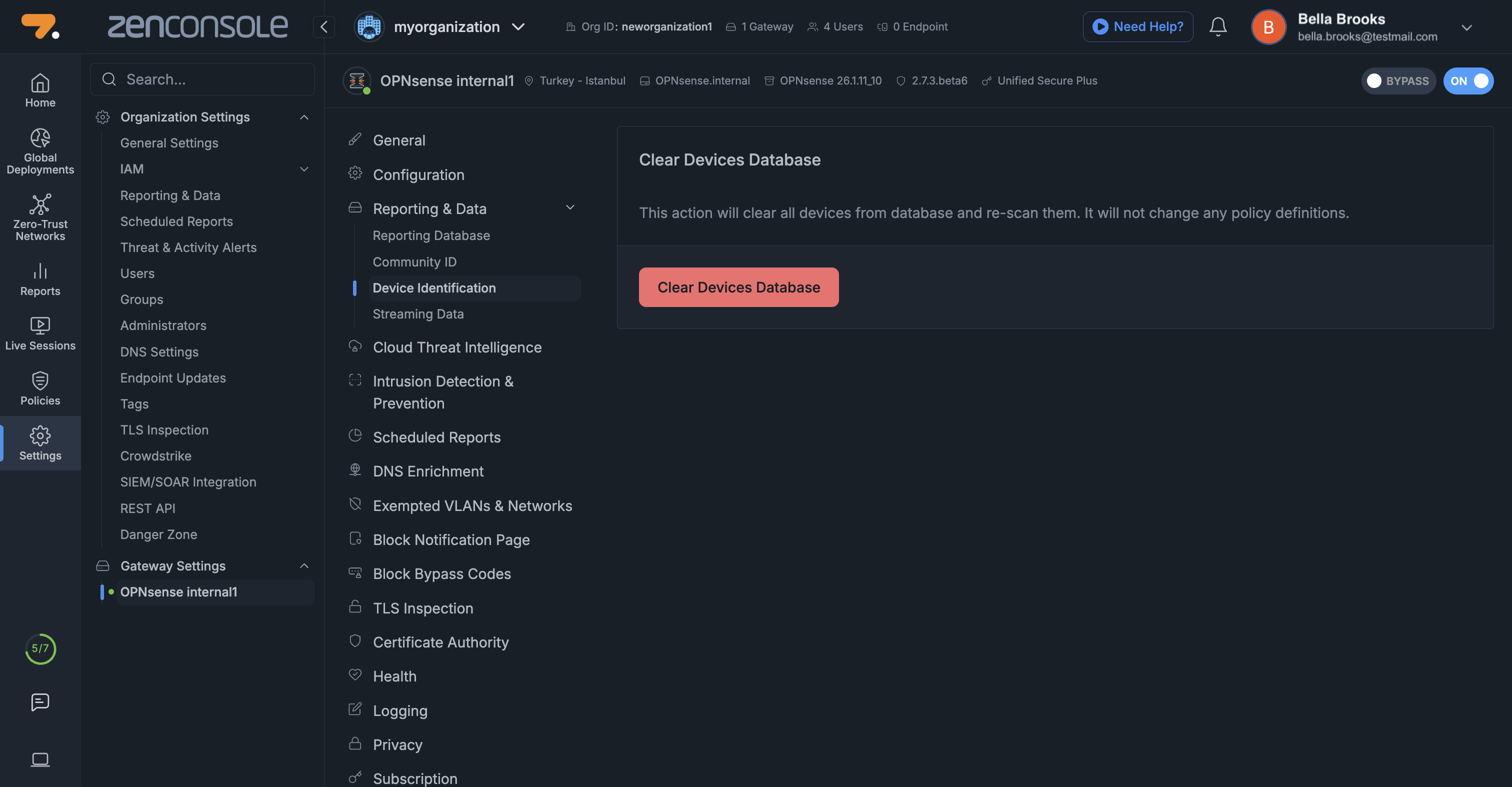
Figure 1. Clear Devices Database on Zenconsole
-
In the confirmation dialog, click Clear to confirm the operation.

Figure 2. Confirming Devices Database Clearing
Once confirmed, Zenarmor clears the devices database and re-scans devices to identify them again.
Clearing the devices database does not change existing policy definitions.