User Access Rights for Zenarmor on OPNsense
Sometimes you may need to restrict the user to access only Reporting and Dashboard Interfaces.
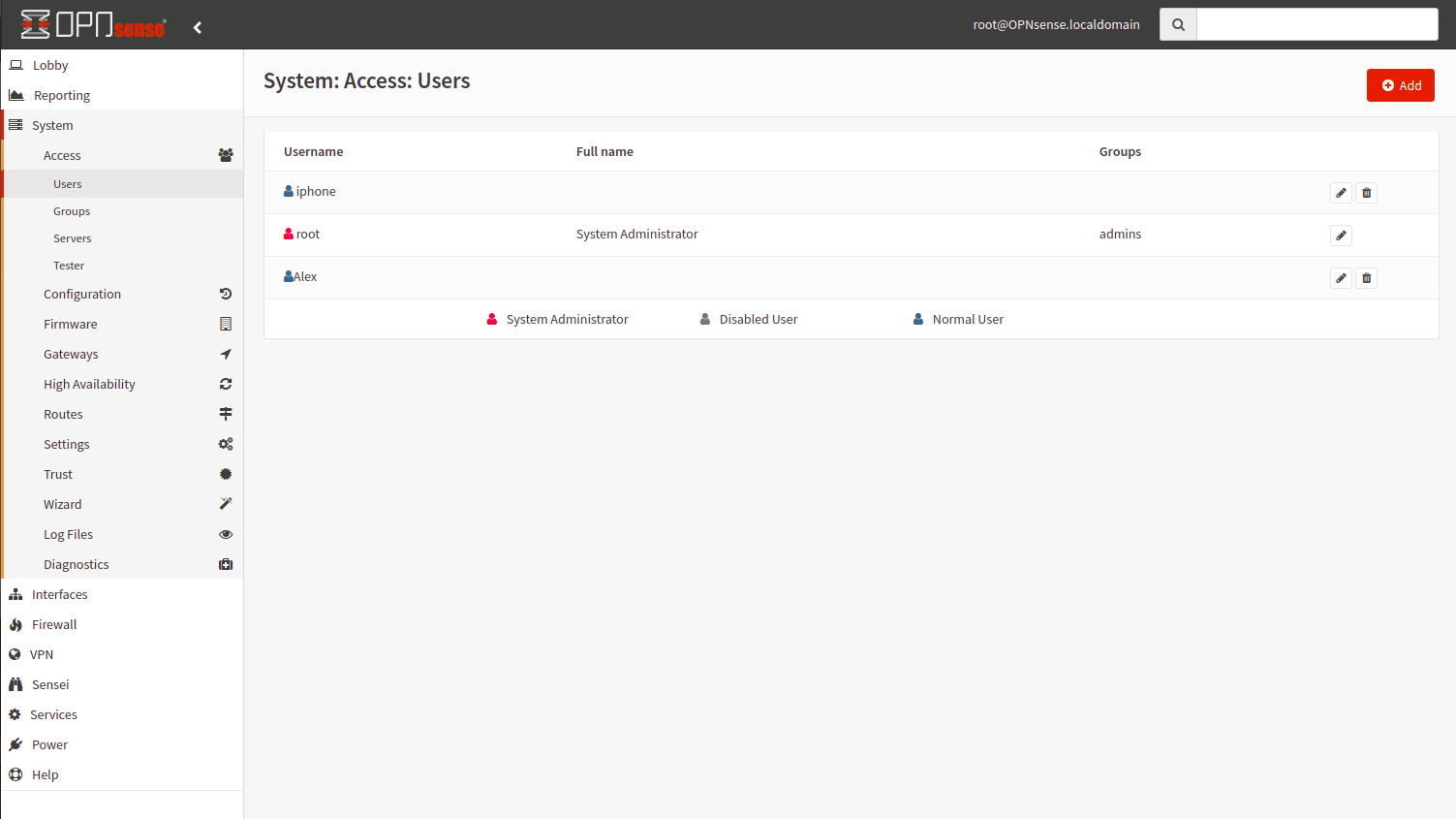
Figure 1. User Access Rights Configuration on OPNsense
In such a case you have to modify settings in OPNsense System → Access → Users.
To change user access rights,
-
Open User page by clicking
OPNsense→System→Access→Users. -
Click to
Editbutton withpenicon on related User. -
Click to
Editbutton withpenicon in theEffective Privilegesoption. -
Type Zenarmor On the
System Privilegespage to filter Zenarmor access rights from the list. -
Select
GUI Zenarmor: Dashboard/Report accessoption. -
Click
Save.

Figure 2. Effective Privileges of a User on OPNsense
If you do not want to filter other OPNsense rights, you have to enable all access rights for OPNsense components.